

AI is transforming web design, making it faster and more efficient than ever. From generating layouts and suggesting color schemes to creating images and copy, AI-powered tools can help businesses and designers save time while maintaining high-quality results. Here’s a guide to some of the best AI tools for web design and what they offer.
1. Wix ADI (Artificial Design Intelligence)
Best for: Beginners and small businesses
Wix ADI is one of the most accessible AI-powered web design tools. By answering a few simple questions about your business, target audience, and preferred style, Wix ADI automatically generates a complete, responsive website. It even suggests images, text, and layouts tailored to your business type.
The main strength of Wix ADI is speed. You can have a functional website ready within minutes, making it ideal for small businesses or startups that need an online presence quickly. Its mobile-responsive templates ensure your site looks good across all devices, and built-in SEO tools help your site get noticed by search engines.
However, Wix ADI has limitations. While the AI-generated designs are convenient, customization options are somewhat limited. If you want a truly unique design, you may need to tweak the templates manually, which can take time. Additionally, AI suggestions may feel generic for businesses that need a highly specific or branded aesthetic.

Pros:
-
Quick website creation
-
Mobile-friendly and responsive
-
Built-in SEO features
Cons:
-
Limited design flexibility
-
AI suggestions may feel generic
2. Bookmark AiDA
Best for: Entrepreneurs and SMEs
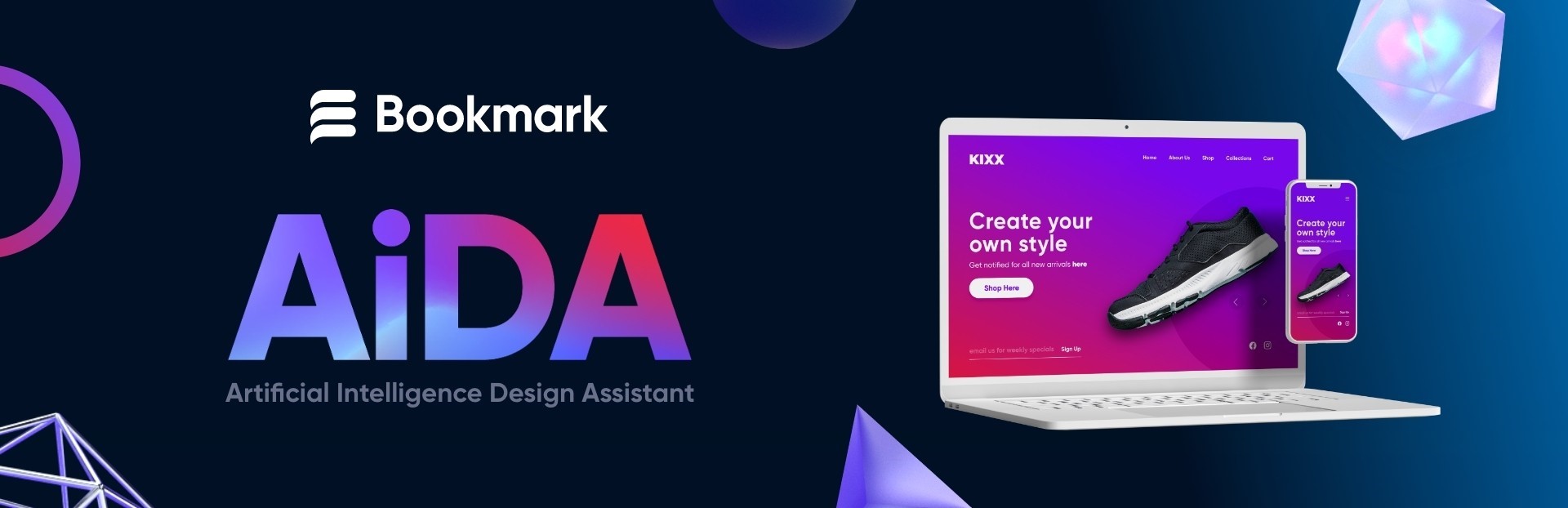
Bookmark’s AiDA is another AI-driven platform designed to simplify website creation. Unlike traditional builders, AiDA asks targeted questions about your business goals, brand style, and functionality needs. Within minutes, it generates a professional-looking website that you can further edit using a simple drag-and-drop interface.
AiDA is particularly appealing for entrepreneurs who have minimal design experience but still want a polished online presence. The AI takes care of the structure and initial layout, letting you focus on adding content and refining visuals. It’s also relatively affordable, making it a practical choice for small businesses or solo entrepreneurs.
The main limitation is that it may not be suitable for complex or highly customized websites. Businesses that require advanced integrations, custom e-commerce functionality, or highly unique branding may find AiDA restrictive.
Pros:
-
Beginner-friendly and guided workflow
-
Fast and professional output
-
Affordable pricing
Cons:
-
Limited advanced features
-
Templates may feel generic for some brands
3. Adobe Firefly
Best for: Designers and marketers seeking creative AI assets
Adobe Firefly focuses on generating high-quality images, graphics, and visual elements rather than full website creation. Using AI, it can create banners, illustrations, backgrounds, and other assets that can be incorporated into your website, saving designers hours of manual work.
Firefly is highly beneficial for teams who want to maintain a professional look and feel while experimenting with creative ideas. Since it integrates seamlessly with Adobe Creative Cloud, designers can quickly move assets into tools like Photoshop, Illustrator, or XD.
The drawback is that Firefly is not a complete website builder. You still need a platform to put the visuals together into a functional site. Also, some design knowledge is required to make the AI-generated content fit naturally within your website layout.

Pros:
-
Generates professional-grade graphics quickly
-
Integrates with Adobe Creative Cloud
-
Supports creative experimentation
Cons:
-
Not a full web design tool
-
Requires design expertise to use effectively
4. Figma with AI Plugins
Best for: Collaborative design teams
Figma is already a popular design platform for collaborative teams, and AI plugins add extra efficiency. These plugins can generate layouts, suggest color schemes, or even draft content to help designers iterate faster. This combination of human creativity and AI assistance allows teams to experiment more freely and reduce repetitive tasks.
Figma with AI plugins is especially useful for companies that work on multiple design projects simultaneously. Teams can quickly explore multiple options, get instant suggestions, and maintain full control over the final design.
The main considerations are that some AI plugins require subscriptions, and designers need to understand the tools to make the most of them. AI is a helper, not a replacement, so expertise remains critical for high-quality results.

Pros:
-
Enhances collaboration and iteration speed
-
Generates layouts, copy, and design suggestions
-
Maintains full creative control
Cons:
-
Some plugins are paid
-
Requires design knowledge to maximize potential
Why Partnering with MediaPlus Digital Elevates Your Website Beyond AI Tools
If you’ve explored the AI web‑design tools above and still feel you’d benefit from a more tailored, high‑impact website, it might be worth partnering with a specialist team. MediaPlus Digital offers full‑service web design and development that goes beyond simply “launching a site”, they work collaboratively from strategy to launch and beyond.
Here’s why they’re a strong fit:
-
They start with discovery & planning, aligning your website with business goals and audience needs.
-
Their process includes UI/UX design, CMS development, and responsive coding so your site not only looks good but functions smoothly across devices.
-
They emphasise long‑term results: performance, SEO, maintenance and optimisation are all part of the offering.
-
They cater to a wide range of business needs: from simple brochure sites to complex e‑commerce platforms.
If you’d prefer the ease and speed of an AI web‑builder but still want that layer of professional strategy, brand alignment and expert execution, MediaPlus Digital provides the bridge between automation and bespoke design.
Visit their web‑design & development page to explore how they can help craft the right website for your business.




