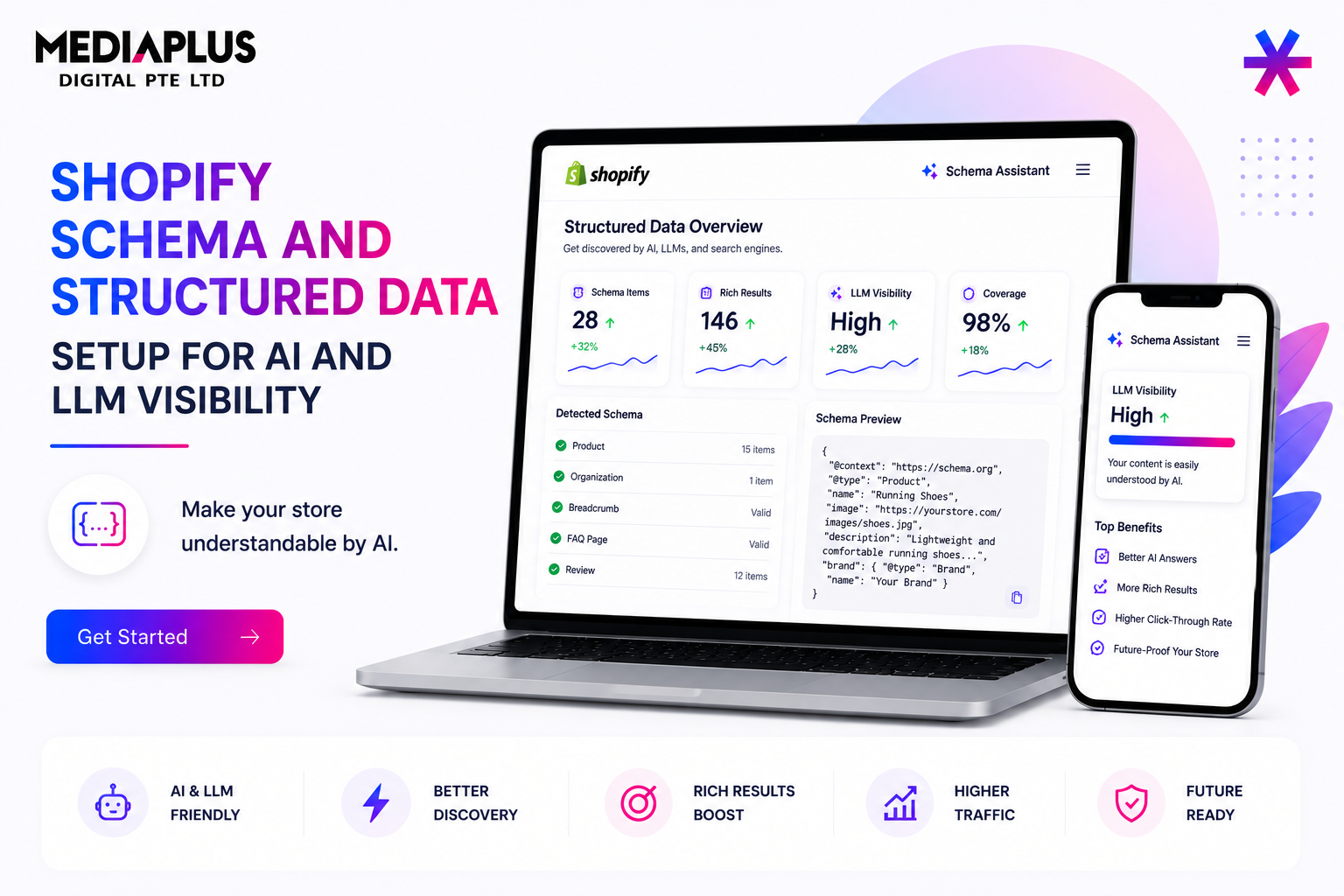
Structured data helps Google and AI systems understand exactly what a page contains. On many Shopify stores, the default theme schema is incomplete, which can reduce eligibility for rich results and make product information harder for AI systems to interpret.
This guide explains which schema types each page should use, where Shopify themes commonly fall short, how to implement JSON-LD correctly, and how to validate your setup.
Why Structured Data Matters Twice Over
Structured data now serves two important audiences:
- Google Rich Results and Free Merchant Listings. Product schema containing price, availability, ratings, and product identifiers can unlock enhanced search results and free product listings.
- AI and LLM Parsing. Many AI systems process structured data alongside page content when understanding products and businesses. Complete schema can improve information extraction and support AI visibility strategies discussed in our Shopify AEO optimisation guide.
JSON-LD is the preferred implementation format because it is easier to maintain and is recommended by Google.
Schema by Page Type
| Page Type | Recommended Schema |
|---|---|
| Homepage | Organization |
| Product Page | Product, Offer, AggregateRating, Review |
| Collection Page | CollectionPage or OfferCatalog, BreadcrumbList |
| Blog Post | Article, BreadcrumbList |
| FAQ Content | FAQPage |
Why the Default Shopify Theme Is Not Enough
Most Shopify themes, including Dawn, include some structured data by default. However, important fields are often missing.
Common issues include:
- Missing availability, brand, SKU, GTIN, description, or image properties.
- No AggregateRating markup despite having customer reviews.
- Use of microdata rather than JSON-LD.
- Conflicts between theme schema and third-party schema apps.
These gaps can reduce eligibility for rich results and limit structured data quality.
Where to Add Complete JSON-LD on Shopify
There are four primary implementation approaches:
- theme.liquid for site-wide Organization schema.
- Product templates such as main-product.liquid for Product schema.
- Metafields for GTIN, MPN, brand data, and additional attributes.
- Dedicated schema apps for automated management.
Use only one primary schema source whenever possible to avoid duplicate structured data.
Microdata vs Schema App Conflicts
If your theme outputs structured data while a schema app also generates markup, search engines may receive duplicate or conflicting schema definitions.
Whenever possible, disable one source so only a single structured data implementation remains active.
Sample Product JSON-LD Structure
A typical Product schema implementation should include:
- Product name
- Description
- Image
- Brand
- SKU
- Price
- Currency
- Availability
- Product URL
- Ratings and reviews where available
Additional identifiers such as GTIN and MPN can be stored in metafields and injected dynamically.
Align Schema with Google Merchant Center
Keep structured data consistent with your Google Merchant Center feed.
Product identifiers, prices, availability, and brand information should match across both systems to avoid validation issues and product listing warnings.
This alignment helps support free product listings and rich product results.
Validate and Monitor
After making changes, test every major page type using:
- Google Rich Results Test
- Schema Markup Validator
- Google Merchant Center Diagnostics
Common warnings include:
- Missing SKU
- Missing AggregateRating
- Missing shippingDetails
- Missing hasMerchantReturnPolicy
- Missing priceValidUntil
Always revalidate after theme updates because updates can overwrite custom schema implementations.
Structured Data Setup Checklist
- Audit current schema using Rich Results Test.
- Select a single schema source and remove duplicates.
- Add Organization schema site-wide.
- Implement complete Product schema.
- Add BreadcrumbList schema where appropriate.
- Add FAQPage schema for genuine FAQ content.
- Align schema with Merchant Center data.
- Validate all page types.
- Recheck after theme updates.
Where This Fits for a Singapore Store
Structured data is one of the most cost-effective technical SEO improvements available to Shopify merchants.
Proper implementation can improve eligibility for rich search results while also making product information easier for AI systems to understand.
Our Shopify SEO services in Singapore and AI SEO services help merchants implement, validate, and maintain structured data at scale.
For stores with advanced requirements, our Shopify complex integrations service supports metafield-driven schema implementations across large catalogues.
FAQ
Does Shopify add schema automatically?
Most Shopify themes include basic Product and Breadcrumb schema, but the implementation is often incomplete.
Should I use a schema app or edit the theme?
Both approaches work. Use one primary schema source to avoid duplication and conflicts.
Which schema types matter most for ecommerce stores?
Product, Offer, AggregateRating, Organization, BreadcrumbList, and FAQPage are typically the highest-priority schema types.
Does schema help with AI search as well as Google?
Structured data can help both traditional search engines and AI systems better understand page content.
Want complete, validated structured data across your Shopify catalogue? Our Shopify SEO team in Singapore can help with implementation, validation, and Merchant Center alignment.