
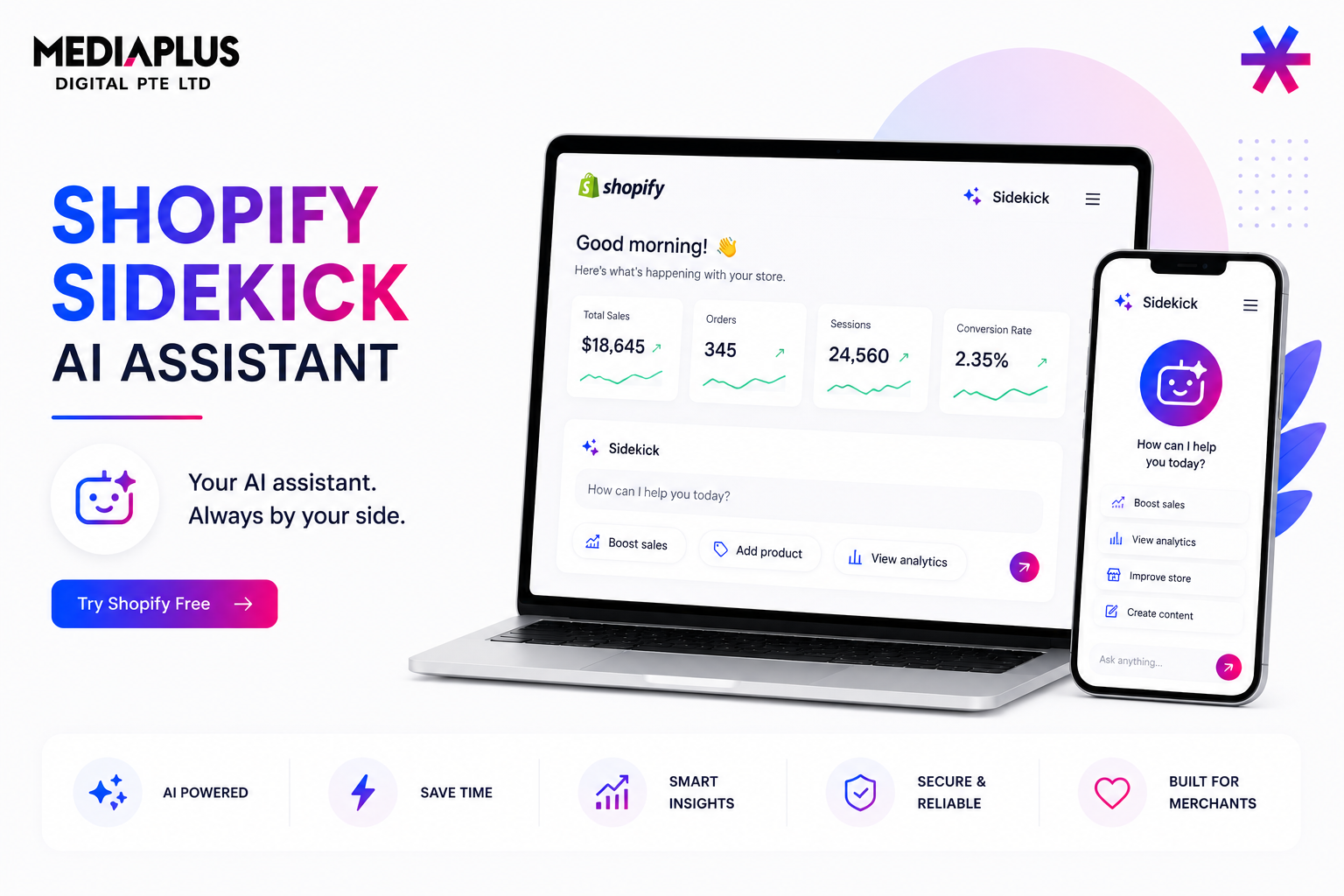
Sidekick is Shopify’s conversational AI assistant built into the admin dashboard to answer questions and carry out multi-step tasks across your store. While
Shopify Magic focuses on generating text inside fields, Sidekick works more like an operations assistant. You ask, it acts, and shows proposed changes before they are applied.
What Sidekick Is
Sidekick is an AI-powered assistant that understands natural language requests, pulls live store data, and performs actions on your behalf rather than simply returning text. It respects staff permissions, meaning users only see the information and actions they are authorized to access.
It is available on all Shopify plans, including development stores, although feature availability and usage limits vary by plan.
How to Access It
Click the purple glasses icon in Shopify Admin. Sidekick is available from any page and requires no setup.
- Available from anywhere inside Shopify admin
- Maintains conversation context during a session
- Stores conversation history
- Supports multiple languages and regions
- Mobile and voice support continue expanding
Since Shopify updates Sidekick frequently, confirm mobile and language support directly in your admin before building workflows around it.
What Sidekick Can Do
Sidekick supports content creation, merchandising, marketing, analytics, and troubleshooting.
| Category | Example Tasks |
|---|---|
| Analytics | Review sales, traffic, best-selling products, and performance data |
| Merchandising | Edit products, build collections, and check stock levels |
| Customers | Create customer segments and manage customer data |
| Marketing | Create discount codes and launch campaigns |
| Content | Generate product descriptions, blogs, and images |
| Operations | Review shipping settings and troubleshoot issues |
Long-running tasks continue in the background while you work. Sidekick presents suggested changes for review instead of acting autonomously.
Prompting Sidekick Effectively
Specific prompts usually generate stronger results.
Weak prompt:
Make a discount.
Better prompt:
Create a 15% discount code for first-time customers, valid for 7 days and applicable only to full-priced items.
Prompting tips:
- Define goals and constraints together
- Include audience, duration, and exclusions
- Request analysis before action
- Use Sidekick for research and insights
Popular slash commands include:
/product-description,
/discount-code,
/email-campaign,
/build-collections,
and /weekly-summary.
A Practical Weekly Routine
- Monday review: Review sales performance, traffic sources, and product performance.
- Inventory check: Review low-stock and out-of-stock items.
- Promotion setup: Generate weekly discount campaigns.
- Segment refresh: Update customer groups for campaigns.
- Content gaps: Identify products with weak or missing descriptions and improve them with Shopify Magic.
Limits and Cautions
- Not autopilot: Always review pricing, inventory, and discount changes before approval.
- Plan limitations: Heavy usage may reach plan caps.
- Accuracy remains important: Verify generated content and analytics insights.
- Features evolve regularly: Language and regional support can change.
Where Sidekick Fits for a Singapore Store
For smaller local teams, Sidekick helps reduce repetitive admin work such as creating customer segments, building promotions, and pulling performance reports.
It does not replace strategy, SEO, or conversion work. Pair it with structured support through our ecommerce website services, conversion rate optimisation services, and Shopify SEO services in Singapore.
For broader AI resources, see how AI is transforming digital marketing and our list of AI SEO tools.
FAQ
Is Sidekick free?
Sidekick is included on Shopify plans, although available features may vary.
Does Sidekick make changes automatically?
No. It proposes changes and waits for approval.
What languages does Sidekick support?
Shopify supports multiple languages across many regions. Confirm availability inside your Shopify admin.
How is Sidekick different from Shopify Magic?
Shopify Magic generates text within fields, while Sidekick works as a conversational assistant capable of handling broader store tasks.
Want your Shopify store set up so an AI assistant has clean data to work with? Our Shopify development and SEO team in Singapore can help alongside our AI SEO services.