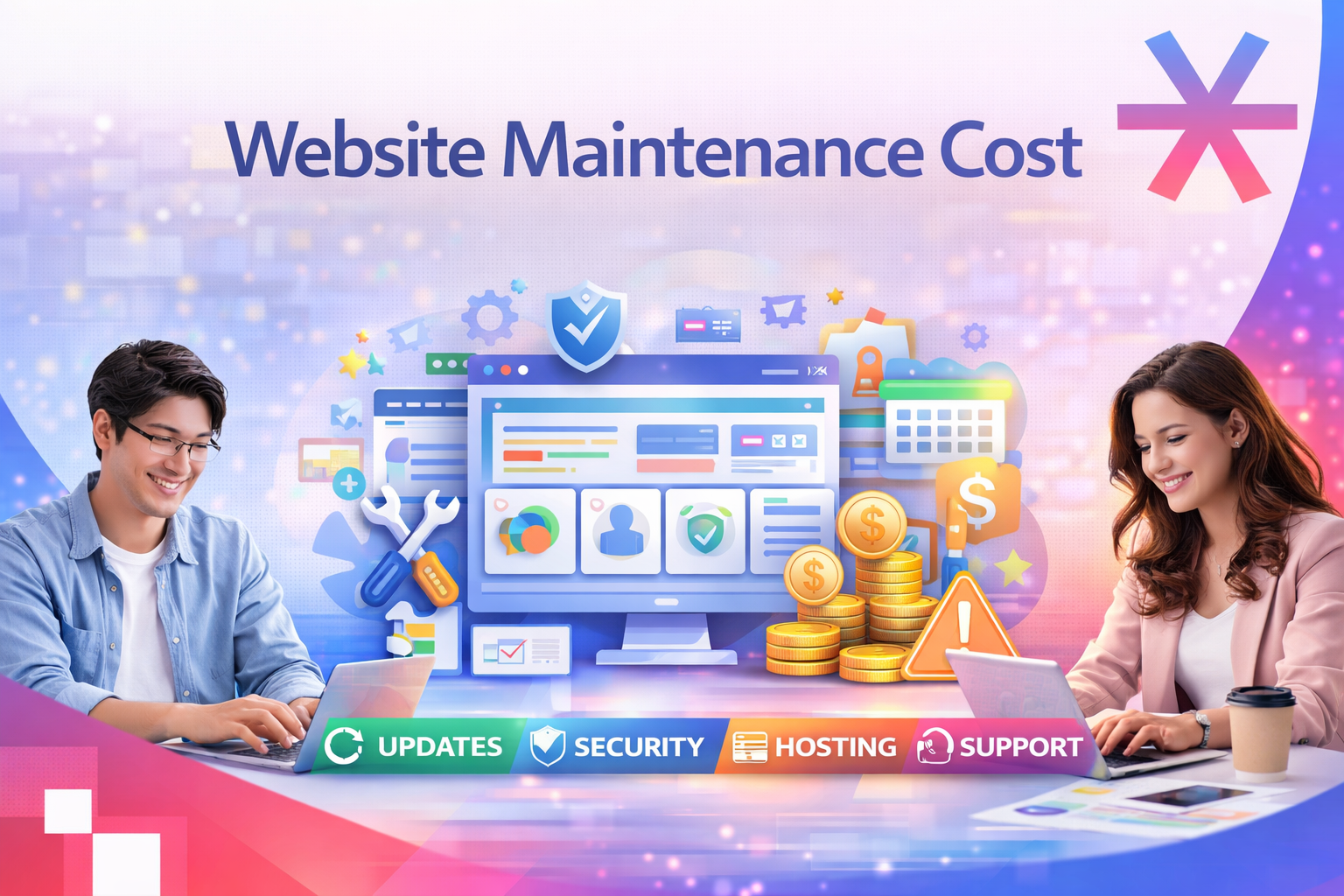
A business website isn’t just a digital brochure, it’s your most valuable marketing asset. Whether you’re running a corporate website, an ecommerce store, or a content platform, your website requires regular upkeep to stay secure, updated, and high-performing.
Many Singaporean businesses invest heavily in web design but overlook long-term maintenance. Over time, this leads to slower loading times, outdated plugins, broken links, and even security vulnerabilities all of which directly affect SEO rankings and customer trust.
In this comprehensive guide, we’ll break down the full website maintenance cost in Singapore, including essential services, average price ranges, and factors that influence your total spend.
Check more: Web Design Pricing in 2026: The Latest Updates for Singapore
Average Website Maintenance Cost in Singapore
On average, website maintenance in Singapore ranges from SGD 50 to SGD 6,000 per month, depending on the size, complexity, and purpose of your site.
| Type of Website | Estimated Monthly Cost (SGD) | Maintenance Scope |
|---|---|---|
| Personal or Portfolio Site | 30 – 150 | Domain, hosting, minor updates |
| Small Business Website | 150 – 500 | Hosting, backups, plugin updates |
| Corporate / CMS Website | 500 – 1,500 | Content, security, SEO checks |
| Ecommerce Store | 800 – 6,000 | Hosting, SSL, updates, tech support, analytics |
These figures include both fixed and variable costs such as domain renewals, hosting plans, technical support, and SEO monitoring.

Important Website Maintenance Pricing & Cost
1. Domain Name Renewal
Your domain name is your online identity, it tells users who you are and builds brand credibility. In Singapore, a .com or .sg domain typically costs:
-
SGD 2 – 25 per year for standard domains
-
SGD 30 – 80 per year for premium extensions like
.com.sgor.sg
Failing to renew a domain name can lead to immediate downtime or even domain hijacking by competitors. Businesses should always set auto-renewal to prevent accidental expiration.
Check more: Domain and Hosting service from MediaPlus
2. SSL Certificate (Website Security)
An SSL certificate encrypts communication between your website and users, protecting sensitive information such as payment details and login credentials.
Today, having a secure site is not optional browsers like Chrome mark non-HTTPS sites as “Not Secure,” which can scare visitors away.
Cost:
-
Free – SGD 20 / year: Basic SSL via Let’s Encrypt or hosting packages
-
SGD 100 – 1,500 / year: Paid SSL with warranty and extended validation
Why it matters:
-
Builds user trust (visible padlock icon in the URL bar)
-
Boosts Google SEO ranking
-
Reduces risk of data breaches
3. Website Hosting
Your hosting service affects loading speed, uptime, and scalability. In Singapore, hosting costs depend on performance requirements and traffic volume.
| Hosting Type | Estimated Annual Cost (SGD) | Best For |
|---|---|---|
| Shared Hosting | 30 – 150 | Start-ups or small sites |
| Cloud Hosting | 120 – 1,000 | Scalable small-to-medium sites |
| VPS (Virtual Private Server) | 300 – 800 | Growing SMEs needing stability |
| Dedicated Server | 1,500 – 24,000 | Large ecommerce or enterprise sites |
Tip: Choose servers located in Singapore or nearby regions to improve page-load speed and SEO for local audiences.
4. Website Design & Content Updates
A static, outdated website can harm credibility and user experience. Regular content and design updates help ensure your website aligns with your brand message and remains mobile-friendly.
Typical costs:
-
Initial Design (One-time): SGD 3,000 – 10,000
-
Ongoing Design & Content Updates: SGD 100 – 1,000 per month
Includes:
-
Updating home banners, landing pages, or campaign visuals
-
Adding new blog articles, portfolio items, or case studies
-
Testing mobile responsiveness and accessibility
Businesses focusing on SEO should also budget for content optimisation, such as keyword targeting and metadata updates.

5. Email Hosting & Professional Email Setup
A branded email (e.g. info@yourbrand.sg) builds trust and consistency. Most web hosting providers in Singapore offer professional email plans.
Average cost:
-
SGD 2 – 25 per user / month
Benefits:
-
Professional communication channel
-
Better deliverability compared to free email providers
-
Integration with productivity tools like Google Workspace or Microsoft 365
6. CMS Updates and Security Patching
Your Content Management System (CMS) whether WordPress, Shopify, Magento, or Joomla requires frequent updates to stay secure and bug-free.
Neglecting CMS updates can result in compatibility issues, broken layouts, or security vulnerabilities.
Estimated cost:
-
SGD 50 – 500 per month
-
Includes:
-
Plugin and theme updates
-
Security patching
-
Backup testing
-
Version upgrades
-
Tip: Schedule maintenance during low-traffic hours to avoid disruptions.
7. General Website Updates
Even simple websites need regular checks to ensure pages load correctly and content stays fresh.
Tasks include:
-
Updating menus, banners, and forms
-
Replacing broken links or outdated content
-
Uploading new product images
-
Monitoring contact form submissions
Typical cost:
-
SGD 15 – 150 per month for small sites
-
SGD 300 – 800 per month for larger CMS or ecommerce sites
Regular updates improve SEO performance and encourage return visitors.
8. Technical Support and Troubleshooting
When issues arise from server downtime to plugin conflicts technical support ensures your website gets back online quickly.
Average cost:
-
SGD 200 – 3,000 per month, depending on SLA and response time
Includes:
-
Bug fixes
-
Backup restoration
-
Server or DNS troubleshooting
-
Malware removal
For mission-critical websites like ecommerce stores, consider 24/7 support with guaranteed response times.
9. SEO Maintenance and Performance Monitoring
A technically sound website is only effective when it ranks well on Google. SEO maintenance ensures your site remains competitive by tracking performance and applying continuous improvements.
Typical SEO maintenance tasks:
-
Keyword tracking and analytics reporting
-
Image and speed optimisation
-
Internal linking and metadata review
-
Competitor benchmarking
Average cost:
-
SGD 300 – 2,000 per month, depending on campaign size and keyword competitiveness
Businesses investing in SEO enjoy compounding ROI traffic continues to grow even after initial optimisation.
10. Optional Add-Ons
Some businesses invest in additional services as part of ongoing website maintenance:
| Service | Estimated Monthly Cost (SGD) | Purpose |
|---|---|---|
| Content Writing | 200 – 1,000 | Blog updates & SEO content |
| Website Analytics | 50 – 300 | Conversion and visitor tracking |
| Ecommerce Management | 500 – 5,000 | Product uploads, inventory sync |
| Website Backup | 10 – 100 | Prevent data loss |
| Malware Scanning | 20 – 200 | Protect against cyber-attacks |

How to Budget for Website Maintenance in Singapore
When estimating your budget, consider the following factors:
-
Website Complexity – Ecommerce or multilingual sites require more maintenance.
-
Traffic Volume – High-traffic sites need more robust hosting and backups.
-
CMS Platform – WordPress is cost-effective; Magento and Shopify may have higher fees.
-
Update Frequency – Weekly updates cost more than quarterly ones.
-
In-house vs Outsourced – Agencies provide expertise and monitoring, but freelancers may offer lower rates.
A realistic annual budget ranges from SGD 600 – 60,000, depending on business size and goals.
Why Partner with a Professional Web Maintenance Agency
Partnering with a website maintenance agency in Singapore ensures you’re not left troubleshooting issues on your own.
Agencies like MediaPlus Digital provide end-to-end maintenance that covers:
-
Regular CMS and plugin updates
-
Website performance audits
-
Speed and SEO optimisation
-
Security patching and uptime monitoring
-
Technical support and analytics
Professional agencies don’t just maintain they enhance your website’s performance, keeping it aligned with the latest SEO standards, UX best practices, and digital security protocols.
FAQs About Website Maintenance Costs in Singapore
1. How much does website maintenance cost per month?
Most businesses spend between SGD 50 – 1,000 per month, depending on website type and complexity. Ecommerce and enterprise sites can exceed SGD 5,000 monthly.
2. Can I maintain my website myself?
Yes, but you’ll need technical knowledge in CMS management, SEO, and security. For business websites, outsourcing ensures fewer errors and faster issue resolution.
3. What happens if I don’t maintain my website?
Expect slower load times, security risks, broken pages, and declining search visibility. Neglected websites often lose traffic and credibility.
4. How often should maintenance be performed?
Basic sites: quarterly updates.
Ecommerce or dynamic sites: weekly or bi-weekly maintenance.
5. Does website maintenance include SEO?
Not always. Some agencies offer SEO maintenance packages separately, which include keyword optimisation, content audits, and ranking reports.
Conclusion: Invest in Long-Term Website Performance
A website is like a digital storefront, it needs regular care to stay open, fast, and secure. Investing in website maintenance isn’t just about fixing issues; it’s about preventing downtime, improving SEO, and enhancing user experience.
Singapore businesses that maintain their websites consistently enjoy better traffic, higher conversions, and stronger brand credibility.
If your business website hasn’t been updated in months, MediaPlus Digital’s Website Maintenance service can help. Their team handles everything from CMS updates, security patches, and backups to performance optimisation and SEO monitoring, ensuring your site runs smoothly and stays competitive. With tailored maintenance plans, you can focus on growing your business while leaving your website in expert hands.