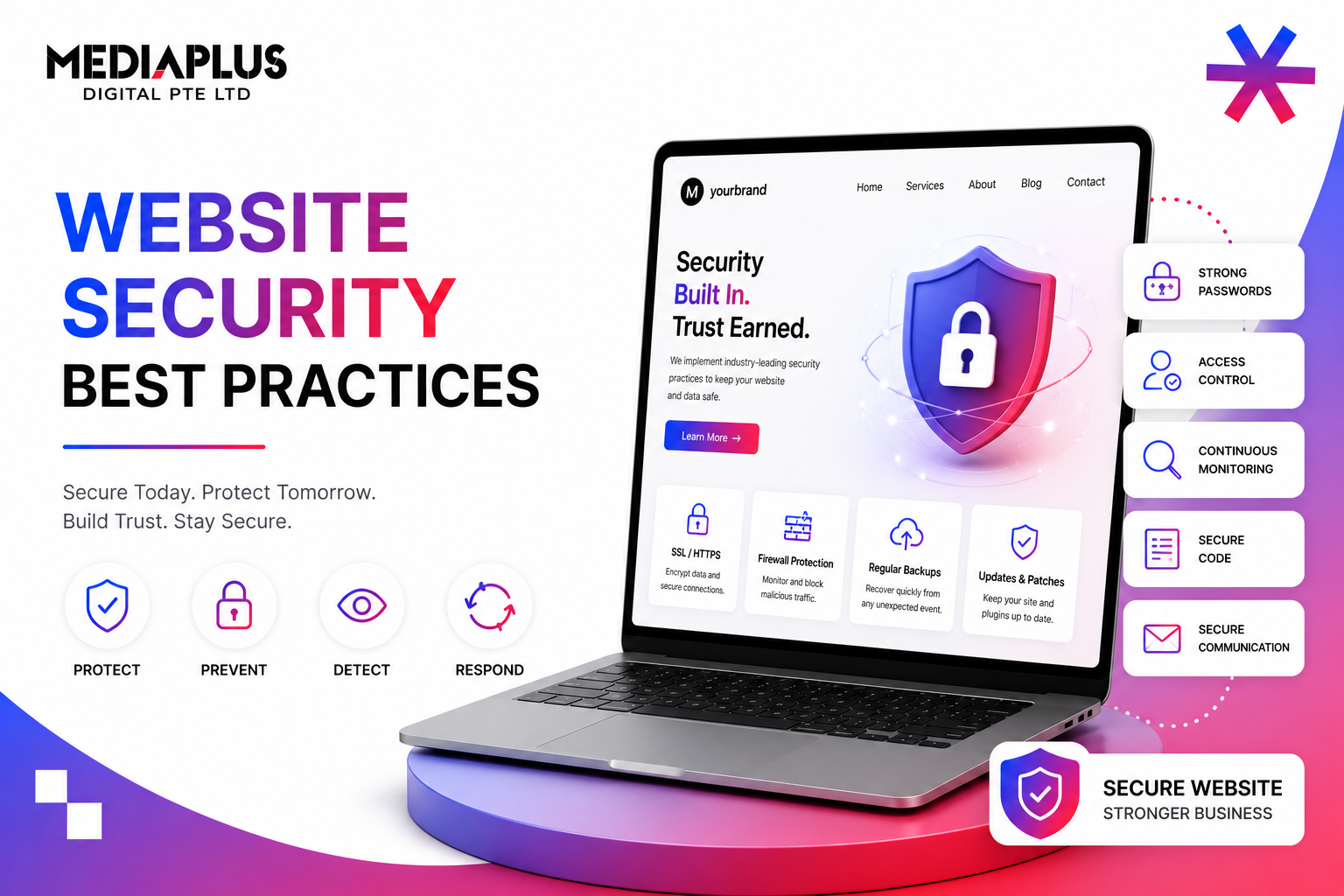
Most Singapore SME website security guides are written backwards. They start with a long list of controls and ask you to implement everything. Real attackers do not work that way. They have favourites, and they go for the cheapest, most reliable wins first.
This guide flips the order. We start with the four threats that hit Singapore SMEs hardest in 2025 to 2026 (CSA data: phishing, AI-powered scams, ransomware, supply-chain compromise), then walk through the controls that actually stop them, ranked by impact-per-hour. The CSA Cyber Essentials mark is a reasonable target. PSG cyber funding can pay for up to 70% of the work.
The Four Threats That Actually Hit SG SMEs in 2026
1. Phishing (Still #1)
CSA SingCERT continues to flag phishing as the leading initial-access vector for Singapore SMEs. The 2026 evolution: AI-generated phishing emails that mimic vendor invoices, MAS notices, IRAS letters, and SingPost shipment alerts with near-perfect grammar and Singapore-specific cues. Click-through rates on these are double the 2023 baseline.
What stops it: MFA on every business account (Microsoft 365, Google Workspace, CRM, accounting). Even if a password is phished, the attacker cannot get in. The Singapore SME phishing breaches in 2025 almost all involved accounts without MFA.
2. AI-Powered Scams
Voice-cloned CEO calls, deepfake video impersonations of finance staff, and AI-generated fake supplier emails all target SME accounts payable. Average loss per successful scam: SGD 50,000 to SGD 500,000. The Singapore Police Force flagged this as the fastest-growing category in 2025.
What stops it: a written verification protocol. Every payment over SGD 5,000 verified via a known phone number (not the one in the email), preferably voice-to-voice with a passphrase. Sounds bureaucratic; saves businesses.
3. Ransomware
Less common than phishing but more catastrophic. CSA reports that 70% of attacked Singapore SMEs in 2024 to 2025 lost a week or more of operations. Initial vectors: unpatched VPN appliances, exposed RDP, vulnerable WordPress plugins, and stolen credentials sold on dark-web forums.
What stops it: tested backups (daily, off-site, immutable), automatic patching on all internet-facing services, and EDR (endpoint detection and response) on every workstation. Untested backups are not backups; they are wishes.
4. Supply-Chain Compromise
Your website almost certainly loads code from third parties: analytics, chat widgets, fonts, ad pixels, payment SDKs. If any of those vendors is compromised, your site is too. The 2024 Polyfill.io incident hit thousands of sites globally including Singapore SMEs.
What stops it: Subresource Integrity (SRI) on every external script, a Content Security Policy (CSP), and a quarterly audit of every third-party tag. Run a free audit using Google Tag Assistant or Snyk Code.
The CSA Cyber Essentials Mark: Singapore’s SME Standard
The Cyber Security Agency of Singapore (CSA) introduced Cyber Essentials and Cyber Trust marks to give SMEs a recognised cybersecurity baseline without enterprise-grade complexity. Cyber Essentials is the realistic SME target. Five domains:
|
Domain |
What it covers |
|
Asset management |
Inventory of hardware, software, and data |
|
Secure configuration |
Default-deny configurations, hardened settings |
|
Access control |
Strong passwords, MFA, least-privilege roles |
|
Software updates and malware protection |
Auto-updates, EDR or AV |
|
Cyber resilience |
Backups, incident response, DR |
Achieving the mark requires evidence (not just promises) of controls in each domain. The audit can be done in 4 to 8 weeks. Many SMEs combine the mark with PSG funding, which covers 70% of the cost when working with a pre-approved vendor.
The Hardening Playbook: Three Tiers Ranked by Impact-per-Hour
Tier 1: Do This Week (No Excuse)
- Turn on MFA for every business account. Microsoft 365, Google Workspace, CRM, accounting, banking, hosting, GitHub. Use authenticator apps, not SMS where possible.
- Force HTTPS site-wide and enable HSTS. Free with Let’s Encrypt or Cloudflare.
- Auto-update every CMS, plugin, theme, OS, and browser. WordPress: enable auto-updates for plugins and core. macOS/Windows: nightly auto-update.
- Back up the website and database daily, off-site, with at least one immutable copy. Test restoration once a quarter.
- Replace any “admin” or default usernames. Replace weak passwords with a manager (1Password, Bitwarden) and 16-character generated strings.
- Remove unused plugins, themes, and admin accounts. Half of SME WordPress breaches start with abandoned plugins.
Tier 2: Do This Month
- Deploy a Web Application Firewall (WAF). Cloudflare free tier handles most basic attacks; Sucuri and Wordfence are stronger for WordPress.
- Enable a Content Security Policy (CSP). Start with report-only mode, then enforce after 30 days of clean reports.
- Add Subresource Integrity (SRI) hashes to every external script tag.
- Run a vulnerability scan (Snyk, Mozilla Observatory, Detectify) and fix anything red within 7 days.
- Set up centralised logging. Logs must include admin actions, failed logins, and database access.
- Sign Data Processing Agreements with every vendor handling PII (SaaS, hosting, email, CRM).
- Document an incident response plan. One page, named owners, contact numbers.
Tier 3: Do This Quarter
- Engage a vCISO (CSA’s CISO-as-a-Service is PSG-funded up to 70%). For SGD 1,500 to 4,000 a month, you get strategic oversight without a full-time hire.
- Run a penetration test on the production website. Singapore-based testers from CSA-accredited firms cost SGD 6K to 20K.
- Conduct staff phishing training quarterly. Free tools (Microsoft Defender Attack Simulator, Google Phishing Quiz) work for SMEs.
- Adopt the Cyber Essentials mark formally. Costs around SGD 5K to 12K and signals trust to enterprise buyers.
- Set up SSO with conditional access (Microsoft Entra, Google Cloud Identity, JumpCloud). Reduces password fatigue and admin overhead.
- Implement Data Loss Prevention (DLP) on email and storage. Blocks sensitive data from leaving the org accidentally.
Funding: How to Pay for Most of This
Singapore SMEs rarely need to fund security from operating cashflow. Three programs cover most of the bill:
- PSG Cybersecurity Solutions: up to 50% co-funding for pre-approved cybersecurity solutions (endpoint protection, email security, cloud security, web security).
- CISO-as-a-Service: up to 70% co-funding when signing up through CSA. Strategic security oversight at a fraction of full-time cost.
- Enterprise Innovation Scheme (IRAS): tax deductions for qualifying cybersecurity investments.
- SkillsFuture Credit: covers staff cybersecurity training and certifications.
Apply through the GoBusiness portal or via a pre-approved vendor. Most applications take 3 to 6 weeks to clear.
If You Get Breached: The First 24 Hours
A bad day will eventually arrive. Knowing the order of operations saves your business.
- Hour 1: contain. Pull the affected machine off the network. Reset compromised credentials. Stop the bleeding before investigating.
- Hour 2 to 4: assess scope. What data, how many users, what systems. The PDPA notification clock starts when you assess, not when you discover.
- Hour 4 to 12: notify the PDPC if 500+ individuals or sensitive data. The 72-hour deadline starts from assessment. Use the PDPC online portal.
- Hour 12 to 24: notify affected users via email. PR holding statement if media might pick it up.
- Day 2 to 7: forensic investigation, root cause analysis, recovery from clean backups, public update.
The cost of a breach in Singapore is dominated by lost revenue, regulator fines, and incident response fees, in roughly that order. A SGD 50K Cyber Essentials investment pays for itself the first time you avoid a SGD 500K breach.
For website-level hardening, WAF setup, CSP configuration, secure CMS development, and pre-launch security audits, talk to MediaPlus web design. CSA publishes its threat advisories at csa.gov.sg; subscribing is the single cheapest security investment a Singapore SME can make.