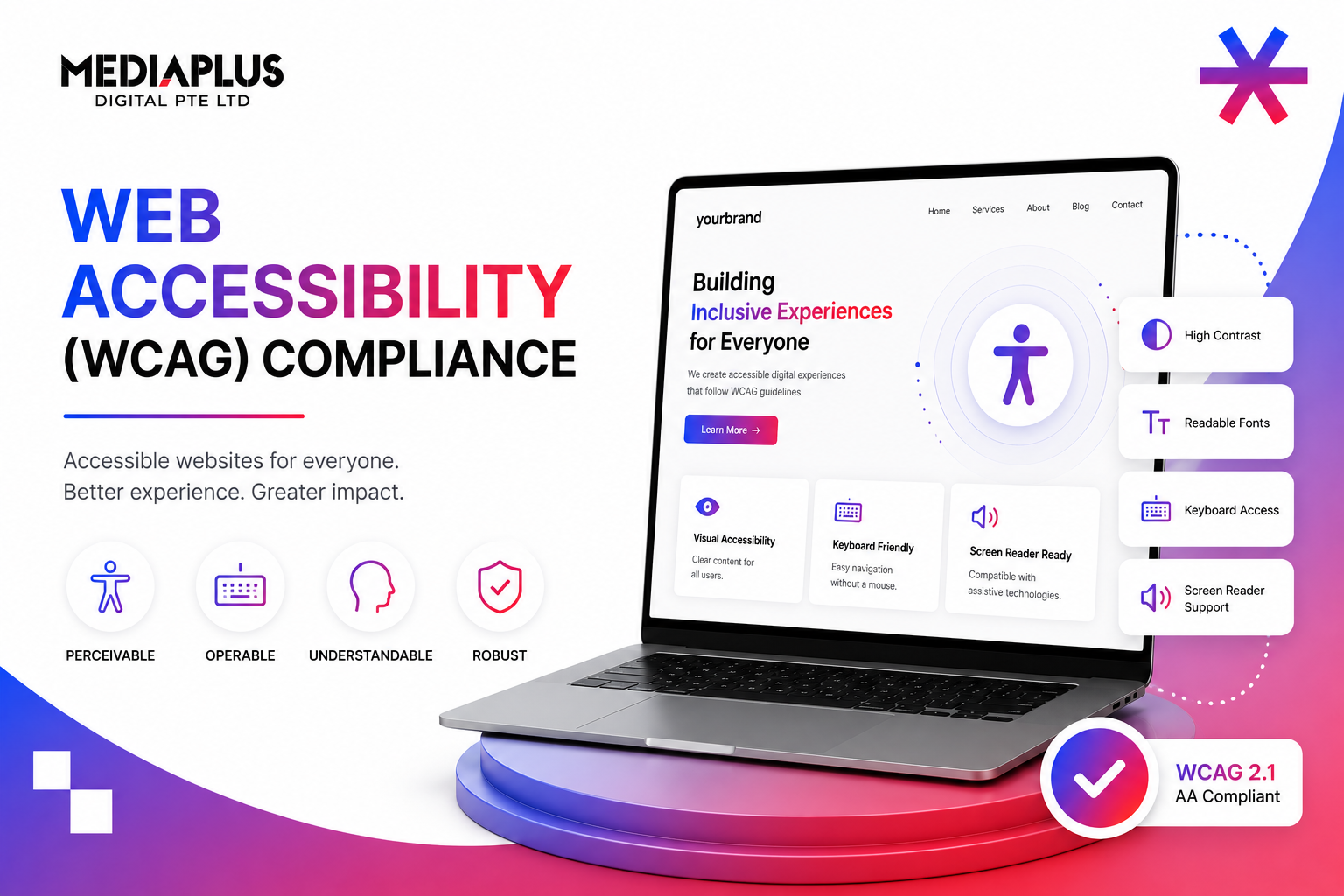
Around one in five Singapore residents experiences digital interfaces differently from the average user, including the visually impaired, hearing impaired, motor-impaired, and people with cognitive or learning differences. Web accessibility is the practice of building sites that work for all of them. In 2026, accessibility in Singapore sits in an unusual place: not yet legally mandated for most private-sector websites, but rapidly tightening for government, large enterprise, and public-facing services. Brands that wait for a mandate will spend twice as much rebuilding when it lands.
Where Singapore Actually Stands in 2026
IMDA strongly recommends WCAG 2.1 Level AA for all public-sector digital services and large enterprises. The Enabling Masterplan 2030 (the national disability strategy) sets firm targets: every high-traffic government website must reach full WCAG 2.1 AA compliance by 2030. Private sector compliance is voluntary today, but several factors make it strategic to comply now:
- Government tenders increasingly require WCAG 2.1 AA as a condition of award.
- Banking, insurance, telco, and healthcare regulators are expected to follow government with sector-specific accessibility requirements.
- Singapore organisations selling to the EU, UK, Australia, or US already face foreign accessibility laws (European Accessibility Act, ADA, Equality Act, DDA).
- WCAG 2.2 became an ISO/IEC standard in 2024, raising the global default.
- AI-driven accessibility audits make compliance cheaper than ever; the cost-benefit gap has closed.
What WCAG Actually Is
The Web Content Accessibility Guidelines (WCAG) are published by the W3C’s Web Accessibility Initiative. They describe how to build web content that is accessible to people with disabilities. Three layers:
- Four principles: Perceivable, Operable, Understandable, Robust (POUR).
- Thirteen guidelines, grouped under the principles.
- Success criteria, organised into three levels: A (basic), AA (the practical target), AAA (highest, rarely required end-to-end).
WCAG 2.1 (2018) added 17 new criteria over 2.0. WCAG 2.2 (2023) added another nine. The practical target for most Singapore websites in 2026 is WCAG 2.1 AA. Organisations serious about future-proofing target 2.2 AA.
The Four POUR Principles, Explained Plainly
Perceivable
Information and interface elements must be presented so users can perceive them. The most common Singapore failures: images without alt text, videos without captions, color contrast below 4.5:1 for body text, and PDF documents that screen readers cannot parse.
Operable
Interface components and navigation must be operable. Real failures: dropdown menus that only work on hover (not keyboard), modal dialogs without keyboard trap-and-release, time limits on forms with no extension option, and motion-triggered animations that cannot be paused.
Understandable
Information and operation must be understandable. Failures: form fields with no labels, error messages that say only “invalid input” without telling the user what to fix, language not declared in the HTML, and inconsistent navigation across pages.
Robust
Content must be robust enough to work with assistive technologies. Failures: custom JavaScript components that do not announce their state to screen readers, missing ARIA roles, and broken semantic HTML (using divs as buttons).
Eight Success Criteria That Catch Most Singapore Sites
You will not memorise all 78 success criteria across WCAG 2.2. You do not need to. The eight below cover the issues that fail Singapore audits most often.
1.1.1 Non-text Content (Level A)
Every image, icon, and chart must have a meaningful text alternative. Decorative images use alt=””. Functional images describe the function (“Submit form”). Charts include the underlying data nearby.
1.4.3 Contrast Minimum (AA)
Body text must have 4.5:1 contrast against background; 18pt+ or bold 14pt+ may use 3:1. Brand greys against white frequently fail this. Tools: WebAIM Contrast Checker, axe.
1.4.10 Reflow (AA)
Content must reflow without horizontal scrolling at 320px width and at 400% zoom. The most common Singapore failure: tables that force horizontal scroll on mobile.
2.1.1 Keyboard (A)
Every interactive element must be reachable and usable with the keyboard alone. Tab through your site without a mouse. If you cannot complete the primary task, you fail.
2.4.7 Focus Visible (AA)
Whatever element has keyboard focus must be visually obvious. Brand designers love removing focus rings. Stop. Use a visible custom focus ring instead.
3.3.1 Error Identification (A)
When a form fails validation, the error must be clearly identified and described. “This field is required” beats a red border with no text.
3.3.7 Redundant Entry (WCAG 2.2, AA)
New in 2.2. If you ask the user the same information twice in one process, you must auto-fill or let them re-use it. Multi-step checkout flows often fail this.
4.1.2 Name, Role, Value (A)
Every interactive UI element must expose its name, role, and current state to assistive technologies. Custom components built without ARIA fail this immediately.
WCAG 2.1 vs 2.2: What Changed
WCAG 2.2 added nine new success criteria. Six are AA-level, the practical compliance target. The most relevant for Singapore websites:
- 2.4.11 and 2.4.12 Focus Not Obscured: focused elements must not be hidden behind sticky headers, modals, or footers.
- 2.4.13 Focus Appearance: visible focus must meet a minimum contrast and area threshold.
- 2.5.7 Dragging Movements: any drag interaction must have a non-drag alternative.
- 2.5.8 Target Size (Minimum): interactive targets must be at least 24×24 CSS pixels (or have adequate spacing).
- 3.2.6 Consistent Help: if a help mechanism appears on multiple pages, it must appear in the same relative location.
- 3.3.7 Redundant Entry: do not ask for the same information twice without auto-fill.
- 3.3.8 Accessible Authentication: cognitive function tests (memorising codes, solving puzzles) cannot be the only way to authenticate.
How to Actually Test for WCAG Compliance
Automated tools catch about 30 to 40% of accessibility issues. The rest require manual testing. A pragmatic Singapore testing stack:
|
Layer |
Tools |
Catches |
|
Automated CI |
axe-core, Pa11y, Lighthouse |
~35% of WCAG issues, automatically on every commit |
|
Browser audits |
WAVE, axe DevTools, ANDI |
Visual indicators of issues on a live page |
|
Manual keyboard test |
Tab and Shift+Tab through every page |
Focus, keyboard traps, hidden focus |
|
Screen reader test |
NVDA (Windows), VoiceOver (macOS, iOS), TalkBack (Android) |
How the page actually sounds to a screen-reader user |
|
User testing |
Singapore organisations: SADeaf, SAVH, Disabled People’s Association |
Real-world friction |
|
Audit by accessibility specialist |
Independent VPAT or accessibility audit |
Documented WCAG conformance for compliance evidence |
A Realistic Compliance Timeline
You do not move from “no accessibility” to “WCAG 2.1 AA conformance” in a sprint. A workable Singapore SME plan:
- Month 1: run automated audits across the site. Generate a baseline.
- Month 2 to 3: fix Tier 1 issues that affect every page (color contrast, focus rings, alt text).
- Month 4 to 5: fix structural issues (semantic HTML, heading hierarchy, landmarks, form labels).
- Month 6: fix interactive components (modals, dropdowns, custom widgets) for keyboard and screen reader.
- Month 7: independent audit. Produce a VPAT or accessibility statement.
- Month 8 to 12: integrate accessibility into design-system tokens, CI tests, and the design review process so regressions do not creep back.
Cost in Singapore: a remediation project for a 30 to 50 page site usually lands in the SGD 8,000 to SGD 25,000 range, depending on how much custom JavaScript needs rebuilding. A new site built with accessibility from day one typically costs 5 to 10% more than one that ignores it; the cost of bolting it on later is more like 30 to 50%.
Beyond Compliance: Why Accessibility Is a Business Decision
The compliance argument is real but narrow. The business arguments are stronger:
- Bigger market. Around 18% of Singapore residents have a disability that affects digital interaction. Excluding them is excluding revenue.
- Better SEO. Most accessibility improvements (semantic HTML, alt text, descriptive headings, captions) double as SEO improvements.
- Lower legal exposure. Singapore organisations selling overseas already face EU, UK, US, and Australian accessibility law. Foreign lawsuits are real.
- Better usability for everyone. Larger touch targets, clearer error messages, and consistent navigation help all users, not only the ones who depend on them.
- Future-proofing. The 2030 government deadline means private sector is next. Acting now is cheaper than acting under pressure.
For accessibility audits, WCAG 2.1 AA conformance work, design-system tokens with accessibility built in, and post-launch monitoring, talk to MediaPlus web design. The W3C’s “How to Meet WCAG” Quick Reference at w3.org/WAI/WCAG22/quickref is free and authoritative; bookmark it.