Quick answer
Schema markup is code added to a web page that describes what the page is about in a standard, machine-readable way: that this page is a business with an address and opening hours, this one is a product with a price, this one is an article by a named author.
It uses the Schema.org vocabulary and is usually written in JSON-LD, the format Google recommends. Search engines use it to understand pages and, for supported types, to show rich results such as product prices, review stars, breadcrumbs or event details.
Three things to know before you invest in it:
- It does not guarantee rich results.
- Several rich result types have been retired, including FAQ rich results in May 2026.
- Google says structured data is not required to appear in its AI Overviews or AI Mode, though it remains useful for rich results and clarity.
Schema markup, structured data and Schema.org
These terms are often used interchangeably. They mean slightly different things.
|
Term |
What it means |
|
Structured data |
The general idea. Google defines it as “a standardized format for providing information about a page and classifying the page content.” |
|
Schema.org |
The shared vocabulary of types (Organization, Product, Article) and properties (name, price, author) that structured data uses |
|
Schema markup |
The actual code on your page that applies the Schema.org vocabulary |
|
Rich results |
Enhanced search listings Google may show when a page has eligible, valid structured data |
Schema.org describes itself as “a collaborative, community activity with a mission to create, maintain, and promote schemas for structured data on the Internet.” It was founded by Google, Microsoft, Yahoo and Yandex, has been developed through the W3C Schema.org Community Group since April 2015, and was on version 30.1 as of September 2026.
How schema markup works: a simple example
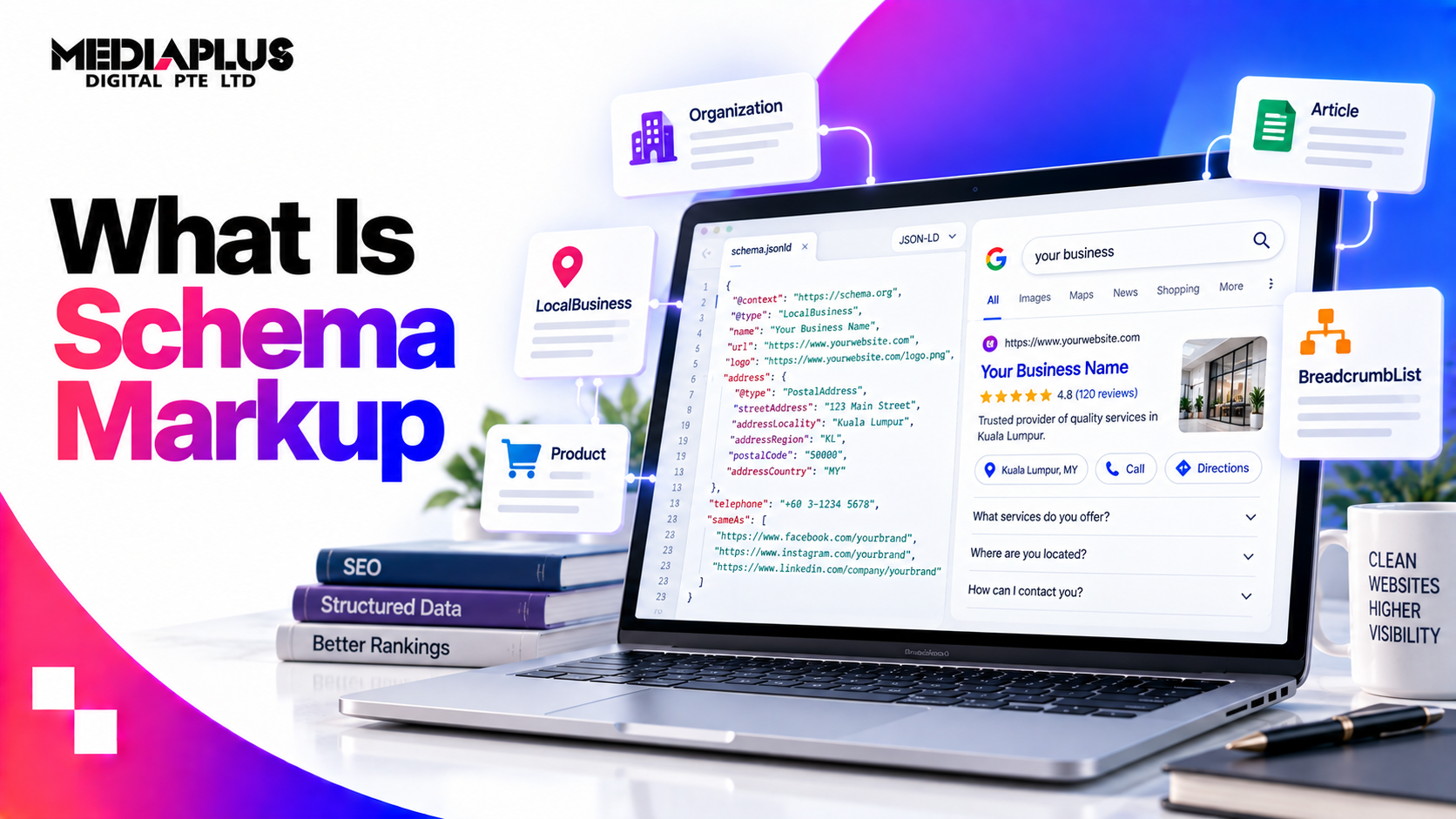
Here is an illustrative JSON-LD block for a fictional Singapore business. It sits inside the page’s HTML, and visitors never see it.
<script type=“application/ld+json”>
{
“@context”: “https://schema.org”,
“@type”: “LocalBusiness”,
“name”: “Example Aircon Services Pte Ltd”,
“url”: “https://example.sg/”,
“telephone”: “+65 6000 0000”,
“address”: {
“@type”: “PostalAddress”,
“streetAddress”: “10 Example Road, #01-01”,
“addressLocality”: “Singapore”,
“postalCode”: “123456”,
“addressCountry”: “SG”
},
“openingHoursSpecification”: {
“@type”: “OpeningHoursSpecification”,
“dayOfWeek”: [“Monday”,“Tuesday”,“Wednesday”,“Thursday”,“Friday”,“Saturday”],
“opens”: “09:00”,
“closes”: “18:00”
}
}
</script>
Read it line by line: the context says “use the Schema.org vocabulary”, the type says “this is a local business”, and each property fills in a fact. A search engine no longer has to guess which number on the page is the phone number.
The three formats
|
Format |
How it works |
Google’s position |
|
JSON-LD |
A separate <script> block, usually in the page head |
Recommended, as “the easiest solution for website owners to implement and maintain at scale” |
|
Microdata |
Attributes added directly to visible HTML elements |
Supported |
|
RDFa |
Attributes added to HTML, common in some CMSs |
Supported |
For almost every business site, use JSON-LD. It is easier to maintain because it does not tangle with your design.
What schema markup does, and what it does not
What it does
- Helps search engines understand the page and the entities on it: your business, products, people, events.
- Makes pages eligible for rich results in supported categories.
- Supports consistency between your site, Google Business Profile and other listings.
Google publishes case studies from companies that added structured data. Among them: Rotten Tomatoes measured a 25% higher click-through rate on pages with structured data, Nestlé measured an 82% higher click-through rate for pages showing as rich results, and Food Network reported a 35% increase in visits. These are Google-selected success stories, so treat them as examples of what is possible rather than typical results.
What it does not do
- It does not guarantee rich results. Google states that implementing structured data does not guarantee eligibility.
- It is not a shortcut to rankings. Relevance, content quality and authority still decide positions.
- It is not required for AI search. Google’s guide to generative AI search says: “Structured data isn’t required for generative AI search, and there’s no special schema.org markup you need to add.” The same guide adds that it is still “a good idea to continue using it as part of your overall SEO strategy, as it helps with being eligible for rich results on Google Search.”
Microsoft takes a slightly warmer view, describing schema as code “that helps search engines and AI systems understand your content”, but it also does not say schema is required to be cited in Copilot.
What changed: rich results that no longer appear
If you are following a guide from a few years ago, check this list first.
|
Change |
When |
What it means |
|
FAQ rich results retired |
Stopped appearing 7 May 2026; documentation removed 15 June 2026 |
FAQPage markup no longer produces expandable FAQs in Google results. Google says you do not need to remove the markup, as other services may use it |
|
Seven types phased out |
Announced 12 June 2025 |
Book Actions, Course Info, Claim Review, Estimated Salary, Learning Video, Special Announcement and Vehicle Listing |
|
HowTo and FAQ restricted |
August 2023 |
Google limited HowTo rich results to desktop and FAQ rich results to well-known government and health sites. HowTo is no longer listed among Google’s current rich result types |
The practical lesson: anyone still selling “FAQ schema for rich snippets” in 2026 is selling a feature that no longer exists in Google.
Schema types that matter for business websites in 2026
|
Schema type |
Use it on |
What you can get |
|
Organization |
Homepage or About page |
Helps Google understand your brand: logo, contact details, social profiles |
|
LocalBusiness (and subtypes) |
Homepage or location pages |
Business details for local understanding |
|
Product with Offer |
Product pages |
Price, availability and, where eligible, review information in results |
|
Article or BlogPosting |
Blog posts and news |
Clearer headline, date and author information |
|
BreadcrumbList |
Most pages |
Breadcrumb trail in place of the raw URL |
|
Event |
Event pages |
Dates, venue and ticket details |
|
JobPosting |
Careers pages |
Eligibility for Google’s job listings |
|
Course list |
Training providers |
Course listings in results |
|
Video (VideoObject) |
Pages with video |
Video details and thumbnails |
|
Review snippet |
Eligible item types only |
Star ratings, subject to strict rules below |
|
ProfilePage |
Author and team pages |
Clearer author and creator information |
|
Service |
Service pages |
No dedicated Google rich result, but it describes what you offer |
Google’s search gallery is the source of truth for which types currently produce rich results. Check it before building anything new.
The review stars trap
Star ratings are the most requested and the most misused schema feature.
Google’s review snippet guidelines, last updated 8 September 2026, state: “If the entity that’s being reviewed controls the reviews about itself, their pages that use LocalBusiness or any other type of Organization structured data are ineligible for star review feature.”
The guidelines also require that ratings “must be sourced directly from users” and be visible on the marked-up page.
In plain terms: – A business adding its own Google rating as star markup on its own website is not eligible for review stars. – Adding the same aggregate rating to every page of a site, including blog posts, does not describe those pages and conflicts with Google’s quality guidelines. – Products with genuine customer reviews shown on the product page are the most common legitimate use.
Google’s rules for structured data
Google’s general structured data guidelines, last updated 10 July 2026, include:
- “Don’t mark up content that is not visible to readers of the page.”
- “Your structured data must be a true representation of the page content.”
- “Specify all required properties listed in the documentation for your specific rich result type.”
- “Don’t use structured data to deceive or mislead users.”
- “Don’t block your structured data pages to Googlebot using robots.txt, noindex, or any other access control methods.”
The consequence of breaking them: a structured data issue “can result in a manual action. A structured data manual action means that a page loses eligibility for appearance as a rich result; it doesn’t affect how the page ranks in Google web search.”
How to add schema markup
WordPress
SEO plugins such as Rank Math and Yoast SEO add Organization, WebSite, Article and BreadcrumbList markup automatically, and let you set schema types per page. The main risks are default settings that apply the wrong type everywhere, and several plugins outputting duplicate markup. Check what your plugin actually outputs.
Shopify
Most modern Shopify themes include Product and Organization markup, and apps can extend it. Themes and apps can also output conflicting duplicate blocks. Our guide to Shopify schema and structured data covers the Shopify specifics.
Custom websites
Add JSON-LD directly to page templates, generated from the same data that renders the page, so prices and details never drift out of sync.
A note on JavaScript and tag managers
Google says it “can understand and process structured data that’s available in the DOM when it renders the page”, but warns that dynamically generated markup “can make Shopping crawls less frequent and less reliable”, which matters for prices and stock. Other systems may not read it at all: network testing published by Vercel and MERJ in December 2024 found major AI crawlers from OpenAI, Anthropic, Meta, ByteDance and Perplexity did not execute JavaScript. Output important markup in the server-rendered HTML rather than injecting it through a tag manager.
How to test and monitor it
|
Tool |
Use it for |
|
Google Rich Results Test |
Checking whether a page is eligible for Google rich results, and previewing them |
|
Schema Markup Validator (validator.schema.org) |
Validating any Schema.org markup, including types Google does not use for rich results |
|
Google Search Console |
Rich result status reports showing valid items, warnings and errors across the site |
|
View page source |
Confirming the markup is in the HTML, not only added after JavaScript runs |
Recheck after theme updates, plugin changes and redesigns. These are the most common times markup silently breaks.
A step-by-step plan for a business website
- Audit what exists. Run your homepage, a service page, a product page and a blog post through the Rich Results Test and Schema Markup Validator.
- Remove what is wrong. Duplicate blocks, self-serving review stars, markup describing content that is not on the page.
- Get the foundations right. Organization or LocalBusiness on the homepage, BreadcrumbList site-wide, Article or BlogPosting on posts.
- Add types that match your business model. Product for ecommerce, Event for events, JobPosting for hiring, Course list for training providers.
- Keep details consistent with the visible page and your Google Business Profile.
- Monitor Search Console monthly for errors.
For where schema fits in the wider picture, see technical SEO explained and the complete SEO audit checklist.
Common mistakes
- Adding FAQPage markup expecting FAQ rich results that Google no longer shows
- Site-wide aggregate ratings on every page, including blog posts
- Marking up reviews or prices that visitors cannot see on the page
- Two plugins, or a theme and a plugin, outputting duplicate markup
- LocalBusiness details that differ from the Google Business Profile
- Product prices in markup that are out of date
- Never retesting after a theme update or redesign
- Treating schema as a replacement for content quality
Frequently asked questions
What is schema markup in simple terms?
Code on a web page that labels information, such as a business name, address, product price or article author, so search engines can understand it reliably.
Is schema markup the same as structured data?
Nearly. Structured data is the concept; schema markup is structured data written using the Schema.org vocabulary. In SEO the terms are used interchangeably.
Does schema markup improve rankings?
Not directly. It helps search engines understand pages and can make them eligible for rich results, which may improve click-through rates.
Is schema markup needed for AI Overviews or ChatGPT?
Google says structured data is not required for its generative AI features. It remains useful for rich results and for describing your business clearly.
Does FAQ schema still work?
FAQ rich results were limited to authoritative government and health sites in August 2023, and stopped appearing in Google entirely on 7 May 2026. The markup does no harm, but it no longer creates expandable FAQs in Google results.
Which schema should a small business add first?
Organization or LocalBusiness on the homepage, BreadcrumbList across the site, and Article or BlogPosting on blog posts. Ecommerce sites should prioritise Product markup.
Can I show review stars for my business in Google?
Not through markup about your own business. Google treats reviews a business controls about itself on LocalBusiness or Organization pages as ineligible for review stars.
What is the best format for schema markup?
JSON-LD, which Google recommends as the easiest to implement and maintain.
How do I check if my schema markup works?
Use Google’s Rich Results Test for Google eligibility, the Schema Markup Validator for general validity, and Search Console for site-wide monitoring.
Get schema markup set up correctly
MediaPlus Digital handles technical SEO, including structured data audits and fixes, for Singapore businesses, with 13 years in market, a team of 60 and more than 1,800 projects delivered. We start by removing markup that puts rich results at risk, then build what your business model actually needs.
See our SEO services in Singapore, or check how your site performs in AI search with our AI search readiness audit guide.
Guidelines and dates verified 17 September 2026 from Google Search Central, Schema.org and Microsoft documentation.