AI chatbots are no longer experimental tools. They are now a core part of customer service, sales, and internal automation for many businesses. If you are wondering how to create an AI chatbot, the process today is far more accessible than it was even a few years ago. With the right approach, companies of all sizes can build chatbots that handle real conversations, reduce manual work, and improve customer experience.
This guide walks through the key steps, technologies, and decisions involved in building an AI chatbot that actually delivers value.
What Is an AI Chatbot?
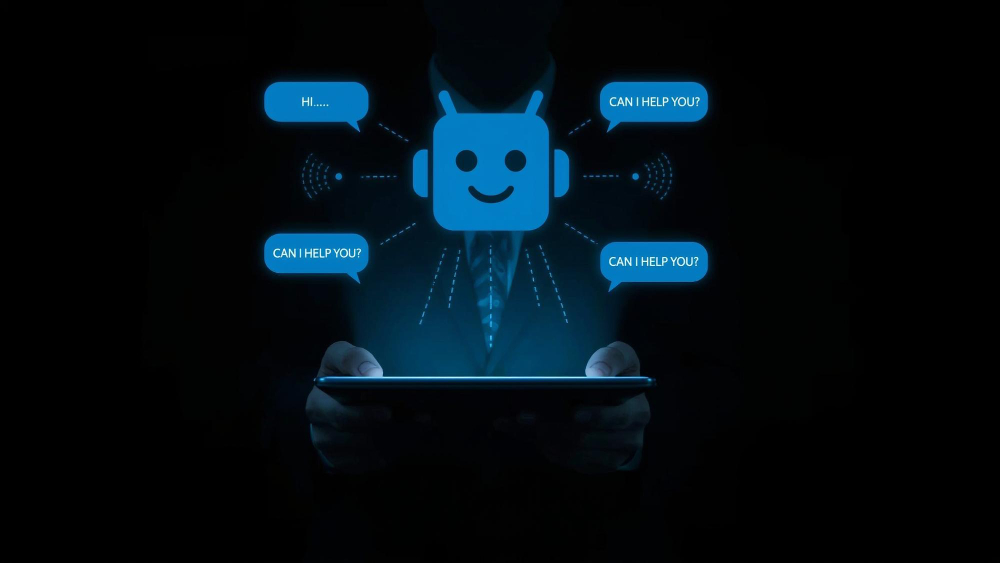
An AI chatbot is a software application that uses artificial intelligence to understand user input and respond in a natural, conversational way. Unlike rule-based bots that rely on fixed scripts, modern AI chatbots use large language models to interpret intent, maintain context, and generate human-like responses.
Most advanced chatbots today are powered by large language models such as those from OpenAI, which allow bots to handle open-ended questions, follow-up queries, and complex workflows.
Step-by-step to Create an AI Chatbot
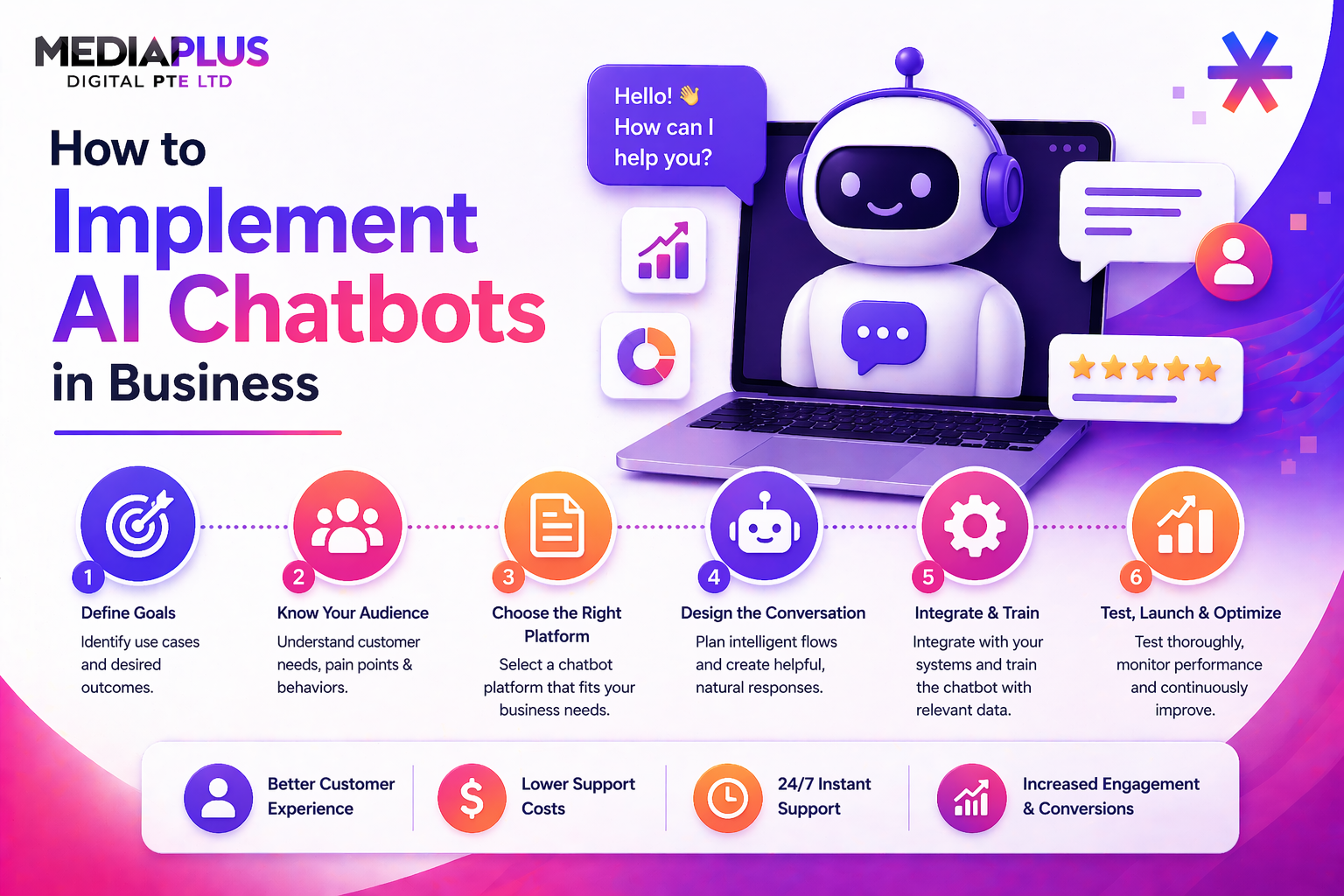
Step 1: Define the Purpose of Your AI Chatbot
Before choosing any tools, you need clarity on what the chatbot should do. This decision shapes everything that follows.
Common use cases include:
-
Answering frequently asked questions
-
Qualifying sales leads
-
Recommending products or services
-
Booking appointments
-
Supporting internal teams with knowledge lookup
A focused chatbot performs better than one that tries to do everything at once. Start with one or two clear objectives and expand later.
Step 2: Identify Your Users and Channels
Next, decide who will use the chatbot and where it will live.
Some bots are customer-facing and appear on websites, ecommerce stores, or messaging apps. Others are internal, used inside tools like Slack or Microsoft Teams. Each channel affects how conversations should be designed and how quickly responses are expected.
Understanding user behavior helps you design more relevant flows and avoids building features that will never be used.
Step 3: Choose a Chatbot Development Approach
There are three main ways to create an AI chatbot today.
- No-Code or Low-Code Platforms: These tools allow you to build chatbots visually, connect APIs, and integrate AI models without heavy coding. They are ideal for rapid deployment and testing.
- Custom Development: Using languages like Python or JavaScript, developers can build fully custom chatbots with complete control over logic, data handling, and integrations. This approach offers flexibility but requires more time and expertise.
- Hybrid Approach: Many businesses combine low-code tools with custom development. This balances speed with scalability and is common for production-level chatbots.
Step 4: Design the Conversation Flow
Even with AI, conversation design matters. You still need to guide how the chatbot starts, how it asks follow-up questions, and how it hands users off when needed.
Key considerations include:
- Clear opening messages that explain what the bot can help with
- Simple language and short responses
- Fallback handling when the bot does not understand
- Escalation to a human when required
Well-designed flows reduce frustration and improve completion rates.
Step 5: Integrate AI Models and Knowledge Sources
This is where intelligence comes in.
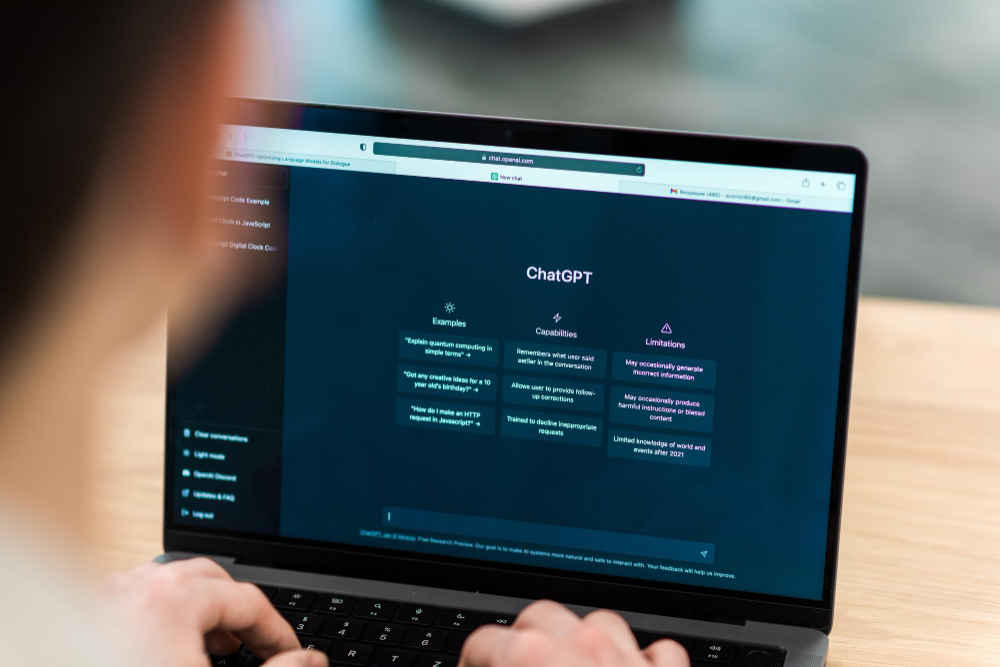
Modern chatbots use large language models to understand natural language and generate responses. To keep answers accurate and relevant, businesses often connect chatbots to:
-
Website content and FAQs
-
Product databases
-
CRM systems
-
Internal documents
Using techniques like retrieval-based responses helps the chatbot stay grounded in your actual data rather than relying only on generic AI knowledge.
Step 6: Connect APIs and Business Systems
Most useful chatbots do more than talk. They take action.
This often involves API integration with:
- CRM platforms
- Booking systems
- Payment or order systems
- Email and marketing tools
For example, a chatbot might capture a lead and push it directly into a CRM, or check order status in real time. Clean API integration is critical for reliable performance.
Step 7: Test, Launch, and Improve
Testing should happen before and after launch. Simulate real conversations, look for misunderstandings, and refine responses.
After deployment, analytics become essential. Monitor:
- Most common questions
- Drop-off points
- Task completion rates
- Escalation frequency
AI chatbots improve over time when they are monitored and updated regularly.
Turning Strategy Into a Production-Ready AI Chatbot
Learning how to create an AI chatbot is one thing. Building one that works reliably at scale is another. Real-world deployments require careful planning around UX, security, integrations, and long-term maintenance.
For businesses that want a production-ready solution, professional support can save significant time and cost. MediaPlus Digital provides AI Chatbot Development in Singapore, helping companies design, build, and integrate AI chatbots that align with real business goals. From customer support bots to sales and lead qualification workflows, the focus is on practical automation that delivers measurable results.
If you are exploring AI chatbots as part of your digital strategy, working with an experienced development team ensures your chatbot is not just intelligent, but useful, secure, and scalable.