
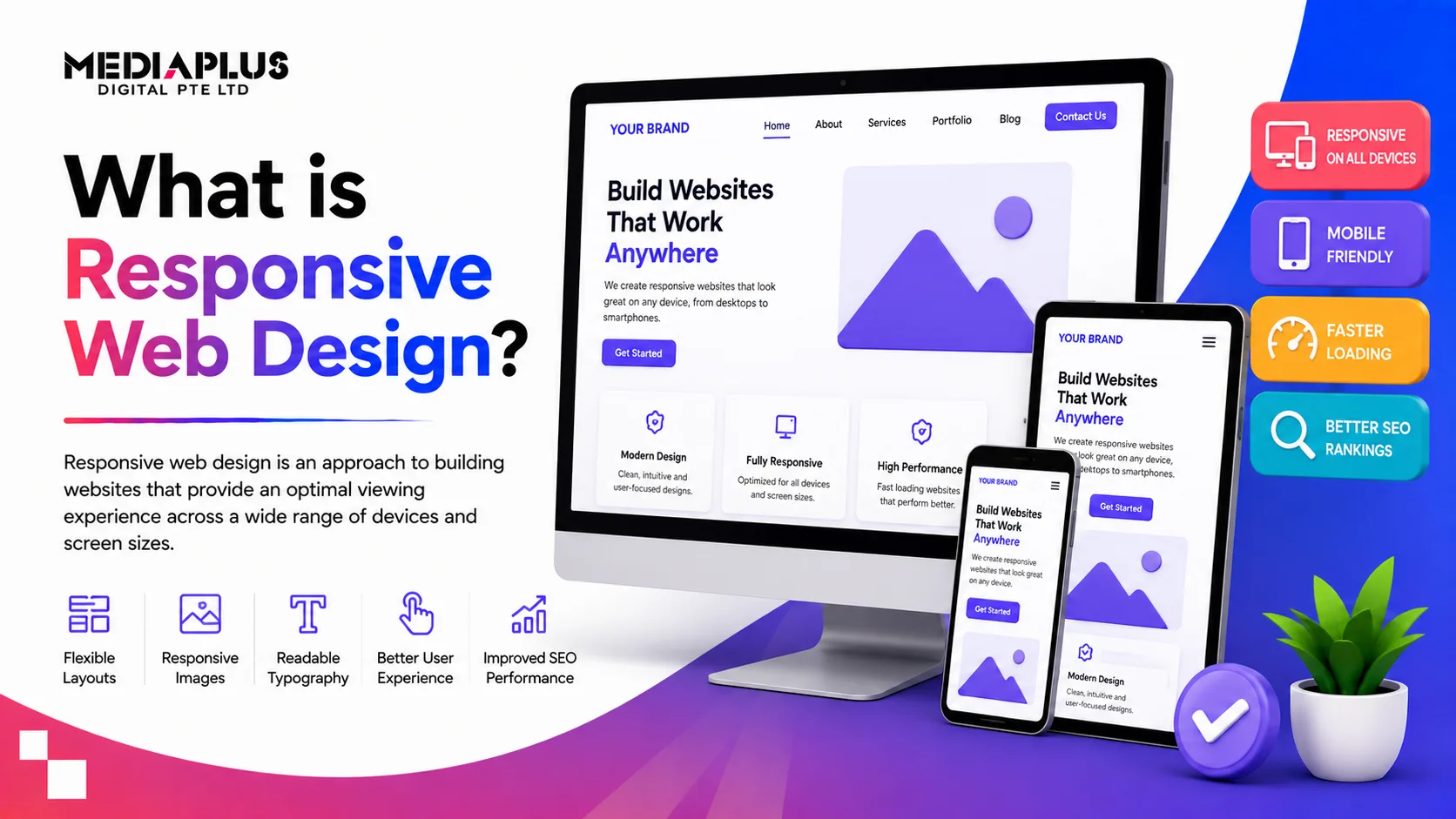
Your website has to look and work well on a small phone, a tablet and a large desktop, all at once. Responsive web design is how one website does exactly that, adapting itself to every screen instead of forcing you to build separate sites. This guide explains what responsive web design is, how it works, why it matters, and how modern responsive sites are built in 2026.
Quick answer: Responsive web design is an approach to building websites so their layout, images and content automatically adjust to fit any screen size, from phone to desktop. It uses fluid grids, flexible media and CSS media queries so one site works well everywhere, which is essential now that most web traffic is mobile.
What is responsive web design?
Responsive web design (RWD) is a way of building a website so that a single site reshapes itself to suit the device viewing it. Rather than a fixed layout designed for one screen, a responsive site uses flexible foundations that resize, rearrange or hide elements based on the screen’s width and orientation.
The term was coined by Ethan Marcotte in 2010, built on three ideas that still underpin it today: fluid grids, flexible media, and media queries. Think of it like water: pour it into any glass and it takes the shape of the container. A responsive website flows to fit whatever screen it lands on.
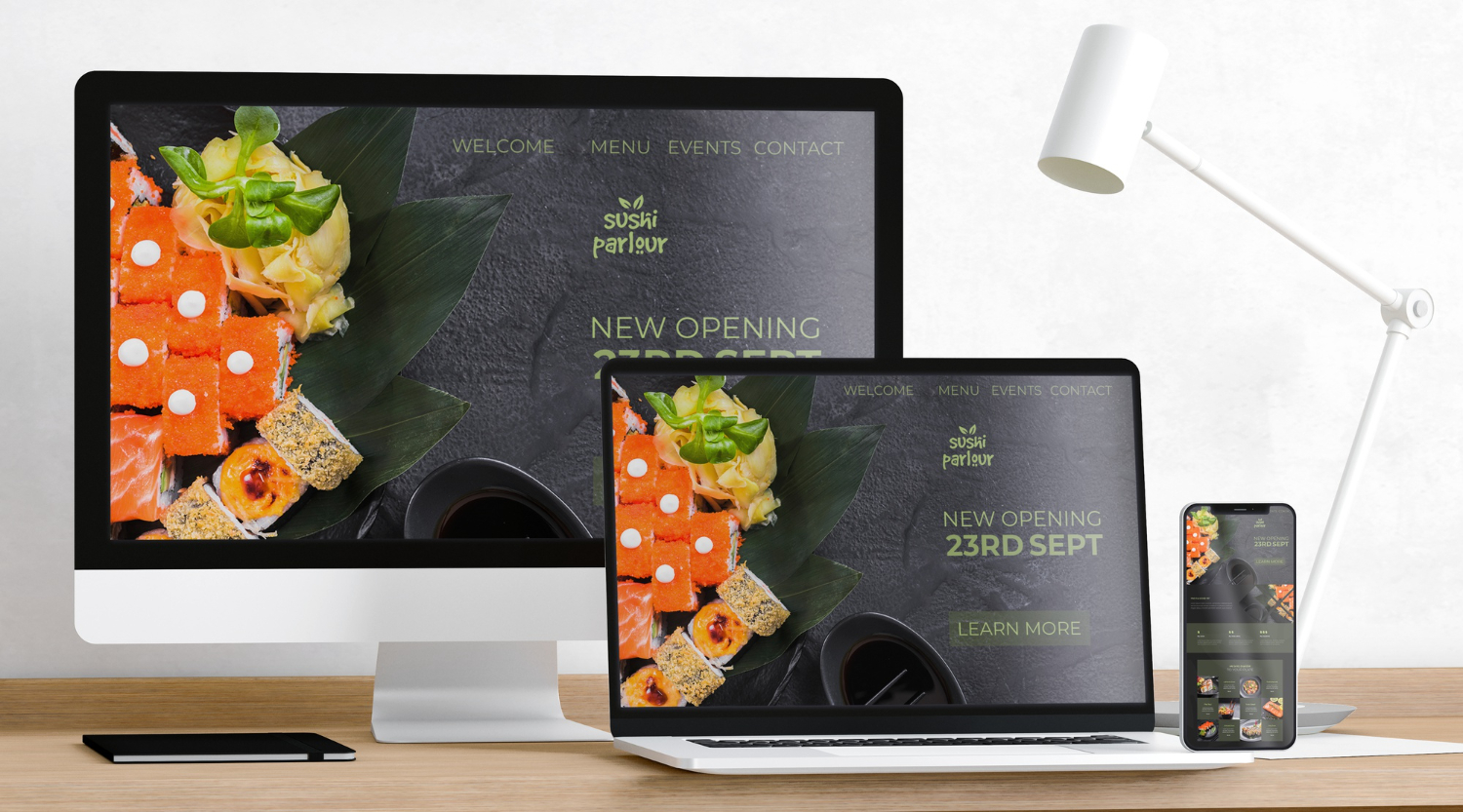
How responsive web design works
Four building blocks make a site responsive:
- Fluid grids. Layouts use relative units like percentages instead of fixed pixels, so columns and spacing scale with the screen.
- Flexible media. Images and video resize within their containers so nothing overflows or breaks.
- Media queries. CSS rules that detect screen width, orientation or resolution and apply the right styling for that device.
- The viewport meta tag. A small piece of code that tells mobile browsers to render the page at the correct scale.
These work together around breakpoints, the screen widths where the layout changes.
|
Device |
Typical width |
What changes |
|
Mobile |
Up to 767px |
Single column, stacked content, larger tap targets |
|
Tablet |
768px to 1024px |
Two columns, adjusted navigation |
|
Desktop |
1025px and up |
Full multi-column layout |
Responsive vs adaptive design
People often confuse the two. Both aim to work across devices, but they do it differently.
|
Aspect |
Responsive design |
Adaptive design |
|
Approach |
One fluid layout that flexes |
Several fixed layouts for set screen sizes |
|
Flexibility |
Adapts to any screen |
Snaps to specific breakpoints |
|
Build effort |
One layout to maintain |
Multiple layouts to maintain |
|
Best for |
Most modern websites |
Specific, controlled experiences |
For most businesses, responsive design is the right default: one site, lower maintenance, and it handles new devices automatically.
Why responsive web design matters
Responsive design is not a nice-to-have. It affects real business outcomes:
- Better user experience. Visitors get a site that is easy to read and use on their device, so they stay longer.
- Higher conversions. A smooth mobile experience turns more visitors into leads and sales.
- SEO and discoverability. Google uses mobile-first indexing, so it ranks the mobile version of your site. A responsive, fast, mobile-friendly site supports rankings.
- Lower cost and maintenance. One responsive site is cheaper to run than separate desktop and mobile versions.
- Future-proofing. As new screen sizes appear, a responsive site adapts without a rebuild.
With mobile devices accounting for the majority of web traffic, a non-responsive site simply loses customers.

Core principles of modern responsive design
Building a great responsive site in 2026 goes beyond the basics:
- Mobile-first. Design for the smallest screen first, then scale up. It forces clarity and prioritises what matters.
- Flexible layouts with CSS Grid and Flexbox. Modern layout tools make complex, fluid designs far easier.
- Optimised media delivery. Serve appropriately sized images per device to keep pages fast.
- Responsive typography. Text that scales for readability on every screen.
- Accessibility. Sufficient contrast, keyboard navigation and readable sizing so everyone can use the site.
Responsive design trends in 2026
- Progressive Web Apps (PWAs). Sites that behave like apps, with offline access and app-like speed.
- Container queries. Components that respond to their own container, not just the whole viewport, for more flexible layouts.
- Adaptive dark mode. Interfaces that respect the user’s light or dark preference.
- AI-driven personalisation. Layouts and content that adapt to user behaviour and context.
How to test responsive design
Before launch, check every key template across real phones, tablets and desktops, not just a browser resize. Verify layout, tap targets, load speed, forms and images on each. Tools like browser device modes and real-device testing platforms help catch issues early.
Frequently asked questions
What is responsive web design in simple terms?
It is building a website that automatically adjusts its layout and content to look and work well on any screen size, from phone to desktop, using one flexible site rather than separate versions.
Why is responsive web design important?
Most web traffic is mobile, and Google ranks the mobile version of your site. A responsive site delivers a better experience, higher conversions and stronger SEO, at lower maintenance cost.
What is the difference between responsive and adaptive design?
Responsive design uses one fluid layout that flexes to any screen. Adaptive design uses several fixed layouts for specific screen sizes. Responsive is the more common, lower-maintenance choice.
Is responsive web design good for SEO?
Yes. Google recommends responsive design and uses mobile-first indexing, so a responsive, fast, mobile-friendly site supports your rankings.
Does my website need to be responsive?
Almost certainly. With the majority of visitors on mobile, a non-responsive site frustrates users and loses rankings and sales.
Build a website that works on every screen
A responsive website is the baseline for competing online today. If you want a site that looks great and converts on every device, talk to MediaPlus Digital. Explore our web design, ecommerce web development and WordPress development services, all built responsive and SEO-ready from the start.