
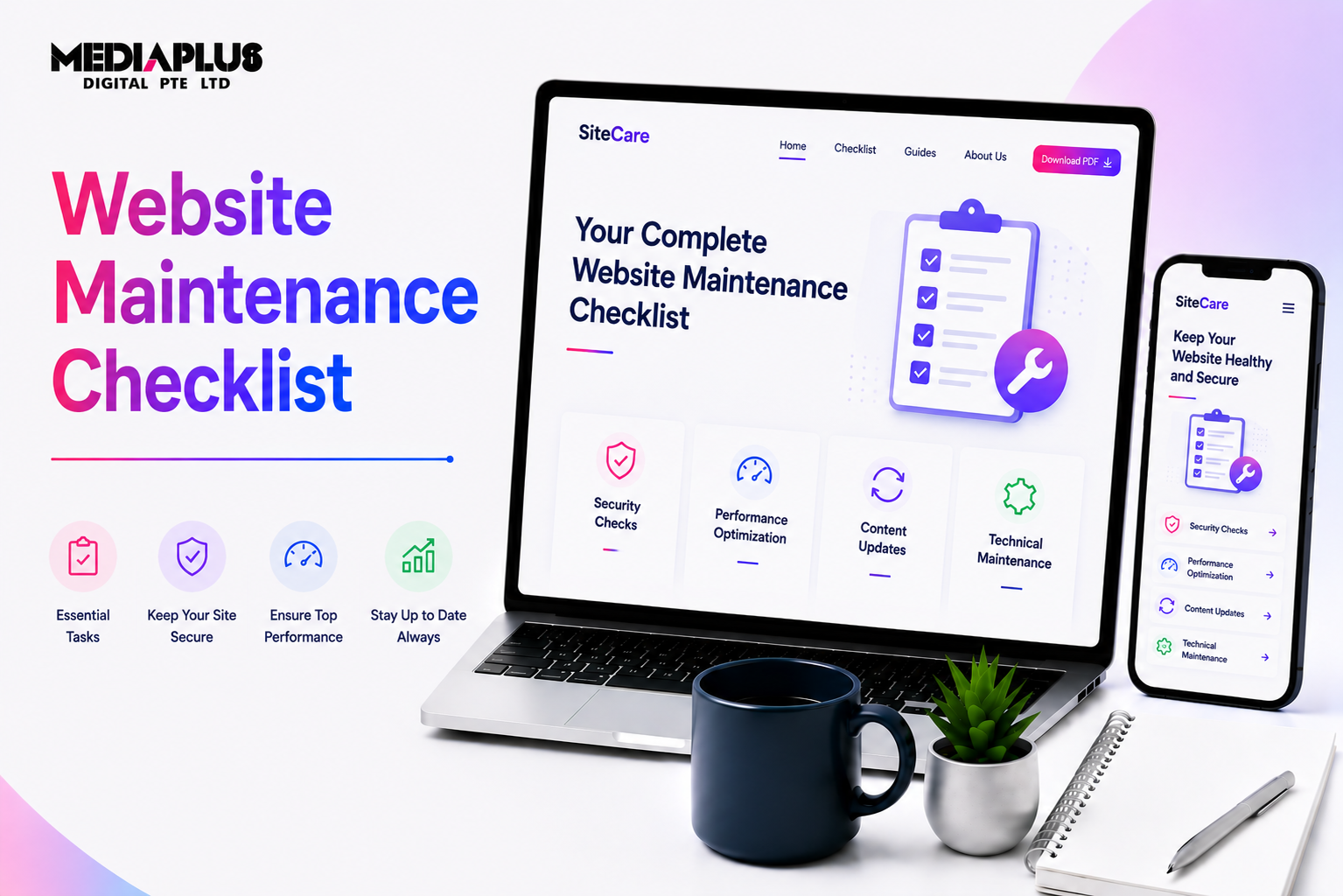
A website is not a one time project. It is a living system that needs regular care to stay secure, fast, and effective. Without proper maintenance, even a well designed website can slowly lose traffic, rankings, and customer trust.
According to Google, users are 32 percent more likely to leave a site if page load time increases from one second to three seconds. Security data from Sucuri also shows that outdated software is one of the leading causes of website hacks. These numbers highlight why having a clear website maintenance checklist is essential for any business that relies on its website for leads or sales.
This guide walks through a practical website maintenance checklist you can follow monthly, quarterly, and annually to keep your site healthy.
Why Website Maintenance Is Important
Website maintenance directly affects three core areas: security, performance, and visibility.
-
Security issues can lead to data breaches, downtime, or Google blacklisting
-
Performance problems reduce conversion rates and user engagement
-
Technical errors can hurt SEO and organic traffic over time
For business websites, maintenance is not optional. It protects revenue and brand reputation.
Website Maintenance Checklist
1. Software and Platform Updates
Keeping your website platform, themes, and plugins updated is the foundation of maintenance. Updates often include security patches, performance improvements, and compatibility fixes.
Outdated components are one of the most common entry points for attackers. Regular updates reduce risk and improve stability, especially for CMS based sites like WordPress.
2. Website Backups
Backups are your safety net if something goes wrong. Hardware failures, hacking incidents, or human error can all cause data loss.
Best practice is to maintain automated backups stored off site or in the cloud. Many experts recommend daily backups for active sites and at least weekly backups for lower traffic sites.
Without backups, recovering a site can take days or weeks and may result in permanent data loss.
3. Security Monitoring
Security maintenance goes beyond updates. It includes monitoring for malware, unusual login attempts, file changes, and vulnerabilities.
According to Wordfence, thousands of automated attacks target websites every minute. Ongoing security scans and firewalls help detect issues early before real damage occurs.
4. Performance and Speed Checks
Page speed directly impacts user experience and SEO. Google uses Core Web Vitals as ranking signals, making performance monitoring a critical part of website maintenance.
Regular checks should include:
-
Page load speed
-
Image optimisation
-
Caching performance
-
Server response time
Even small performance issues can compound over time and reduce conversion rates.

5. Broken Links and Error Pages
Broken links frustrate users and signal poor site quality to search engines. They can also waste crawl budget, making it harder for search engines to index important pages.
Regular scans help identify broken internal links, outdated external links, and 404 errors. Redirects should be reviewed to avoid redirect chains that slow down pages.
6. Form and Functionality Testing
Contact forms, booking forms, checkout processes, and integrations should be tested regularly.
Many businesses only discover broken forms after leads stop coming in. A simple monthly test can prevent lost enquiries and revenue.
7. Content and UX Review
Website maintenance also includes reviewing content accuracy and usability.
-
Check that business information is up to date
-
Review key landing pages for clarity and relevance
-
Ensure mobile responsiveness still works correctly
User expectations evolve, and outdated content can reduce credibility.
8. SEO and Analytics Checks
Tracking codes, SEO settings, and indexing status should be reviewed periodically. Theme changes or updates can sometimes remove analytics scripts or alter metadata.
Monitoring Google Search Console for errors, indexing issues, and performance trends helps catch problems early before traffic drops.

9. Database and File Clean Up
Over time, websites accumulate unused files, old revisions, spam data, and leftover plugin tables. This clutter can slow down performance and increase server load.
Periodic database optimisation and file clean up improve efficiency and reduce technical debt.
10. Compliance and Privacy Review
For business websites, compliance is part of maintenance. Privacy policies, cookie banners, and data handling practices should be reviewed regularly, especially as regulations evolve.
This is particularly important for websites collecting user data through forms, accounts, or ecommerce systems.
How Often Should You Perform Website Maintenance?
-
Weekly: backups, security checks, basic updates
-
Monthly: performance testing, form checks, broken link scans
-
Quarterly: full technical review, database optimisation, SEO audit
-
Annually: design, UX, and compliance review
High traffic and ecommerce websites may require more frequent monitoring.
When to Use a Professional Website Maintenance Service
Managing all these tasks in house can be time consuming and risky without technical expertise. Many businesses delay maintenance until something breaks, which often leads to higher costs later.
Working with a professional maintenance partner ensures issues are prevented rather than fixed after damage occurs.
At MediaPlus Digital, our website maintenance service is designed for businesses in Singapore that need reliability, security, and performance without constant internal oversight. We provide proactive updates, backups, security monitoring, performance optimisation, and technical support to keep business websites running smoothly.
A well maintained website is faster, safer, and more effective. Following a structured website maintenance checklist, supported by a trusted partner, helps protect your online presence and ensures your website continues to support business growth over the long term.




