Web design is no longer just about making a website look good. Today, it sits at the intersection of user experience, business goals, technology, and accessibility.
A well-designed website helps users find what they need quickly, builds trust, and supports measurable outcomes such as conversions, engagement, and brand credibility. Whether you are building a corporate website, an ecommerce store, or a digital platform, understanding web design fundamentals is essential.
This guide explains what web design really is, how it works today, and the key principles behind effective websites.
What Is Web Design?
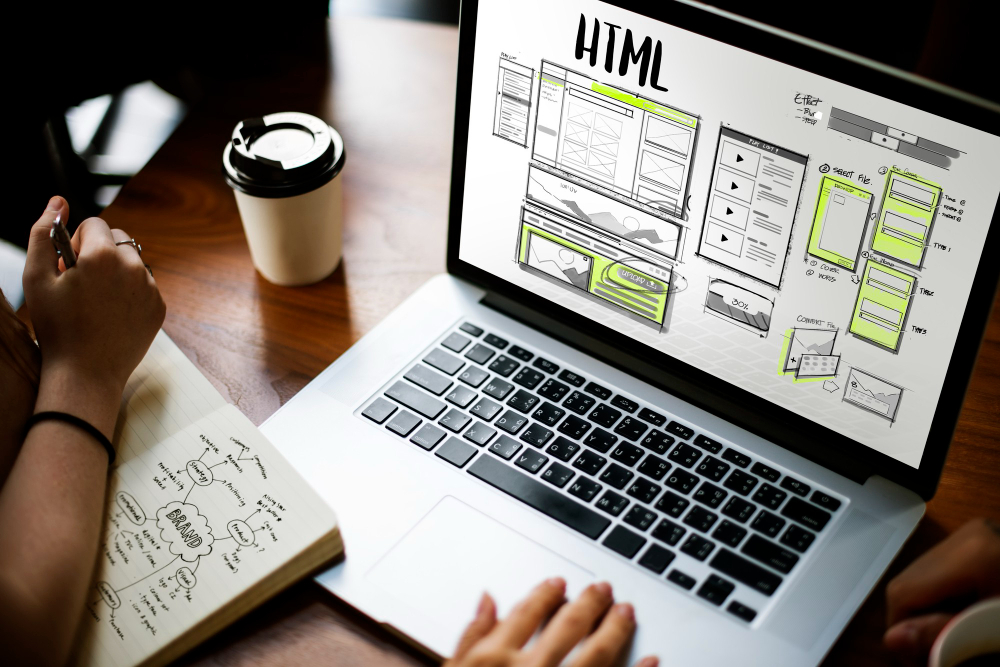
Web design refers to the process of planning, structuring, and creating websites with a focus on user experience rather than software development.
A web designer typically works on:
-
The visual appearance of a website
-
The layout and structure of information
-
The usability and clarity of interactions
-
How content adapts across devices
While coding and development may be involved, web design itself focuses on how people experience and interact with a website, not how the backend systems are built.
Modern web design must support desktop, tablet, and mobile users equally, with mobile usage now accounting for the majority of global web traffic.
What Is Responsive Web Design?
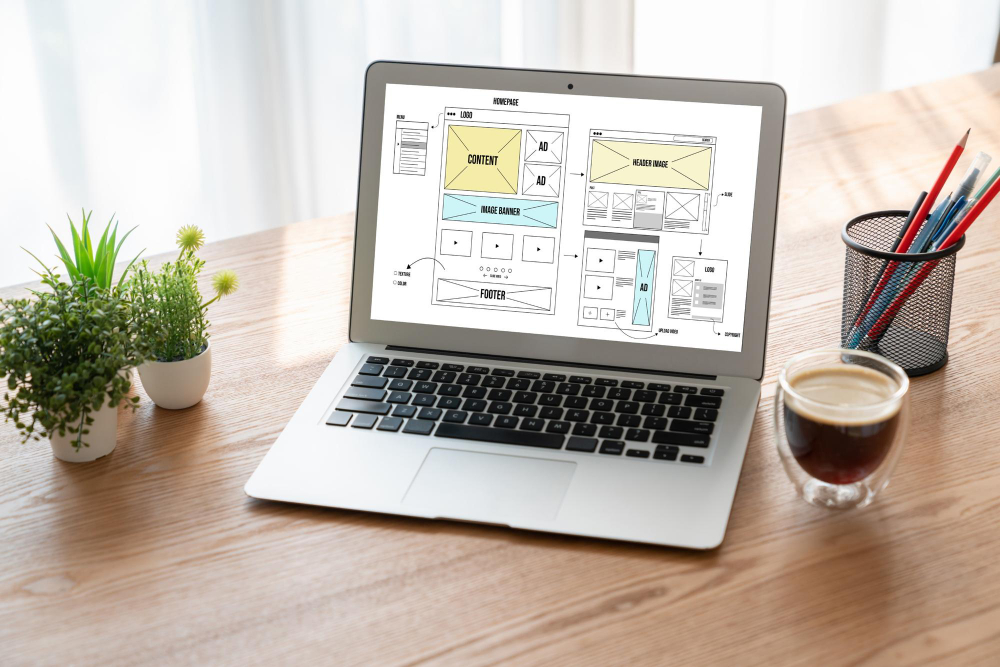
Responsive web design is an approach that allows a website to adapt fluidly to different screen sizes and devices using a single codebase.
Instead of designing separate websites for desktop and mobile, responsive design ensures that layouts, images, and text adjust dynamically based on the user’s screen resolution.
A responsive website will:
-
Reflow content automatically when screen size changes
-
Adjust navigation for touch-based devices
-
Maintain readability and usability across all viewports
If you resize a browser window on a responsive site, you will see content rearrange itself in real time to fit the available space.
Best Practices and Considerations for Responsive Design
Effective responsive design is not just about shrinking a desktop layout. It requires deliberate structural and content decisions.
Key best practices include:
-
Designing mobile-first, then scaling up: Start with the smallest screens first. This forces prioritisation of essential content and avoids clutter when scaling to larger devices.
-
Using flexible grids and fluid images: Layouts should be percentage-based rather than fixed-width. Images should scale proportionally to prevent overflow or distortion.
-
Defining multiple breakpoints, not just desktop and mobile: Modern devices vary widely in size. Effective designs usually include three or more breakpoints to handle phones, tablets, laptops, and large screens.
-
Prioritising essential content for smaller screens: Content hierarchy matters. Core information should appear first, while secondary elements can be hidden or collapsed on mobile.
-
Applying proven design patterns:Patterns such as column drop, off-canvas navigation, and progressive disclosure help users navigate efficiently across devices.
-
Ensuring accessibility and readability: Responsive layouts must still meet contrast, font size, and interaction guidelines for all users.
What Is Adaptive Web Design?
Adaptive web design also aims to serve multiple devices, but it works differently from responsive design.
Instead of fluid layouts, adaptive design delivers predefined layouts based on detected device or context. A website may load a different version depending on screen size, bandwidth, or device capabilities.
Adaptive design allows for:
-
Context-aware experiences
-
Optimised performance for specific conditions
-
Different functionality for mobile versus desktop
For example, an adaptive site may display simplified content on slow connections or larger touch targets on older mobile devices.
While more complex to maintain, adaptive design can be useful in performance-critical or highly specialised use cases.
Accessibility for Web Design
Accessibility is a core requirement of modern web design, not an optional enhancement.
An accessible website ensures that all users, including those with disabilities, can perceive, understand, and interact with content.
Key accessibility principles include:
-
Sufficient contrast between text and background
-
Clear visual focus states for interactive elements
-
Keyboard navigability without a mouse
-
Properly labelled form fields
-
Consistent navigation structures
-
Meaningful alternative text for images
-
Captions or transcripts for audio and video
Designing for accessibility improves usability for everyone and often leads to better SEO performance and lower bounce rates.
Key Elements of Web Design
Strong web design is built on several foundational components that work together.
Visual Design
Visual design defines how a website looks and feels. It includes:
-
Colour systems that support branding and readability
-
Typography that establishes hierarchy and clarity
-
Spacing and alignment that improve scannability
-
Imagery that supports messaging without slowing performance
Good visual design is intentional, restrained, and aligned with the brand’s purpose.
User Interface (UI) Design
UI design focuses on how users interact with a website.
This includes:
-
Navigation menus
-
Buttons and calls-to-action
-
Forms and input fields
-
Interactive feedback such as hover and focus states
A strong UI is predictable, easy to understand, and reduces friction at every step.
User Experience (UX) Design
UX design looks at the entire journey, not individual screens.
It ensures that a website is:
-
Useful and relevant
-
Easy to navigate
-
Credible and trustworthy
-
Accessible to diverse users
-
Valuable to both users and the business
UX design is driven by research, testing, and iteration rather than personal preference.
The Web Design Process
Professional web design follows a structured, iterative process.
-
Discovery and research: Understand business goals, audience needs, and competitive context.
-
Information architecture and wireframing: Organise content and define layout logic before visual styling.
-
Visual design and prototyping: Apply branding, UI patterns, and interaction design.
-
Development and responsive implementation: Translate designs into functional, responsive pages.
-
Testing and iteration: Validate usability, performance, accessibility, and cross-device behaviour.
-
Launch and continuous improvement: Monitor performance and refine based on data and feedback.
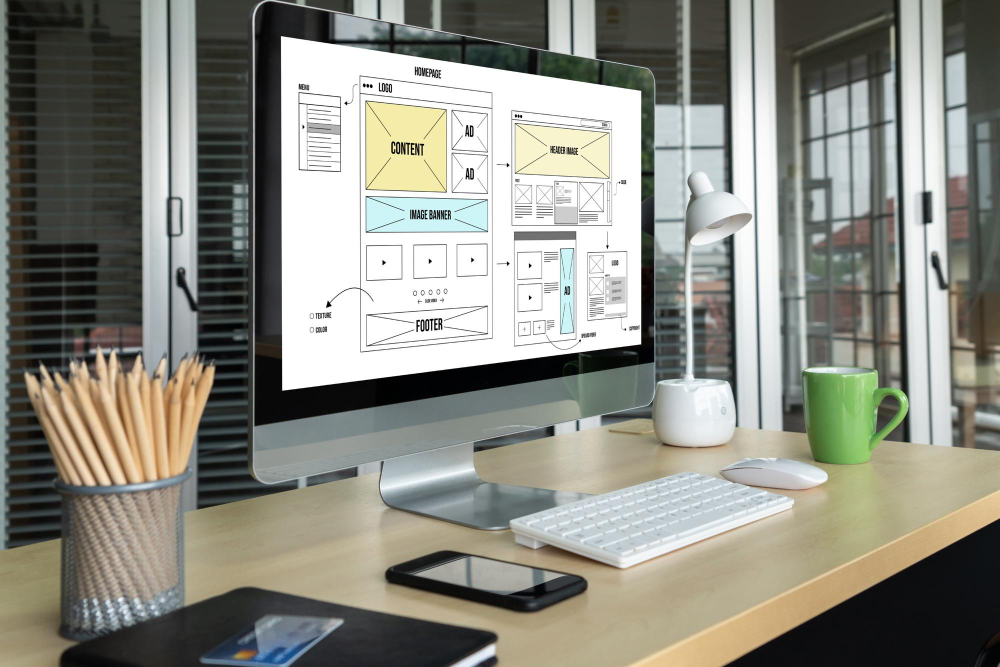
Website Builders: The Key to Simplified Web Design
Website builders allow individuals and businesses to create websites with minimal coding knowledge.
Common benefits include:
-
Faster development timelines
-
Lower upfront costs
-
Pre-built responsive components
-
Easier content management
Popular platforms like WordPress combined with visual builders enable flexibility while maintaining scalability.
Additional Web Design Considerations
Beyond layout and visuals, modern web design must also account for:
-
Performance and loading speed
-
Search engine optimisation (SEO)
-
Security and maintenance
-
Content strategy and structure
-
Analytics and conversion tracking
A visually attractive site that performs poorly will struggle to achieve business goals.
Building a Website with Elementor
Elementor is a widely used WordPress page builder that allows visual design and layout control without heavy coding.
It supports:
-
Responsive design controls
-
Theme and template customisation
-
Dynamic content and forms
-
Integration with SEO and analytics tools
For many businesses, it provides a balance between flexibility and efficiency.
Conclusion
Web design is a multidisciplinary practice that combines visual clarity, usability, accessibility, and business strategy.
A successful website is not defined by aesthetics alone. It is defined by how well it serves users, communicates value, and supports measurable outcomes.
Web Design Singapore: How MediaPlus Digital Can Help
For businesses looking for professional web design Singapore, MediaPlus Digital Singapore delivers websites that are built around performance, not just appearance.
Our web design services focus on:
-
UX-led design and content structure
-
Responsive and accessible development
-
SEO-friendly foundations
-
Conversion-focused layouts
-
Scalable platforms for long-term growth
If your website looks polished but fails to convert or engage users, the issue is rarely traffic. It is usually design, structure, or experience.
With the right web design strategy, your website becomes more than a digital presence. It becomes a growth asset.