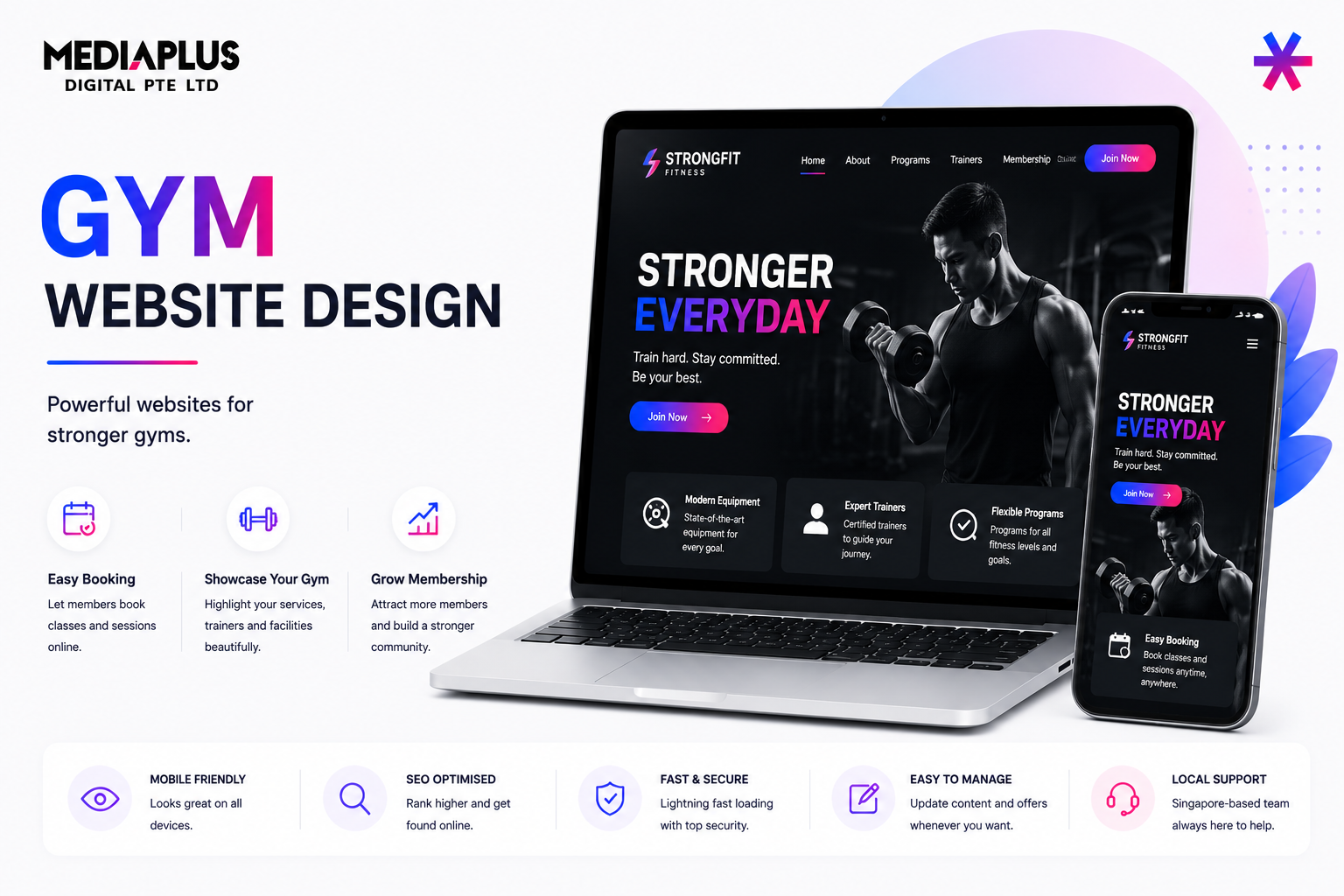
Over 75% of fitness website visitors in Singapore browse on their phones, often checking class times on the MRT or booking during a lunch break. If the booking is not instant and seamless on mobile, you lose the member before they try a class. This is a detailed guideline for a gym website that converts visitors into members.
It applies our web design principles to the fitness sector.
The Core Principle: Remove Every Step Before Booking
Fitness is an impulse and habit business. When someone is motivated enough to book, every extra step is a chance to lose them. The whole site should be engineered to get a visitor from the schedule to a confirmed booking in as few taps as possible, with no redirect to a clunky third-party page.
Page-by-Page Blueprint
Homepage, section by section
- Hero: what kind of gym you are, location, and a primary CTA (Book a Class or Start Free Trial).
- Class schedule preview: a snapshot of today or this week, linking into the full filterable schedule.
- Membership and pricing: tiers and packages with a comparison table.
- Trainers: featured profiles with specialisations.
- Social proof: member results and reviews.
- Facilities: photos or a short video tour.
- Closing CTA: free trial or first-class booking.
Core inner pages
|
Page |
Must contain |
|
Class schedule |
Filterable by class type, trainer, day, and location, linked directly to booking |
|
Membership and pricing |
Tiers, packages, drop-in rates, and a comparison table |
|
Trainer profiles |
Certifications, specialisations, philosophy, and a personal bio |
|
Classes / programmes |
What each class is, intensity, and who it suits |
|
About / facilities |
Location, equipment, and a tour |
|
Contact |
Map, hours, parking or MRT access, and an enquiry form |
Must-Have Features, in Detail
Filterable class schedule
An interactive, filterable schedule is non-negotiable. Visitors should filter by class type, trainer, day of the week, and location, with each slot linking directly to booking with zero extra steps. Show capacity or spots left to create gentle urgency.
One-click booking that works on mobile
Booking should happen on your site, not a redirect. The flow must work flawlessly on mobile, accept multiple payment methods, and send confirmation by email and SMS to cut no-shows. Keep account creation optional or deferred until after the booking.
Membership sign-up and recurring payment
List membership tiers, class packages, and drop-in rates clearly. Let members choose a plan, enter details, and start on the site, with recurring billing through Stripe or a similar provider available in Singapore. This needs e-commerce functionality. Reducing booking and sign-up friction is a direct conversion rate exercise.
Trainer profiles
Each trainer needs a professional profile with certifications, specialisations, a training philosophy, and a personal bio. Members often choose a gym because of a specific trainer.
Booking-Flow Design Guideline
- Schedule: visitor filters and taps a class.
- Slot detail: class, trainer, time, and spots left, with a single Book button.
- Details: minimal fields, guest checkout allowed.
- Payment: multiple methods, mobile wallets supported.
- Confirmation: on-screen plus email and SMS, with an add-to-calendar option.
Content and Visual Guidelines
- Tone: motivating and direct, focused on outcomes and ease of starting.
- Palette: high energy with strong contrast, but keep schedule and pricing legible.
- Typography: bold, confident headings with a clean body. See the font selection guide.
- Imagery: real photos and short video of your space, classes, and members, not stock.
Local SEO, Performance, and Common Mistakes
- Optimise your Google Business Profile with photos, hours, and reviews.
- Target local intent such as gym near Tanjong Pagar.
- Design mobile-first and pass Core Web Vitals.
Common mistakes to avoid:
- Redirecting to a slow third-party booking site.
- A non-filterable or PDF schedule.
- Hiding membership prices.
- No SMS confirmation, leading to no-shows.
- Desktop-first design when most visitors are on mobile.
Pre-Launch Checklist
- Schedule filters and books in one flow on mobile.
- Membership sign-up with recurring payment works.
- Confirmations sent by email and SMS.
- Trainer profiles complete.
- Pricing visible and clear.
- Google Business Profile optimised.
Cost and Funding
An essential fitness website in Singapore runs around S$3,000 to S$5,000, scaling up with booking and membership systems; see our web design cost guide. Check the PSG web development grant for eligibility.
Build a Gym Website That Converts
MediaPlus designs fast, booking ready fitness websites through our web design services. See our portfolio, or get in touch.
Related Reads