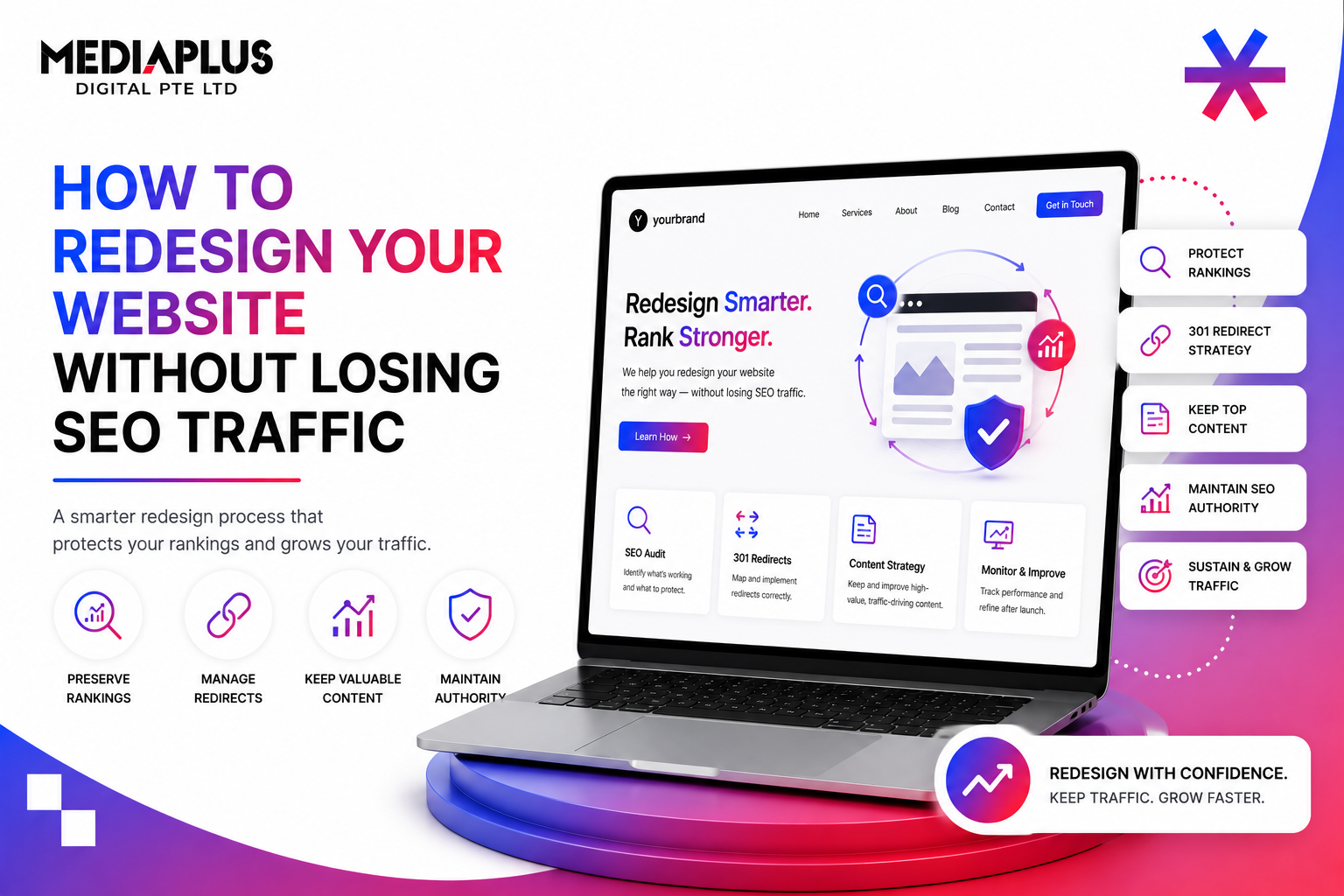
Most Singapore SMEs lose 20 to 40% of their organic traffic in the first 30 days after a redesign. A few lose almost everything, sometimes overnight. The agencies and clients involved usually did not do anything obviously wrong; they did dozens of small things, each of which leaked a fraction of search equity, and the cumulative damage shows up only after Google has finished re-crawling the new site.
The mistake is treating SEO as a workstream that runs in parallel to the redesign. By the time SEO discovers an issue, the dev team has already shipped the change that caused it. The fix is to treat the redesign as an SEO migration that happens to ship visual changes, not the other way around. If you do not already have an active programme, pair the build with SEO services in Singapore from week one of planning.
This playbook walks through the four ways traffic gets lost in a redesign, the migration sequence that prevents each one, and the day-by-day monitoring schedule for the first 30 days after launch.
The Four Ways You Actually Lose SEO Traffic
Traffic loss in a redesign comes from one of four sources. Every checklist on the internet is essentially preventing one of these.
1. URL changes without 301 redirects
The single most damaging mistake. When a URL changes and no 301 redirect is in place, every backlink, every internal link, and every Google index entry pointing to the old URL dies. Singapore agencies see this constantly when teams migrate from /services/seo/ patterns to /seo-services-singapore/ patterns mid-project and forget the redirect map.
2. Content thinned or rewritten beyond recognition
A page ranking for “PSG grant digital marketing” because it contains 1,400 words of specific PSG guidance does not keep ranking when the redesign trims it to 300 words of brand copy. Google re-evaluates the page on the next crawl and demotes it because the topical depth that earned the ranking is gone. This is also where E-E-A-T and topical authority signals collapse the fastest: rewriting a 1,400-word expert piece into 300 words of brand copy strips out the named author, the data citations, and the entity relationships Google uses to evaluate authority.
3. Technical regressions
A new site that loads in 4.5 seconds instead of 1.8, lacks structured data the old site had, blocks crawlers in robots.txt by accident, or fails Core Web Vitals on mobile, will lose rankings regardless of how good the design looks. Singapore mobile-first indexing punishes performance regressions especially hard because 77.58% of e-commerce traffic is mobile.
4. Internal linking collapse
The old site had a content hub linking from 80 cluster posts to a pillar page; the new site has a beautiful homepage and orphan blogs. PageRank-style equity flow stops, and the pillar page that used to rank slides off the first page in three weeks. A proper content cluster strategy carried over from the old site (or built fresh on the new one) is the single most underrated defence against post-launch ranking loss.
The Migration Sequence: Six Phases, Zero Shortcuts
Phase 1: Inventory (Weeks 1 to 2)
Before anything else, build the master URL inventory. Pull from at least three sources, because no single source is complete:
- Screaming Frog crawl of the live site, depth-unlimited.
- Google Search Console URL export covering the last 12 months.
- Server log files showing every URL crawlers actually hit (catches orphan pages).
- XML sitemap.
- CMS export of every published page.
Merge into one spreadsheet. Add columns for: current URL, current title, current H1, monthly impressions, monthly clicks, position, top 3 backlinks (Ahrefs or Semrush), topical cluster, and decision (keep, redirect, merge, delete).
Phase 2: Map (Weeks 2 to 3)
The URL map is the single most important document in the entire project. Every old URL gets one of four fates:
- Keep: URL unchanged, content updated. No redirect needed.
- Redirect (301): URL changes, content survives. Map old URL to new URL one-to-one.
- Merge: two or more thin pages consolidate into one stronger page. 301 each old URL to the new consolidated URL.
- Delete: page removed entirely. 301 to the most relevant remaining URL, never to the homepage as a default.
Wholesale redirects to the homepage are treated by Google as soft 404s and pass minimal equity. Match each old URL to a topically relevant new URL even when the old page is being deleted.
Phase 3: Build (Weeks 3 to 8)
Design and development continue, but with five non-negotiables for the SEO team to check every Friday. For full-stack guidance on the build itself, our web design team treats these as launch blockers:
- Title tags and meta descriptions match or improve on the live site versions.
- H1 hierarchy preserved per page; one H1 per page, descriptive sub-headings.
- Structured data (Schema.org) carried forward and extended where possible.
- Image alt text migrated, not regenerated by AI from scratch without review.
- Internal linking structure preserved at minimum, ideally improved through hub-and-spoke clusters.
Phase 4: Staging (Weeks 8 to 9)
Before launch, the staging site goes through a hard checklist. Skipping this is where most Singapore redesigns die.
- Block staging from indexing with HTTP basic auth or a meta robots noindex header on every page, never via robots.txt alone (robots.txt is sometimes ignored on subdomains).
- Run a full Screaming Frog crawl of staging. Compare URLs, titles, H1s, meta, alt against the migration map.
- Test the redirect file (or .htaccess / nginx rewrite rules) against the URL map. Every old URL must return 301 to the correct new URL. Use a redirect tester like httpstatus.io for batch checking.
- Run Lighthouse on staging mobile and desktop. Performance and Core Web Vitals scores must equal or exceed the live site.
- Run an accessibility audit (axe DevTools). New regressions block launch.
- Validate structured data with Google’s Rich Results Test on at least 10 representative pages.
- Test the robots.txt, XML sitemap, and canonical tags.
- Walk the site as a logged-out user on a slow 3G connection.
Phase 5: Launch (Day 0)
A controlled launch sequence, in order:
- Lift the staging block. Confirm the live site is indexable.
- Push the 301 redirect file to production.
- Submit the new XML sitemap to Google Search Console.
- Request indexing on the top 20 highest-traffic URLs.
- Run a fresh Screaming Frog crawl of production. Spot-check 50 critical URLs.
- Monitor server logs for crawler hits and 4xx / 5xx errors in real time for the first 6 hours.
Phase 6: Monitor and Stabilise (Days 1 to 30)
The launch is not the end. The first 30 days produce most of the surprises. Day 1 may show a 5 to 15% dip in organic traffic; that is normal as Google re-evaluates. A 50%+ drop on Day 1 is always a redirect or robots.txt problem and needs same-day investigation. For B2B sites specifically, our B2B SEO ranking playbook covers what to watch beyond raw traffic numbers.
The Day-by-Day Monitoring Schedule
Most agencies hand over after launch. The first month is when the work actually pays off, because that is when Google decides whether the new site keeps the equity of the old. Here is what to watch, when:
|
Day |
What to check |
What healthy looks like |
|
Day 0 |
Redirect file deployed, sitemap submitted, staging block lifted |
Live site returns 200, 301s resolve correctly, sitemap accepted in GSC |
|
Day 1 |
Server logs (crawler activity), 4xx / 5xx in GSC, top-20 URL rankings |
Crawl activity rising, no 5xx spikes, rankings unchanged or dipping <15% |
|
Day 2 to 3 |
GSC Coverage report, indexed URL count vs sitemap |
New URLs entering index, old URLs marked as “redirected” not “not found” |
|
Day 4 to 7 |
Organic traffic vs prior 7 days (GA4), branded vs non-branded split |
Total traffic within 10-20% of baseline, branded traffic stable |
|
Day 8 to 14 |
Top 50 ranking keywords (Semrush / Ahrefs), Core Web Vitals |
Most rankings within plus or minus 3 positions of pre-launch, CWV passing |
|
Day 15 to 30 |
Backlink integrity, deep-page traffic, conversions |
Backlinks now resolving to new URLs, deep pages recovering, conversion rate stable |
|
Day 30+ |
Full traffic recovery, structured data coverage, content gaps |
Organic traffic at or above pre-redesign baseline; if not, diagnose specific URLs |
When Day 1 Looks Bad: Triage in the First 6 Hours
A redesign that drops 40%+ in organic traffic on Day 1 is recoverable, but only if you diagnose fast. The order of operations:
- Check robots.txt. The most common cause of catastrophic Day 1 loss is a noindex tag or “Disallow: /” left over from staging.
- Check the meta robots tags on key templates. AI-generated themes sometimes ship with noindex by default.
- Spot-check 20 old URLs against the redirect file. Are they all returning 301 to the right new URL?
- Check the XML sitemap. Does it list the new URLs? Was it submitted to GSC?
- Check Core Web Vitals on the new homepage and top 5 pages. A 5-second LCP regression triggers immediate ranking drops.
- Check for accidental canonical tags pointing to old URLs.
- Check server log files for crawler errors. Spikes in 5xx kill rankings within 24 hours.
If none of these are the cause, the issue is usually structural: content thinned, internal linking collapsed, or topical clusters broken. These take longer to fix but are recoverable across the following 30 to 60 days. Pair with conversion rate optimisation work during recovery so the traffic that does return converts at a higher rate than before.
The 2026 Angle Most Redesign Guides Miss: AI Search
Around 38% of Singapore SERPs now show an AI Overview (BrightEdge 2026), and ChatGPT, Perplexity, and Gemini cite specific pages in their answers. A redesign that strips out FAQ schema, named authors, or quotable answer paragraphs hurts AI search visibility even when classic SEO rankings hold. Read our deep dive on AI SEO and Generative Engine Optimisation in Singapore and how AI is transforming digital marketing before scoping the rebuild.
The Mistakes That Cause Most Singapore Redesign Failures
- Treating SEO as a sign-off at the end rather than a workstream from week 1.
- Mass-redirecting deleted pages to the homepage instead of to topically relevant URLs.
- Changing the URL structure for cosmetic reasons (e.g. removing dates, “prettifying” slugs) without quantifying the SEO impact.
- Re-writing high-traffic page copy from scratch with AI, losing the specific keywords and entities that earned the ranking.
- Removing schema.org markup the old site had because the new theme does not implement it.
- Forgetting to migrate alt text on images.
- Launching on a Friday afternoon. Always launch Tuesday or Wednesday so the team can fix problems before the weekend.
- Cancelling the SEO retainer the week the new site goes live. The first 30 days is when SEO work matters most.
For a Singapore-specific redesign that protects rankings while modernising the brand, talk to MediaPlus web design and development. Pair the build with ongoing SEO services in Singapore through the first 90 days, and consider running CRO experiments on the new templates from week three so you compound visual upgrades into real revenue. For more on our approach, browse the MediaPlus blog.