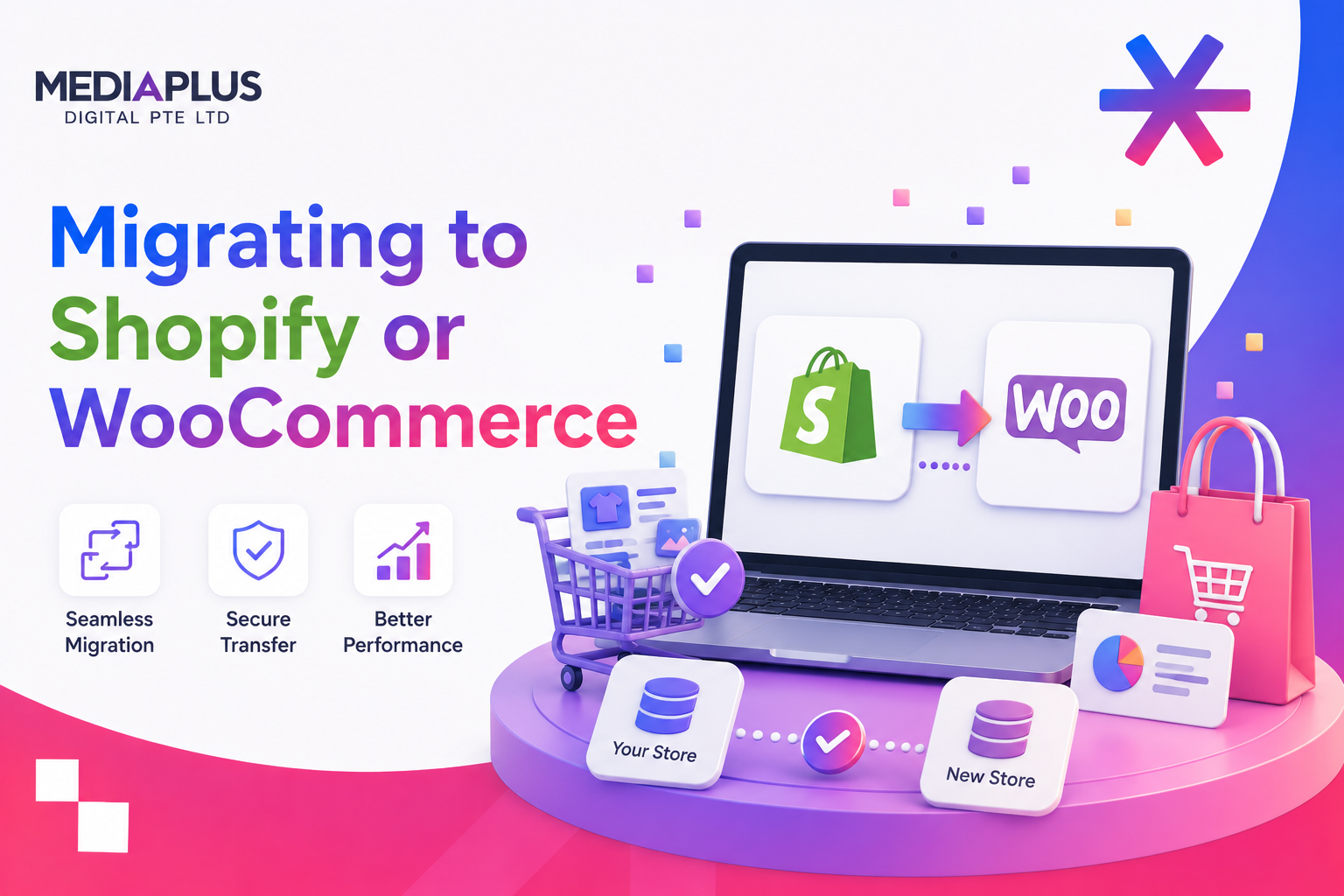
Replatforming is one of the few projects that can wipe out years of SEO progress in a single afternoon. When you move a Singapore store to a new platform, every URL, redirect, title tag, and piece of schema is in play. Get the plan right and most stores hold their rankings with only a short wobble. Get it wrong and you watch traffic, enquiries, and sales fall while you scramble to find what broke.
This guide is a full, executable playbook built around four phases: before, during, launch, and after. It covers the URL quirks that catch people out on both platforms, a redirect-map example you can copy, a launch-day checklist, and an indicative recovery timeline so you know what normal looks like. The aim is simple: switch platforms without handing your organic traffic back to competitors.
If you are still deciding between the two platforms, read our comparison of Shopify vs WooCommerce SEO in Singapore first, then come back here to plan the move.
Key takeaways
- The single biggest risk in any migration is broken or sloppy URL mapping. A clean one-to-one 301 redirect map protects most of your link equity.
- Capture a full SEO baseline before you touch anything: a complete crawl, every indexed URL, Google Search Console and analytics snapshots, and your current rankings.
- Preserve titles, meta descriptions, headings, schema, internal links, and image paths wherever the new platform allows it.
- Keep staging on noindex, then flip it cleanly at cutover so a half-built site never gets indexed.
- Recovery is usually a matter of weeks to a few months, not days. Plan to monitor closely for at least 8 to 12 weeks.
Phase 1: Before the migration (baseline everything)
You cannot protect what you have not measured. Before any build work starts, freeze a complete picture of your current SEO position. This baseline is what you will compare against after launch to spot regressions fast.
Crawl and export every URL
Run a full crawl with Screaming Frog, Sitebulb, or a similar tool. Filter for HTTP 200 pages and export the complete URL inventory: products, collections or categories, blog posts, CMS pages, tag archives, and any landing pages. This export becomes the left-hand column of your redirect map.
Cross-check the crawl against three other URL sources so nothing slips through:
- Full crawl export (200-status pages only)
- Current XML sitemap(s)
- Google Search Console “Pages” (indexed) report
- Top URLs from your analytics platform (last 12 months by organic sessions)
- Top URLs by backlinks (from your link tool of choice)
Snapshot performance and rankings
Record where you stand so post-launch dips are obvious:
- Export Search Console performance (queries, pages, clicks, impressions) for the last 16 months
- Export the indexed page count and index coverage status
- Save an analytics snapshot of organic sessions, revenue, and conversions by landing page
- Log current rankings for your priority keywords
- Note which pages earn the most traffic and the most links, since these get the most careful redirect attention
Capture the on-page assets you will reuse
For your top pages, save the title tags, meta descriptions, H1 and H2 structure, schema markup, internal link patterns, and image file paths. You will reapply these on the new platform rather than rewriting from scratch. If your foundations are shaky, this is a good moment to review technical SEO fundamentals before rebuilding.
The same discipline applies to a redesign. Our guide on redesigning a website without losing SEO traffic and the companion website redesign checklist both reinforce the baseline-first approach.
Phase 2: During the build (URL mapping, redirects, and preservation)
This is where most rankings are won or lost. The work splits into two jobs: deciding what each old URL maps to, and preserving the on-page signals Google already trusts.
Understand the URL structures you are moving between
The two platforms give you very different levels of control, and that shapes your redirect map.
Shopify forces a fixed handle structure. Products live at /products/[handle] and collections at /collections/[handle]. A product reached through a collection can also appear at /collections/[collection]/products/[handle], which creates a second path to the same product. Shopify sets the canonical to the clean /products/[handle] version automatically, which prevents most duplicate-content problems, but you should still confirm canonicals after launch. You cannot remove the /products/ and /collections/ prefixes, and blog content sits under /blogs/[blog]/[handle]. Plan your redirects around these fixed paths rather than fighting them.
WooCommerce gives you near-total permalink control through WordPress settings. You can keep an existing /product/[slug] pattern, strip the /product/ base, or mirror your old structure almost exactly. This flexibility is a gift: if you are moving from another WordPress or WooCommerce setup, you can often keep URLs identical and skip most redirects entirely. The trade-off is that you own the discipline. There is no forced canonical safety net, so set canonicals, manage tag and category archives, and control parameter URLs deliberately.
Build the redirect map
List every old URL and pair it with its closest equivalent on the new platform. Redirect to the most relevant page, never bulk-redirect everything to the homepage, since that signals a problem to Google and wastes link equity. Here is a worked example for a store moving to Shopify:
|
Old URL (current site) |
New URL (Shopify) |
Redirect type |
Notes |
|
/shop/leather-tote-bag |
/products/leather-tote-bag |
301 |
Direct product match |
|
/category/handbags |
/collections/handbags |
301 |
Category to collection |
|
/shop/sale |
/collections/sale |
301 |
Promo collection retained |
|
/blog/how-to-clean-leather |
/blogs/news/how-to-clean-leather |
301 |
Blog moves under /blogs/ |
|
/shop/discontinued-clutch |
/collections/clutches |
301 |
Dead product to parent collection |
|
/about |
/pages/about |
301 |
CMS page path change |
Keep redirect chains out of the map. Point old URL A straight to final URL C, never A to B to C. Chains slow crawling and bleed authority.
A sample redirect rule
On WooCommerce or any server you control, you can implement redirects at the server level, which is faster and cleaner than plugin-based rules. An Apache .htaccess example:
# Single page move
Redirect 301 /shop/leather-tote-bag /product/leather-tote-bag
# Pattern-based: old /category/X to new /product-category/X
RewriteEngine On
RewriteRule ^category/(.*)$ /product-category/$1 [R=301,L]
On Shopify you cannot edit server config. Instead, build a CSV with two columns (“Redirect from” and “Redirect to”), then import it under Online Store, Navigation, URL Redirects. Shopify can process thousands of redirects this way.
Preserve the signals Google already trusts
Migration tools often strip metadata. Reapply it deliberately:
- Title tags carried over (or improved, not blanked)
- Meta descriptions reapplied
- H1 and heading hierarchy preserved
- Product, breadcrumb, and review schema reinstated
- Internal links rebuilt to point at new URLs, not redirected ones
- Image alt text kept; image file paths preserved where the platform allows
Structured data deserves special care on Shopify, where product rich results drive click-through. Our guide to Shopify schema and structured data walks through getting this right after a move.
Phase 3: Staging, indexing controls, and the launch cutover
A migration goes live in a controlled moment, not by accident. Manage the staging environment and indexing signals carefully so a half-finished site never reaches Google.
Keep staging invisible
While you build, the staging site must be unreachable to search engines:
- Staging protected by HTTP authentication or a noindex meta tag on every page
- robots.txt on staging blocks crawling (remember to replace it at launch)
- Staging is not linked from any indexed page
- Canonical tags on staging point to the intended live URLs, not the staging host
Do not rely on robots.txt alone to keep pages out of the index. A blocked page can still be indexed if it is linked elsewhere, so use noindex or authentication as the primary control.
Prepare the indexing signals you flip at launch
- XML sitemap generated for the new site, listing only canonical 200-status URLs
- Canonical tags verified across product, collection, and CMS templates
- If you serve multiple regions or languages, hreflang annotations set and self-referencing. Most single-market Singapore stores do not need hreflang; add it only if you genuinely target separate country or language versions.
- Robots directives reviewed so no important template carries a stray noindex
Launch-day cutover checklist
Run this in order on the day you go live:
- Remove staging noindex and authentication; allow crawling
- Replace the staging robots.txt with the production version
- Activate the full 301 redirect map
- Spot-check 15 to 20 high-value old URLs and confirm each returns a single 301 to the correct new URL
- Crawl the live site for broken links, redirect chains, and loops
- Submit the new XML sitemap in Google Search Console
- Use the URL Inspection tool to request indexing for your most important pages
- Confirm analytics and conversion tracking fire on the new site
- Verify Search Console property covers the new setup (and the new domain, if it changed)
- Check that canonical tags resolve to live URLs, not staging
If your store is being rebuilt as part of this move, the ecommerce website launch checklist covers the non-SEO go-live items too.
Phase 4: After launch (monitor, diagnose, recover)
The work is not done at cutover. The first 8 to 12 weeks decide whether your traffic holds.
What to watch, and how often
- Crawl errors and 404s in Search Console (check daily for the first two weeks)
- Index coverage: are new URLs getting indexed and old ones dropping out cleanly?
- Redirects: re-crawl weekly to catch any that broke or turned into chains
- Rankings for priority keywords against your baseline
- Organic sessions, revenue, and conversions by landing page versus the pre-launch snapshot
When a 404 appears for an old URL, add a redirect for it. When a specific page has not recovered after a few weeks, confirm three things: the redirect resolves in one hop, the canonical points to the right page, and the page has actually been re-crawled (use URL Inspection to check and request indexing).
Indicative recovery timeline
Treat these as indicative ranges, not guarantees. Recovery depends on site size, redirect quality, and how much actually changed.
- Week 1 to 2: Expect visible fluctuation as Google re-crawls and re-indexes. Some ranking and traffic dip here is normal and not a reason to panic.
- Week 2 to 6: Rankings should begin settling back toward baseline if redirects are clean and signals were preserved.
- Week 6 to 12: Most stores stabilise within this window. Pages still depressed after about six weeks usually point to a specific fixable issue (a broken redirect, missing canonical, or a page not yet re-crawled).
- Beyond 3 months: A larger or messier migration can take a few months to fully settle. If you are well past this with no recovery, treat it as a diagnostic problem, not a waiting game.
Ongoing organic growth after stabilisation is a separate workstream. Whether you landed on Shopify or WooCommerce, dedicated SEO in Singapore keeps the momentum going rather than letting rankings drift.
Shopify vs WooCommerce: SEO control compared
Both platforms can rank well. They differ in how much control they hand you and how much discipline they demand.
|
SEO factor |
Shopify |
WooCommerce |
|
URL structure |
Fixed /products/ and /collections/ prefixes; handles editable, prefixes not |
Full permalink control; can match almost any old structure |
|
Redirects |
Built-in manager, bulk CSV import; no server config access |
Server-level (.htaccess/Nginx) or plugin; full control |
|
Canonical tags |
Auto-set to clean product URL; safety net for collection paths |
Manual control via SEO plugin; you own the discipline |
|
Title and meta editing |
Native fields per page |
Via Yoast, Rank Math, or similar SEO plugin |
|
Schema / structured data |
Theme-dependent; often needs app or code tweaks |
Plugin-driven, highly configurable |
|
Duplicate-path risk |
Collection-product paths exist but canonical handles it |
You must manage tag/category/parameter archives yourself |
|
Maintenance overhead |
Lower; platform manages hosting and core |
Higher; you manage hosting, updates, and plugins |
|
Best fit |
Teams wanting a managed platform with guardrails |
Teams wanting maximum control and flexibility |
For deeper platform-level detail, see WordPress vs Shopify. If you are building or rebuilding the store itself, our ecommerce website Singapore service covers the full build.
Frequently asked questions
Will I definitely lose rankings when I migrate?
Not if the migration is clean. Expect short-term fluctuation in the first weeks, but a well-mapped redirect plan with preserved on-page signals typically holds the majority of your rankings and recovers within weeks to a few months.
Do I need 301 redirects if my URLs stay the same?
If URLs are genuinely identical, you need far fewer redirects. This is common when staying on WordPress or WooCommerce. Even then, audit for any structural changes (category bases, trailing slashes, parameter handling) and redirect those.
Can I change my URL structure during the migration?
You can, but avoid it unless necessary. Every changed URL needs a redirect and carries some risk. If you must change them, map each old URL to its closest new match and never point them all at the homepage.
How long should I wait before judging the migration a success?
Give it at least 8 to 12 weeks of monitoring. Early dips are expected. If specific pages have not recovered after about six weeks, diagnose them individually rather than waiting longer.
Should I migrate to a new domain at the same time?
If you can avoid it, do. Combining a platform change and a domain change at once doubles the variables. If both are unavoidable, treat the domain change with extra care in Search Console and keep redirects especially tight.
What is the most common mistake that tanks traffic?
Broken, missing, or chained redirects, followed by stripped metadata and schema. Both are preventable with a complete redirect map and a preservation checklist.
Do I need hreflang?
Only if you serve genuinely separate language or country versions. Most single-market Singapore stores do not. Adding hreflang you do not need just creates maintenance overhead.
Ready to migrate without the traffic loss?
A platform move is the moment your SEO is most exposed, and it is far cheaper to plan it right than to recover from a botched cutover. MediaPlus Digital handles migrations on both platforms end to end, from baseline crawl to redirect mapping to post-launch monitoring. Explore our Shopify SEO services in Singapore or our WooCommerce SEO service to keep your rankings intact through the switch.