
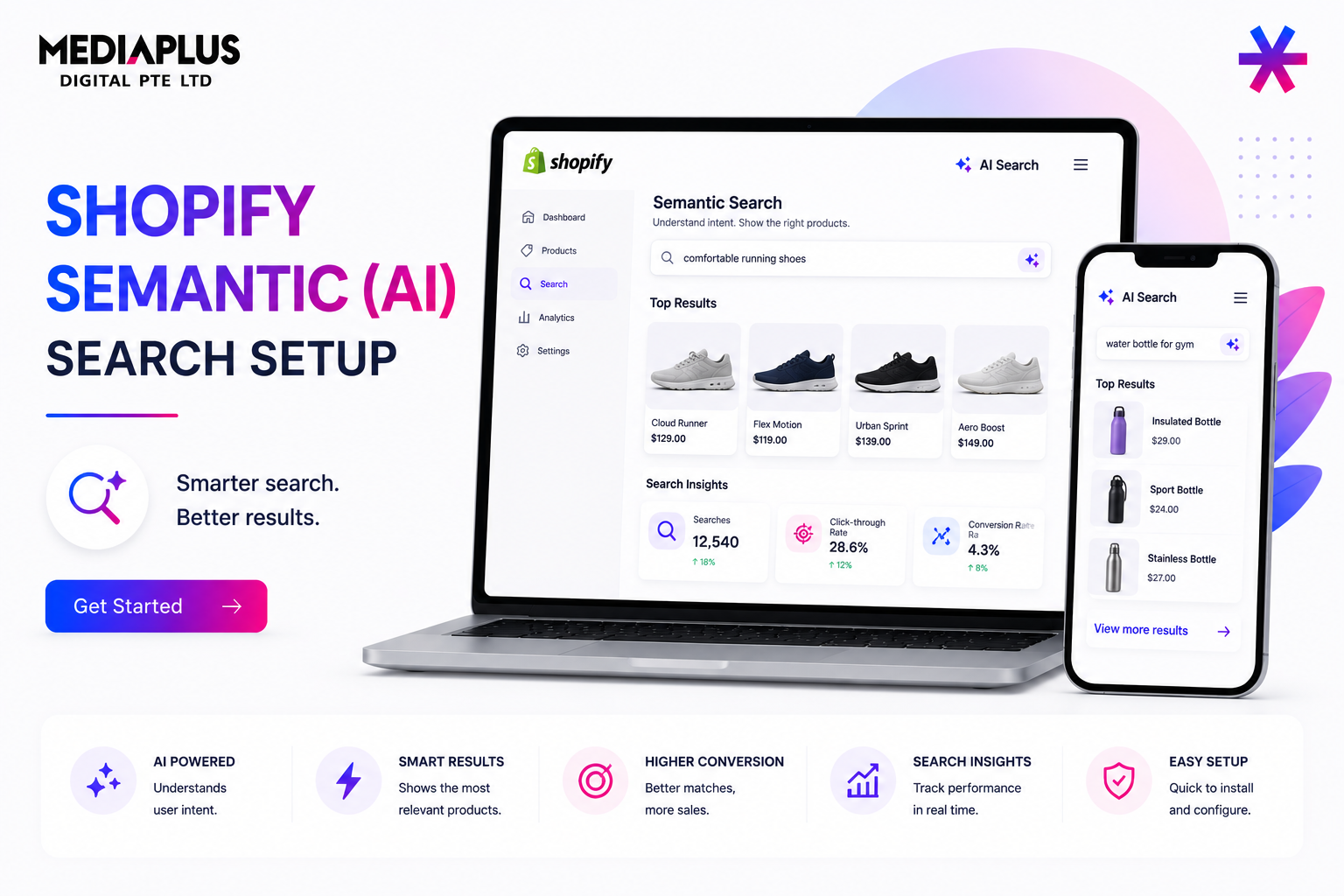
When a shopper types “something to wear to a Christmas party” and your store returns no results, you lose a sale that was ready to happen. Shopify’s semantic search, part of the free Search and Discovery app, understands intent rather than just matching exact words, so queries like that surface the right products. This guide explains how semantic search differs from keyword search, how to turn it on, what else the Search and Discovery app gives you, and how to set it up for conversions.
Keyword Search Versus Semantic Search
Traditional storefront search matches the literal words in a query against the words in your product titles and descriptions. If the exact term is not present, the shopper sees nothing.
Semantic search maps both the query and your products into a shared space of meaning, so it can connect related concepts even when the words do not match. It draws on related words, categories, product descriptions, and image data such as colours and text within images.
The classic example: a search for “Christmas party shoes” can return red pumps even if no listing contains that exact phrase.
| Feature | Keyword Search | Semantic Search |
|---|---|---|
| Matching | Literal word match | Intent and concept match |
| Conversational queries | Often returns nothing | Returns relevant products |
| Zero-result searches | Common | Reduced |
| Setup | Default | Enable in Search and Discovery |
Fewer zero-result searches means more shoppers reach a product page instead of a dead end, which is the conversion lever here.
How to Turn On Semantic Search
Semantic search lives in Shopify’s free Search and Discovery app:
- In your admin, go to Apps and open Search and Discovery. Install it from the Shopify App Store if you have not already.
- Click Settings.
- Scroll to Search Relevance.
- Click Turn On for Semantic Search. A “Try It Out” preview lets you test queries before committing.
Shopify has been making semantic search the default within Search and Discovery, so on newer stores it may already be enabled. Check the Search Relevance setting to confirm its status on your store.
Availability and Limits
- Plans: Available on Grow, Advanced, and Plus, after a 2024 expansion to more plans.
- Catalogue Size: Your store must have fewer than 200,000 products.
- Not Supported: Predictive search and the Japanese locale.
Confirm these against your own plan and catalogue before relying on the feature.
The Rest of the Search and Discovery Toolkit
Semantic search is one part of a larger merchandising app. Configure these together for the best results.
Synonyms
Group equivalent terms so shoppers find products regardless of wording, for example “trainers”, “sneakers”, and “running shoes”. Limits: up to 20 synonyms per group and up to 1,000 across the store. Multi-word synonyms behave as phrase searches.
Product Boosts
Promote specific products for chosen search terms, for example pushing your highest-margin item to the top for a popular query. You can set up to 10 boosted terms per product and up to 1,000 terms store-wide, and rank out-of-stock products lower.
Filters
Configure product and collection filters (size, colour, price, type) so shoppers can narrow a large result set quickly. Note that filter URLs need SEO handling, covered in our AI SEO for Shopify Stores guide.
Result Types and Listings
Choose whether search returns products, pages, blog posts, and collections, control how out-of-stock items display, and decide how combined or variant listings appear.
A Conversion-Focused Setup Checklist
- Enable semantic search and confirm it is on.
- Audit your zero-result searches in Search and Discovery analytics, then add synonyms to cover the gaps.
- Boost bestsellers and high-margin products for your most common queries.
- Rank out-of-stock products lower so shoppers land on items they can buy.
- Set up filters on large collections so results stay navigable.
- Test conversational queries in the preview, the way a real shopper would phrase them, not the way your catalogue is named.
- Review search analytics monthly and keep refining synonyms and boosts.
On Conversion Claims
Shopify describes richer, more relevant results and better intent understanding, but does not publish an official conversion percentage for semantic search. Third-party vendors cite figures such as large reductions in zero-result searches, but those are vendor claims, not Shopify data.
Treat the mechanism, fewer dead ends and better matching, as the real benefit, and measure your own before-and-after performance using the app’s search analytics.
When a Third-Party Search App Is Worth It
Native semantic search plus synonyms, boosts, and filters covers most stores well. Consider a dedicated search app only if you need capabilities Shopify does not offer natively, such as advanced merchandising rules, more granular relevance tuning, support beyond the 200,000-product ceiling, or Japanese-locale semantic search.
Do not conflate Shopify’s native semantic search with third-party vector search products. They are different tools at different price points.
Where This Fits for a Singapore Store
For local stores with broad or seasonal catalogues, semantic search and a tidy synonym list capture the messy, conversational way Singaporean shoppers actually search, including local product names and mixed-language queries.
Search is also a conversion surface, so pair it with our conversion rate optimisation work and a well-built ecommerce store.
To reduce lost sales further, see our guide on reducing cart abandonment.
FAQ
Is Shopify Semantic Search Free?
Yes. It is part of the free Search and Discovery app on eligible plans.
Which Plans Support It?
Grow, Advanced, and Plus, for stores with fewer than 200,000 products.
Does It Work in Every Language?
The Japanese locale and predictive search are not supported. Confirm your locale before relying on it.
Will It Increase My Conversion Rate?
It reduces zero-result searches and improves matching, which removes a common cause of lost sales. Shopify does not publish a fixed conversion figure, so measure your own results.
Want a Shopify store where search, merchandising, and SEO all pull together? Talk to our Shopify SEO team in Singapore or explore CRO services.