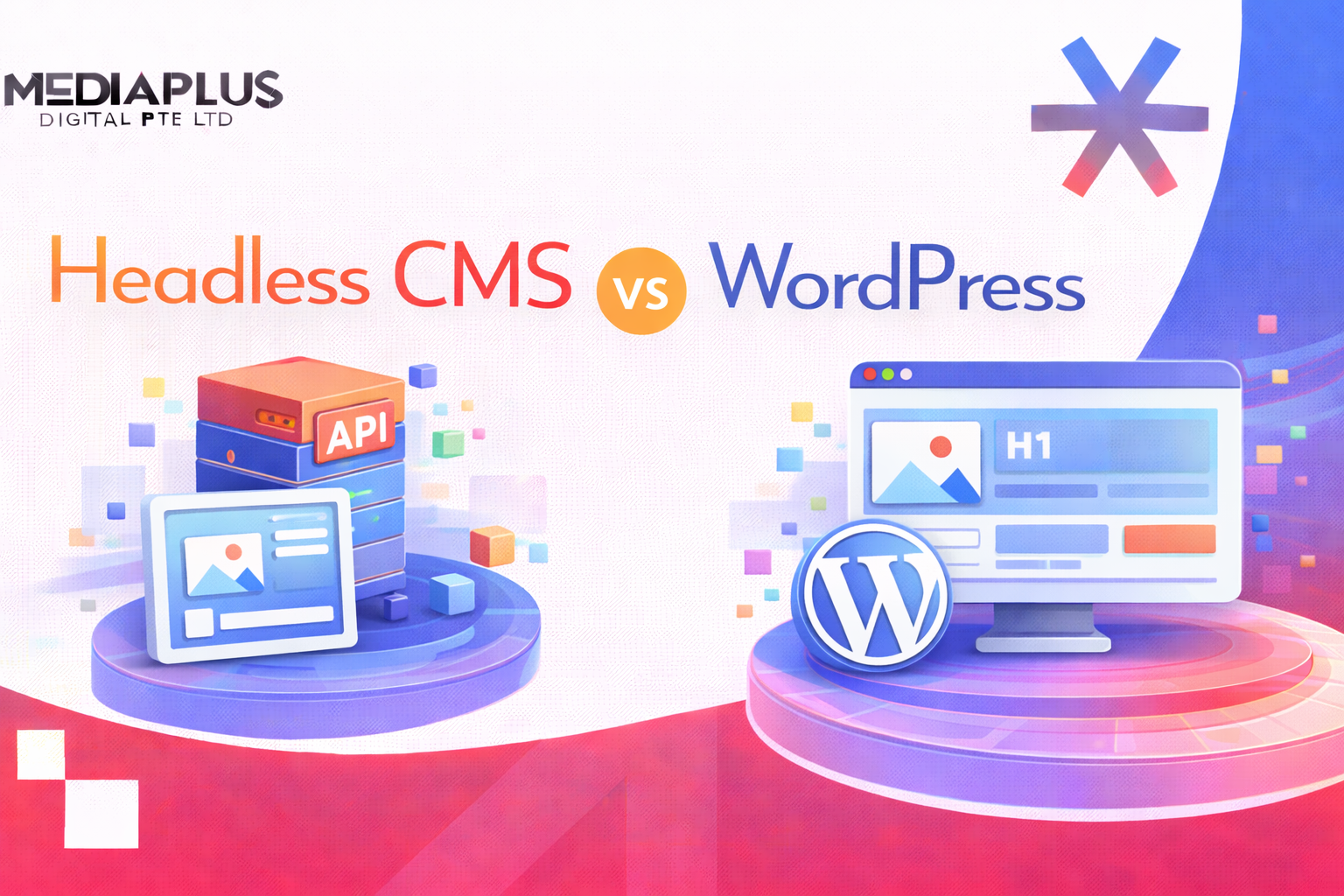
WordPress powers 43% of the web and holds 65% of the CMS market. It is the default choice for millions of websites. But a growing number of businesses are migrating to headless CMS platforms, drawn by better performance, flexible content delivery, and modern developer workflows.
Is WordPress still the right choice for your project, or should you make the switch to headless? The answer is not one-size-fits-all. In this guide, we compare both approaches across every factor that matters, including a third option many overlook: headless WordPress.
What Is WordPress (and Where It Excels)
WordPress is a monolithic, open-source CMS where the content management backend and the frontend presentation layer are tightly coupled. You write content in the WordPress admin, and WordPress renders the page using PHP templates and themes.
WordPress excels at:
- Speed to launch: A basic website can go live in days, not months.
- Ecosystem: 59,000+ plugins and 11,000+ themes for nearly any feature.
- Content editing: The block editor (Gutenberg) provides a visual, WYSIWYG editing experience.
- Cost for simple sites: Shared hosting starts at $3-10/month; many plugins are free.
- Community: Massive global community means abundant tutorials, developers, and support.
What Is a Headless CMS (and Why It Exists)
A headless CMS decouples the content management backend from the frontend presentation layer. Content is stored and managed through an admin interface, then delivered to any frontend (website, mobile app, smartwatch, digital signage) via APIs (REST or GraphQL).
The “headless” name comes from removing the “head” (the frontend) from the CMS “body” (the backend). This architecture gives developers complete freedom to build the frontend with any technology they choose.
A headless CMS excels at:
- Omnichannel delivery: One content source serving website, app, smart display, and more.
- Performance: Pre-rendered static pages (via SSG/SSR) deliver sub-second load times.
- Security: Smaller attack surface with no public-facing admin or plugin vulnerabilities.
- Developer experience: Modern tech stacks (React, Next.js, Astro, SvelteKit) instead of PHP templates.
- Scalability: API-first architecture handles traffic spikes without server strain.
Head-to-Head Comparison
|
Factor |
WordPress |
Headless CMS |
|
Architecture |
Monolithic (coupled frontend + backend) |
Decoupled (API-first, frontend-agnostic) |
|
Performance |
Dependent on hosting, plugins, caching |
Typically faster (static generation, CDN-first) |
|
Security |
Larger attack surface (plugins, themes, PHP) |
Smaller attack surface (no public admin, no plugins) |
|
SEO |
Excellent (Yoast, RankMath, built-in) |
Depends on frontend implementation (SSR/SSG required) |
|
Content editing |
Visual block editor (WYSIWYG) |
Structured content fields (no visual preview by default) |
|
Developer experience |
PHP, theme system, hooks/filters |
Any language/framework (React, Next.js, Astro, etc.) |
|
Plugins/Ecosystem |
59,000+ plugins |
Limited to CMS-specific integrations + custom code |
|
Omnichannel |
Website only (without customisation) |
Any channel via API |
|
Cost (Year 1) |
$500 – $5,000 (hosting + premium plugins) |
$1,000 – $20,000+ (CMS subscription + custom frontend dev) |
|
Cost (Year 2-3) |
$300 – $2,000/year (hosting + maintenance) |
$1,000 – $6,000/year (CMS subscription + maintenance) |
|
Scalability |
Requires optimised hosting for high traffic |
Built for scale (CDN + static pages) |
|
Time to launch |
Days to weeks |
Weeks to months |
Performance and Core Web Vitals
A well-optimised WordPress site can score 90+ on Lighthouse. But achieving that requires caching plugins (WP Rocket), image optimisation, CDN setup, and careful plugin management. Out of the box, WordPress sites often score poorly due to plugin bloat and render-blocking resources.
Headless CMS sites, when paired with static site generation (Next.js, Astro, Gatsby), deliver near-perfect performance scores by default because pages are pre-rendered as static HTML and served from a CDN. There is no server-side processing per request.
Real-world data: Komax achieved 3x faster time-to-market after switching from WordPress to a headless architecture. Samsung saw a 15% increase in user engagement after migrating to headless.
Security
96% of WordPress security vulnerabilities come from third-party plugins and themes (Patchstack data). WordPress’s popularity makes it a constant target for automated attacks.
Headless CMS platforms have a significantly smaller attack surface: the admin interface is not publicly accessible, there is no plugin ecosystem to exploit, and the frontend is typically static HTML served from a CDN (no server-side code to attack).
SEO
WordPress has excellent built-in SEO capabilities, enhanced by plugins like Yoast and RankMath. Meta tags, sitemaps, schema markup, and URL structures are easy to manage.
With a headless CMS, SEO depends entirely on how the frontend is built. Server-side rendering (SSR) or static site generation (SSG) is required for proper indexing. Client-side rendering (CSR) alone will cause indexing problems. This means SEO with headless requires more technical expertise, but when done correctly, the results can match or exceed WordPress.
Our guide on SEO-friendly web design covers the technical foundations that apply to both architectures.
Content Editor and Marketer Experience
This is often the deciding factor for non-technical teams. WordPress’s block editor lets content creators see exactly how their content will look on the page. It is intuitive for marketers and writers who are not developers.
Most headless CMS platforms offer structured content editors (fill in fields, add components) without a visual preview of the final output. Some platforms (Storyblok, Contentful) now offer visual editing tools, but the experience is not yet as seamless as WordPress’s block editor.
If your content team is non-technical and needs to publish independently, WordPress’s editor experience is still superior. If your content is highly structured and reused across multiple channels, a headless CMS’s structured approach is more appropriate.
Total Cost of Ownership
|
Cost Category |
WordPress (3-Year) |
Headless CMS (3-Year) |
|
Hosting |
$360 – $3,600 |
$0 – $1,800 (often included in CMS subscription) |
|
CMS subscription |
$0 (core is free) |
$1,800 – $18,000 (varies by platform and tier) |
|
Premium plugins/themes |
$200 – $1,500 |
$0 (custom code replaces plugins) |
|
Frontend development |
$2,000 – $10,000 |
$5,000 – $30,000+ |
|
Ongoing maintenance |
$1,200 – $6,000 |
$1,800 – $9,000 |
|
Total (3-year estimate) |
$3,760 – $21,100 |
$8,600 – $58,800 |
WordPress is significantly cheaper for simple to mid-complexity websites. Headless CMS costs are higher but may deliver better ROI for enterprise-scale, multi-channel projects where performance, security, and scalability justify the investment.
The Third Option: Headless WordPress
You do not have to choose between WordPress and headless. Headless WordPress uses WordPress as the content management backend while replacing the PHP frontend with a modern framework (Next.js, Astro, Nuxt.js) that consumes WordPress data via REST API or WPGraphQL.
This gives you:
- WordPress’s familiar editing experience for content teams.
- Modern frontend performance (static generation, CDN delivery).
- Access to the WordPress plugin ecosystem for content management (though front-end plugins like forms, sliders, and page builders will not work).
- Improved security (the WordPress admin is not publicly exposed).
Headless WordPress makes sense when your content team loves WordPress but your development team wants modern frontend tools and better performance.
Popular Headless CMS Platforms Compared
|
Platform |
Type |
Best For |
Pricing (Starting) |
|
Strapi |
Open-source, self-hosted |
Teams wanting full control and no vendor lock-in |
Free (self-hosted) |
|
Contentful |
SaaS |
Enterprise teams with complex content models |
$300/month |
|
Sanity |
SaaS with open-source studio |
Developers wanting maximum customisation |
Free tier; $99/month for teams |
|
Payload |
Open-source, self-hosted |
TypeScript developers wanting code-first CMS |
Free (self-hosted) |
|
Storyblok |
SaaS |
Marketers wanting visual editing in a headless CMS |
Free tier; $99/month for business |
|
Hygraph |
SaaS |
Teams needing GraphQL-native content federation |
Free tier; custom pricing for teams |
Decision Framework: Which Should You Choose?
Choose WordPress If…
- Your website is a blog, portfolio, or standard business site.
- Your content team needs visual editing without developer support.
- Budget is limited (under $10,000 for initial build).
- You need to launch quickly (days, not months).
- Your content only needs to appear on one website.
Choose Headless CMS If…
- You need to deliver content to multiple channels (web, app, smart devices).
- Performance and Core Web Vitals scores are business-critical.
- Security is a top priority (finance, healthcare, government).
- Your development team wants modern tools (React, TypeScript, GraphQL).
- You are building a complex digital product, not just a website.
Choose Headless WordPress If…
- Your content team is trained on WordPress and does not want to switch.
- You want better frontend performance without changing your CMS.
- You need some WordPress plugins for content management but want a modern frontend.
Whatever you choose, the web design principles that drive effective websites remain the same: clear hierarchy, fast performance, and user-centred design.
Frequently Asked Questions
Is headless CMS better than WordPress for SEO?
Not automatically. WordPress has excellent SEO tools (Yoast, RankMath). Headless CMS SEO depends on the frontend rendering strategy. With SSR or SSG, headless can match or exceed WordPress SEO. With client-side rendering only, SEO will suffer.
How much does headless CMS cost compared to WordPress?
WordPress can run for as little as $500/year. Headless CMS platforms range from free (Strapi self-hosted) to $300+/month (Contentful, Sanity teams), plus higher frontend development costs. Over 3 years, headless typically costs 2-3x more.
Can I use WordPress as a headless CMS?
Yes. WordPress exposes content via REST API and WPGraphQL. You can use WordPress for content management while building a custom frontend in Next.js, Astro, or any framework. This gives you the best of both worlds.
Is headless CMS only for large enterprises?
No. Open-source options like Strapi and Payload are free to self-host and suitable for small teams. However, the development expertise required is higher than WordPress, so factor in developer costs.
What is the biggest downside of headless CMS?
The content editing experience. Most headless platforms lack WordPress-level visual editing. Content creators must work with structured fields rather than WYSIWYG editors, which requires a mindset shift.
Key Takeaways
- WordPress is ideal for standard websites, blogs, and budget-conscious projects with non-technical content teams.
- Headless CMS is ideal for multi-channel delivery, performance-critical sites, and modern development workflows.
- Headless WordPress offers a practical middle ground: WordPress editing + modern frontend performance.
- WordPress costs 2-3x less than headless over 3 years for typical projects.
- SEO works well with both approaches when implemented correctly.
- 96% of WordPress vulnerabilities come from plugins; headless significantly reduces this attack surface.
Need Help Deciding?
At MediaPlus Digital, we build websites on both WordPress and modern headless architectures. Our Singapore-based team can assess your requirements and recommend the approach that best fits your content needs, budget, and growth plans.
Explore our web design services or read about what makes a good business website.