
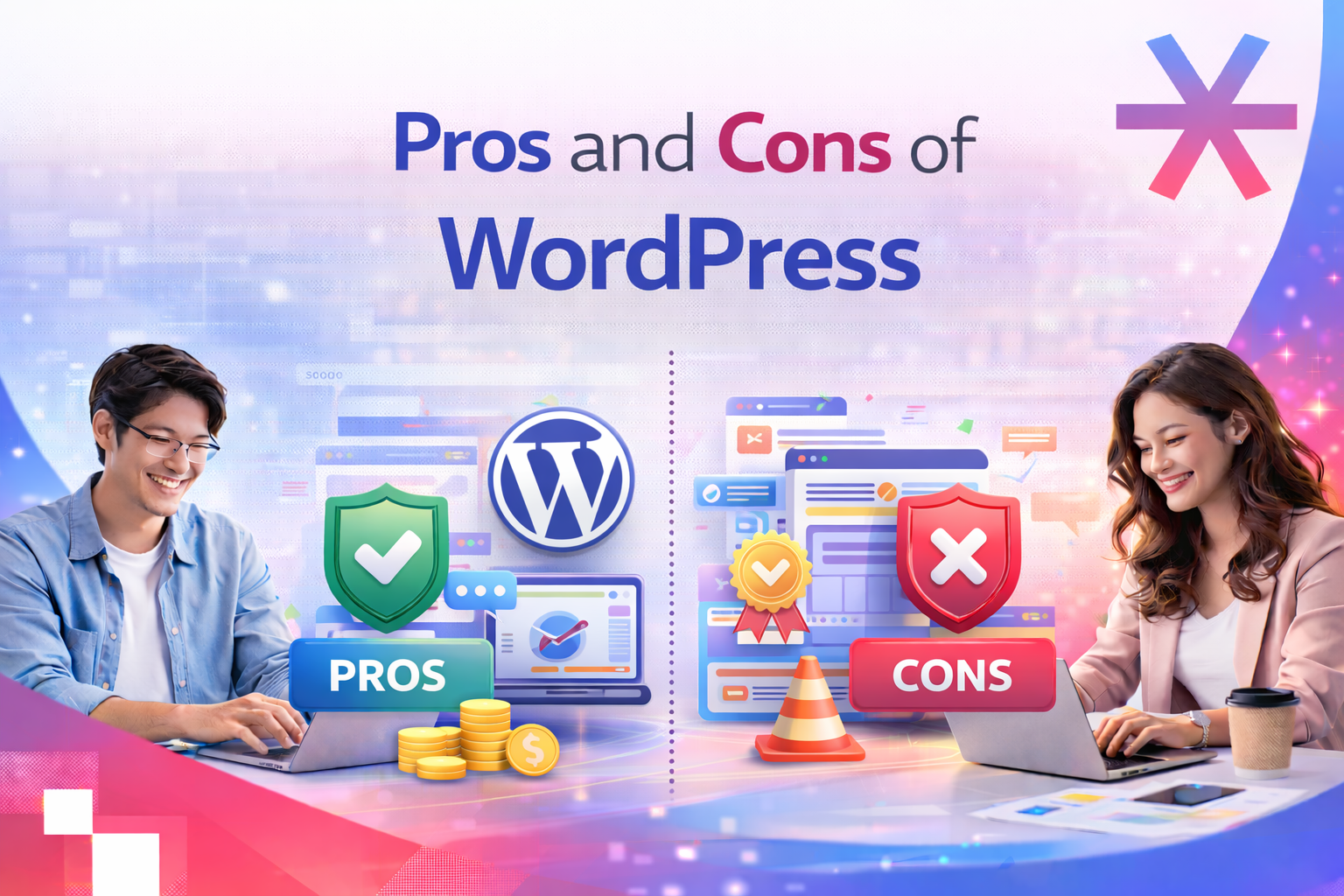
WordPress has been the world’s most widely used CMS for more than a decade. It powers everything from simple blogs to large ecommerce stores and enterprise websites. But with so many new site builders and SaaS platforms entering the market, it’s worth asking whether WordPress is still the right choice.
This guide breaks down the key advantages and disadvantages of WordPress to help you decide if it’s the best fit for your next project.
Brief History of WordPress (Why Is It So Popular?)
WordPress didn’t start as the powerful publishing platform we know today. It began as a simple blogging tool.
In 2002, one of the early blogging systems called b2/Cafelog was abandoned by its developers. With no real alternatives available, its users were left stranded. Two members of that community, Matt Mullenweg and Mike Little, stepped in to create a new version of the software. They launched it in May 2003 and named it WordPress.
From the start, WordPress offered clear improvements over b2/Cafelog. It was more stable, easier to work with and introduced features the community had long been asking for. The project quickly gained traction, gathering hundreds of commits and attracting a growing group of contributors.
A key turning point came in 2004 when Movable Type, the leading blogging platform at the time, introduced new paid licensing rules. Many users were unhappy with the change and migrated to WordPress instead. The combination of an open-source philosophy, a flexible plugin system and a welcoming community helped WordPress grow at incredible speed.
Since then, continuous updates and a thriving ecosystem of themes, plugins and developers have shaped WordPress into a full-featured CMS. It now powers more than 40 percent of the internet and continues to grow with hundreds of new sites launching every day.
With that background in mind, it’s easy to see why WordPress remains such a popular choice. Now let’s take a closer look at its main advantages and disadvantages.

Advantages and Disadvantages of Using WordPress
Before choosing a CMS, it’s helpful to understand where WordPress shines and where it may fall short. Here’s a simplified overview:
| Advantages | Disadvantages |
|---|---|
| Free and open source | Customisation and security may require technical skills |
| Easy to use and manage | Performance can drop with heavy plugins or poorly coded themes |
| Thousands of plugins for extended features | Ongoing maintenance and updates are necessary |
| SEO and ecommerce friendly | Learning curve for advanced features |
| Strong community and support | Plugin conflicts or compatibility issues can occur |
Advantages of WordPress
WordPress comes with a long list of benefits that make it a favourite among developers, designers and agencies. Below are the core strengths that have kept it popular for so many years.
1. Free and open source
WordPress.org is completely free to download, use and modify. Being open source means the community can improve the platform continuously and developers can customise it to meet any requirement.
2. Easy to use
The dashboard is simple to navigate even for beginners. Installation takes only a few minutes and day-to-day tasks like adding content or uploading media are very straightforward.
3. Large plugin and theme ecosystem
Need a contact form, booking system or full ecommerce store? There’s a plugin for almost anything. Thousands of free and premium themes also make it easy to create a professional design without hiring a developer.
4. SEO and ecommerce-ready
WordPress follows SEO best practices and works smoothly with popular plugins like Yoast SEO. WooCommerce, the leading ecommerce plugin, lets users turn any WordPress site into a full online store with minimal effort.
5. Flexible and widely supported
From small personal blogs to complex corporate websites, WordPress can handle it all. The huge global community means you can always find tutorials, answers, or developer support when needed.
These strengths make WordPress ideal for users who need a flexible, scalable, and cost-effective solution.
Disadvantages of WordPress
Despite all its advantages, WordPress also comes with challenges that should be considered when planning a website.
1. Customisation and security require expertise
While plugins and themes help you customise your site, advanced customisations often require coding knowledge. WordPress is also a common target for attacks, so security needs active management.
2. Performance depends on how the site is built
Too many plugins or a heavy theme can slow your site down. This affects user experience and can hurt SEO. Choosing quality tools and good hosting is essential.
3. Frequent maintenance
The core software, themes and plugins all require regular updates. Skipping updates can create security risks or cause features to break.
4. Learning curve
Basic tasks are easy, but mastering everything WordPress can do takes time. Complex sites may also require professional help.
5. Dependency on plugins
While plugins add functionality, they can conflict with each other or become outdated. Some premium plugins can also increase the total project cost.
These drawbacks don’t make WordPress a bad choice. They simply highlight the need for thoughtful planning, good hosting and ongoing maintenance.
Is WordPress for You?
Frequently Asked Questions
1. Is WordPress faster now?
Yes. Recent core updates and modern caching plugins have made WordPress performance much better than it used to be.
2. Can WordPress be used for high security sites?
Yes, as long as it’s configured properly. With strong hosting, security plugins and extra hardening measures, WordPress can support high security environments.
3. Has WordPress improved SEO compared to other CMSs?
Definitely. Updated SEO plugins and ongoing improvements in the core make WordPress easy for search engines to crawl, index and understand.
4. Do you need programming skills to manage a WordPress site in 2026?
Not really. WordPress still works well for beginners thanks to its user-friendly dashboard, visual editors and the huge library of themes and plugins that handle most customisations for you.




