Creating an effective website is not as simple as choosing a pretty template and uploading a few images. With so much competition online, users decide within seconds whether they trust your brand, whether the site feels easy to navigate, and whether they want to stay long enough to take action.
You do not need to be a professional designer to build a solid website, but you do need to understand a few core principles of layout, typography, content, spacing, navigation, imagery, and performance. These basics are what separate a polished, user friendly website from one that looks confusing or outdated.
Below is a comprehensive guide to the do’s and don’ts across eight essential areas of web design. Consider this your practical checklist before launching or redesigning your site.
1. Website Layout
Your layout determines structure, hierarchy, and how comfortably a user moves through your pages. A good layout feels effortless. A poor layout feels like work.
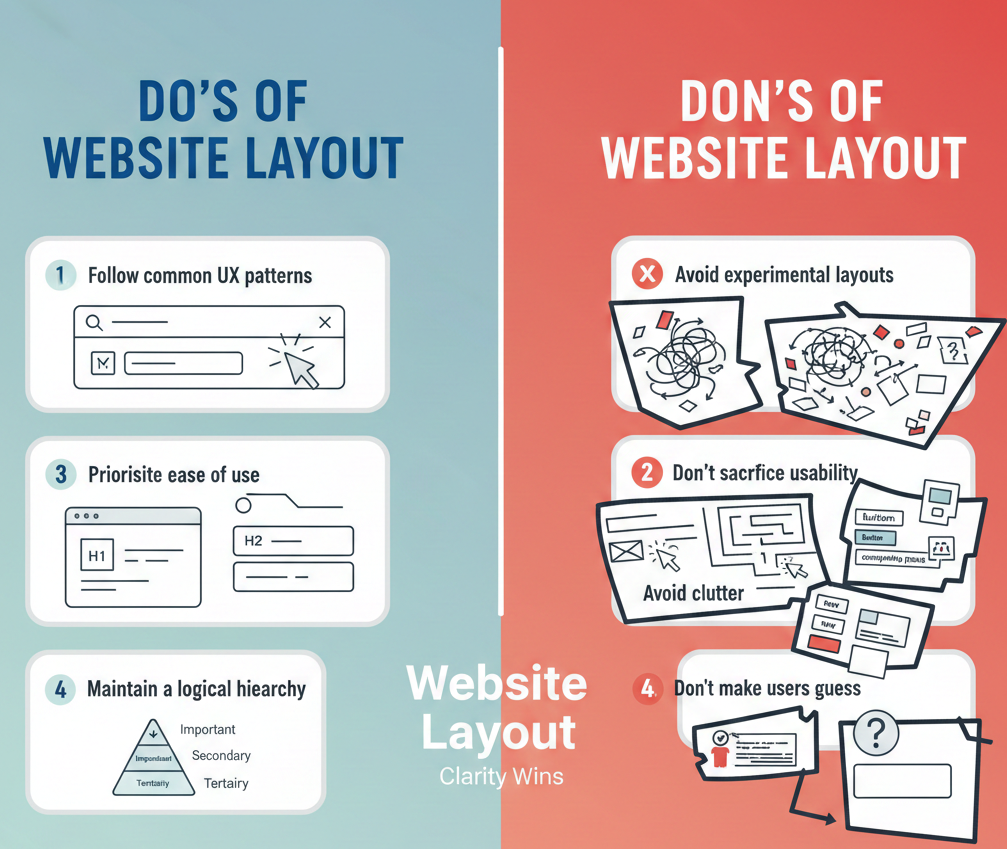
Do’s of Website Layout
-
Follow common UX patterns that users already recognise
-
Prioritise ease of use rather than flashy design choices
-
Use familiar elements such as consistent headings, predictable page structure and clean section breaks
-
Keep all important content within obvious visual sections
-
Maintain a logical hierarchy so users know what to look at first
Don’ts of Website Layout
-
Avoid using overly experimental layouts that confuse users
-
Do not sacrifice usability just to be visually different
-
Avoid clutter and too many competing elements
-
Do not make users guess where something is placed
Simple layouts consistently outperform complex ones because people value clarity.
2. Typography
Typography influences readability, tone and brand perception. The wrong font can make your site feel unprofessional, while the right one makes your message easy to absorb.
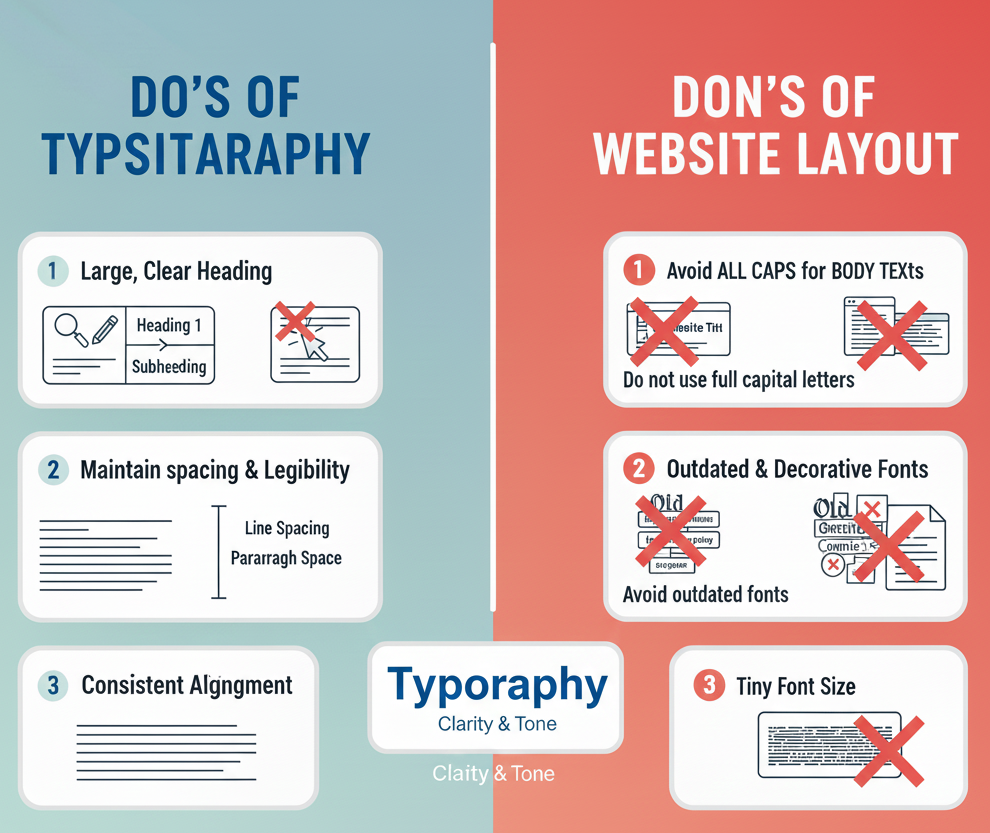
Do’s of Typography
-
Choose typefaces that match your brand personality
-
Use large, clear headings to create visual structure
-
Maintain enough spacing between lines and paragraphs for comfort
-
Keep body text simple and legible
-
Use consistent text alignment throughout your site
Don’ts of Typography
-
Do not use full capital letters for long blocks of text
-
Avoid outdated fonts or overly decorative typefaces
-
Do not mix more than three typefaces on the same site
-
Avoid tiny font sizes that force users to strain their eyes
Good typography does not just look nice. It supports retention, readability and overall credibility.
3. Website Content
Strong visuals bring users in, but your content keeps them engaged. Your copy should communicate clearly, reflect your brand voice, and guide users toward the next step.
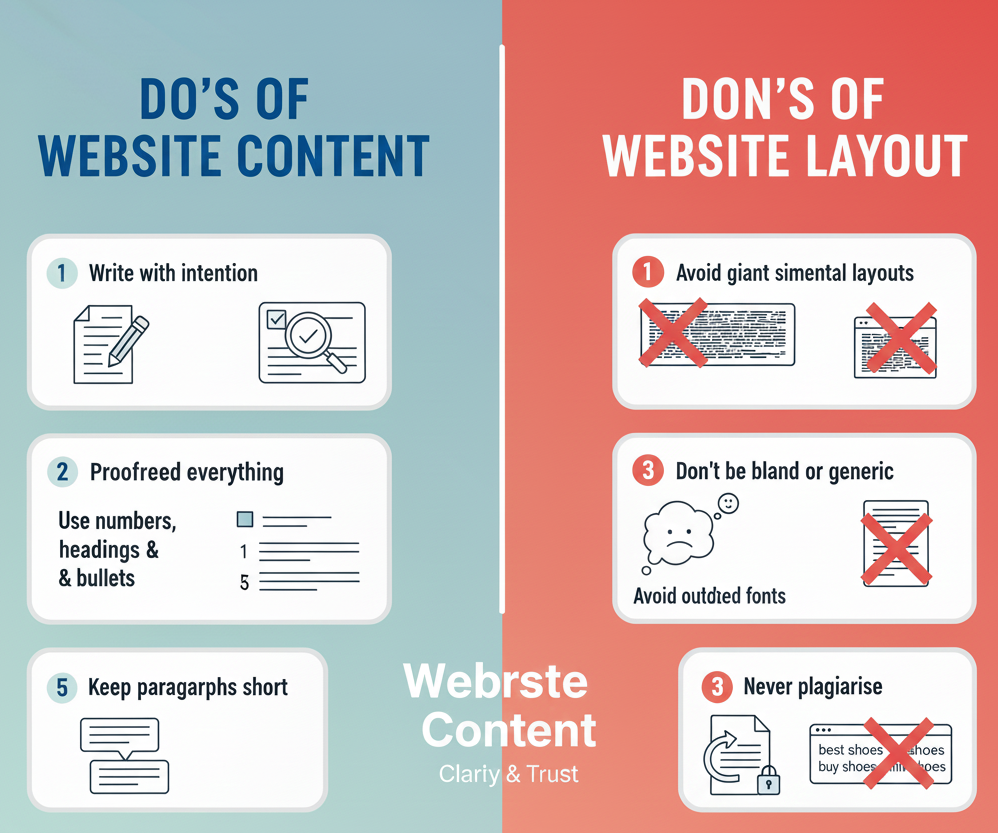
Do’s of Website Content
-
Write with intention and get straight to the point
-
Proofread everything to avoid grammar or spelling errors
-
Use numbers, headings and bullet points to improve scannability
-
Follow a content strategy aligned with user needs and search intent
-
Keep paragraphs short and easy to digest
Don’ts of Website Content
-
Do not write in a bland or generic tone
-
Avoid overwhelming users with giant walls of text
-
Never plagiarise content
-
Do not overstuff keywords or write solely for search engines
Good content feels helpful, friendly and trustworthy, which increases the time users spend on your website.
4. White Space
White space is one of the most underrated elements in design. It helps balance the page, separate content, and give users room to breathe.
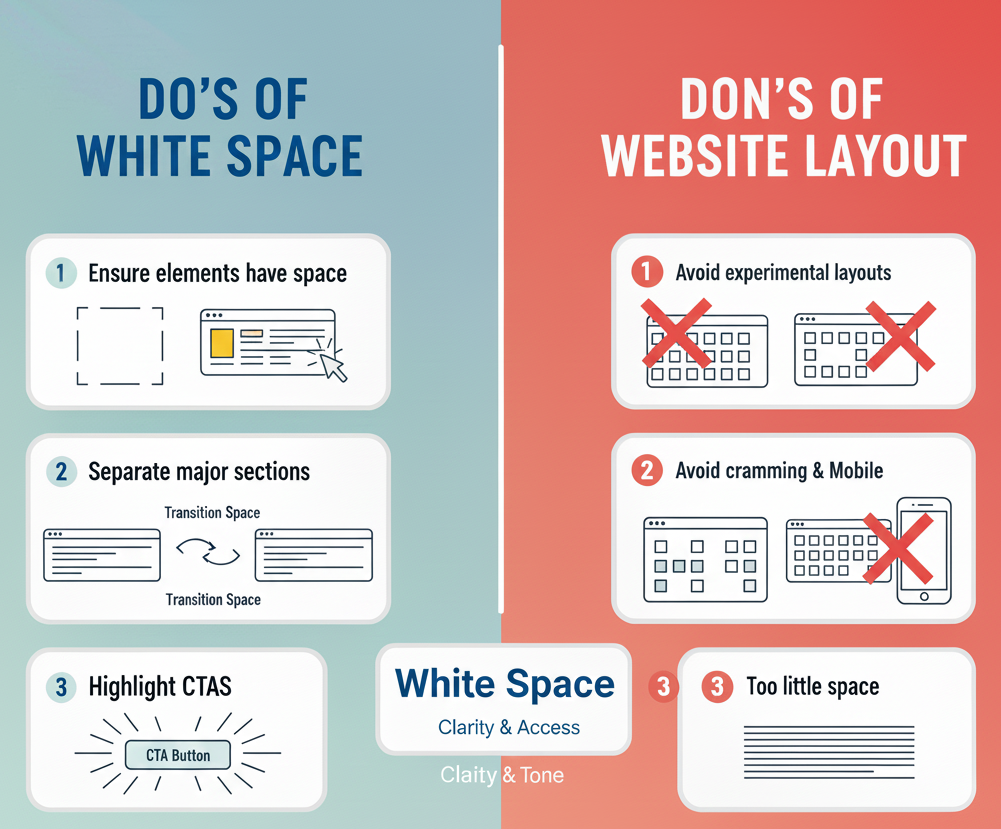
Do’s of White Space
-
Ensure each element has enough space to stand on its own
-
Use larger gaps between major sections to show transitions
-
Surround important CTAs with generous spacing to draw attention
-
Keep spacing consistent across pages
Don’ts of White Space
-
Avoid mixing inconsistent spacing styles
-
Do not cram content together
-
Do not ignore spacing in mobile layouts
-
Avoid using so little space that the page feels cramped
When used correctly, white space instantly makes your site look more modern and high end.
5. Navigation
Navigation determines how fast users find what they want. If navigation fails, the entire site fails.
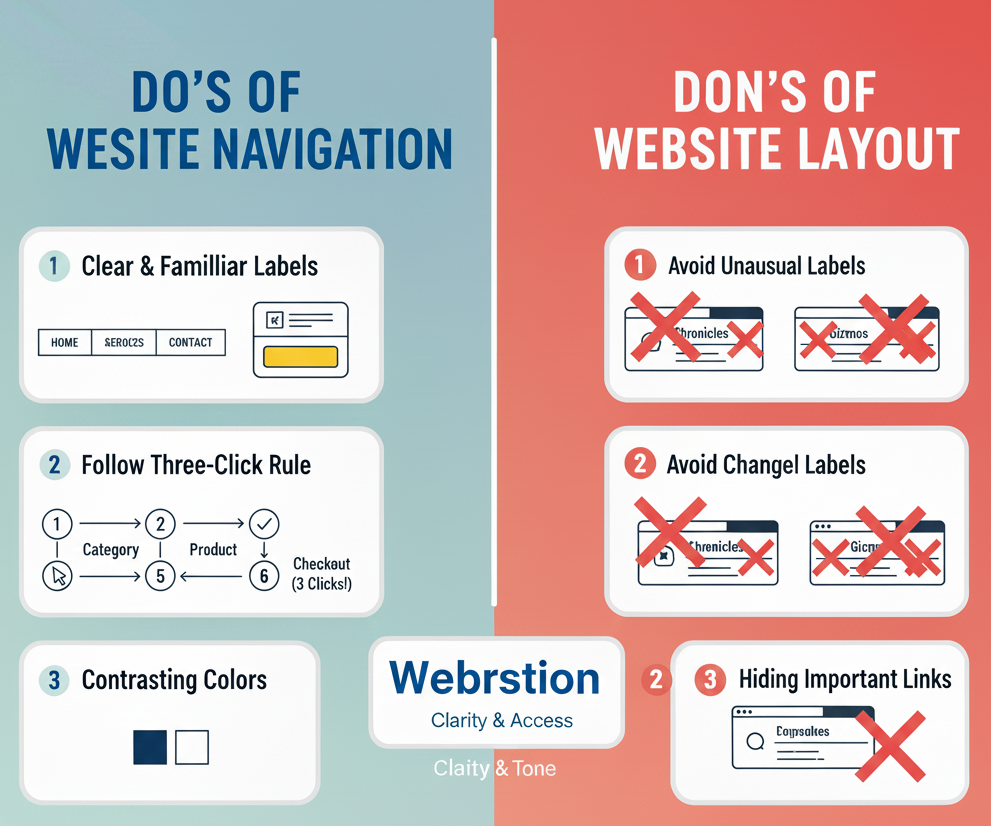
Do’s of Website Navigation
-
Use clear and familiar labels like Home, About, Services and Contact
-
Follow the three click idea. Users should not be more than three clicks away from key information
-
Use contrasting colors so navigation stands out visually
-
Reduce unnecessary navigation items to avoid overload
-
Adjust navigation layout for different screen sizes
Don’ts of Website Navigation
-
Do not use unusual words or clever labels users might misinterpret
-
Do not change the navigation drastically across pages
-
Avoid hiding important links deep within menus
-
Do not make users hunt for core actions
Good navigation feels invisible because it works exactly as expected.
6. Optimising Images
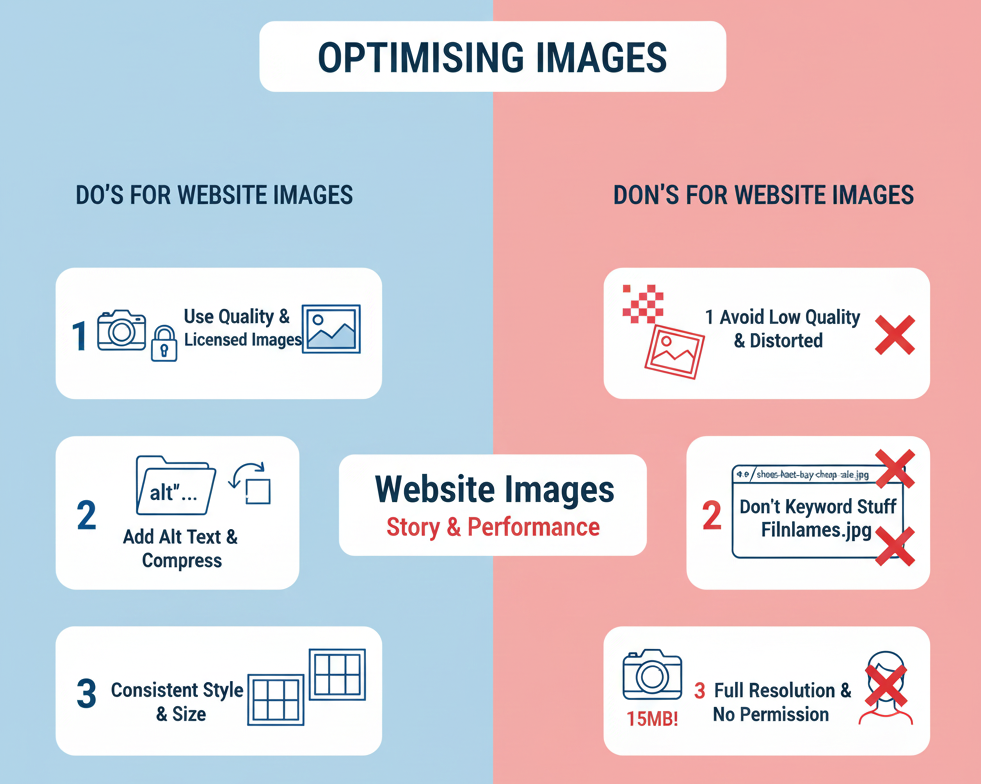
Images play a huge role in storytelling. They must be visually appealing, SEO friendly and performance optimised.
Do’s for Website Images
-
Use licensed stock images or your own original photography
-
Add descriptive alt text for accessibility and SEO
-
Compress and resize images to improve loading speed
-
Keep image style, lighting and proportions consistent
-
Pair images with relevant content and captions
Don’ts for Website Images
-
Do not upload images of people without permission
-
Avoid keyword stuffing in image filenames
-
Do not use pixelated, distorted or low quality visuals
-
Avoid uploading full resolution images directly from your camera
Fast, high quality visuals keep users engaged without slowing down your site.
7. Contrasting Backgrounds
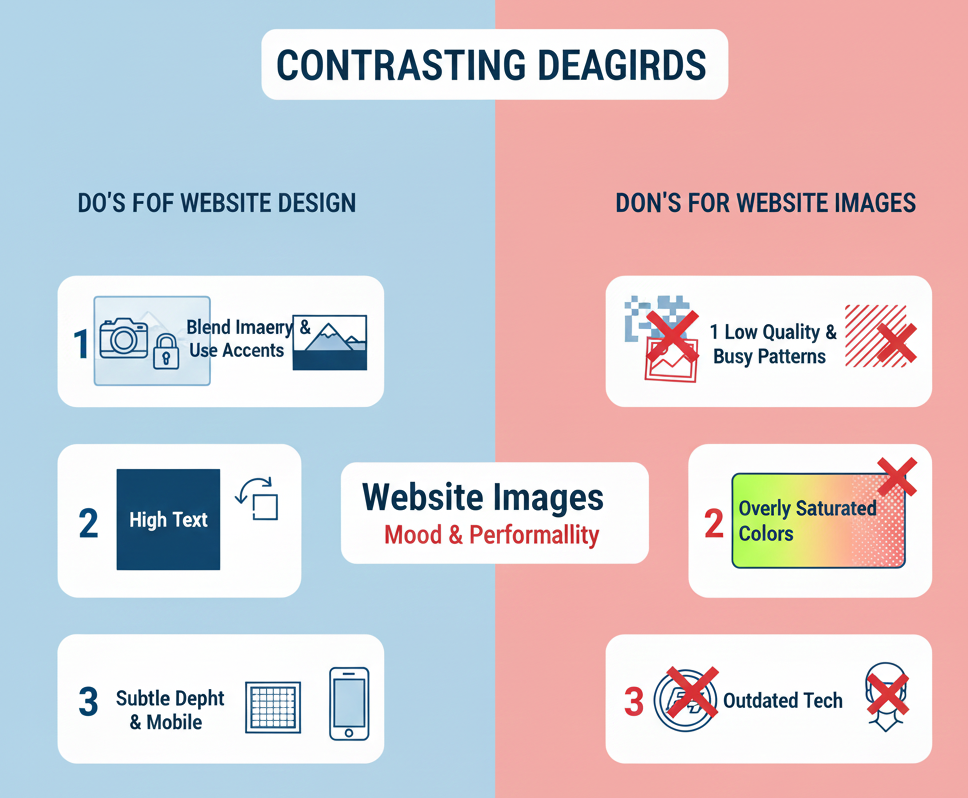
Backgrounds influence mood and readability. They should support your message, not fight for attention.
Do’s of Background Design
-
Blend imagery into the background for a smooth look
-
Use headers and color accents to make content pop
-
Keep text contrast high for easy readability
-
Use gradients or soft patterns to add subtle depth
-
Ensure backgrounds scale well on mobile screens
Don’ts of Background Design
-
Avoid low quality images as backgrounds
-
Do not use busy or distracting patterns
-
Avoid overly bright or saturated colors behind body text
-
Do not use outdated technologies like Flash
A good background enhances content instead of competing with it.
8. Speed Optimisation
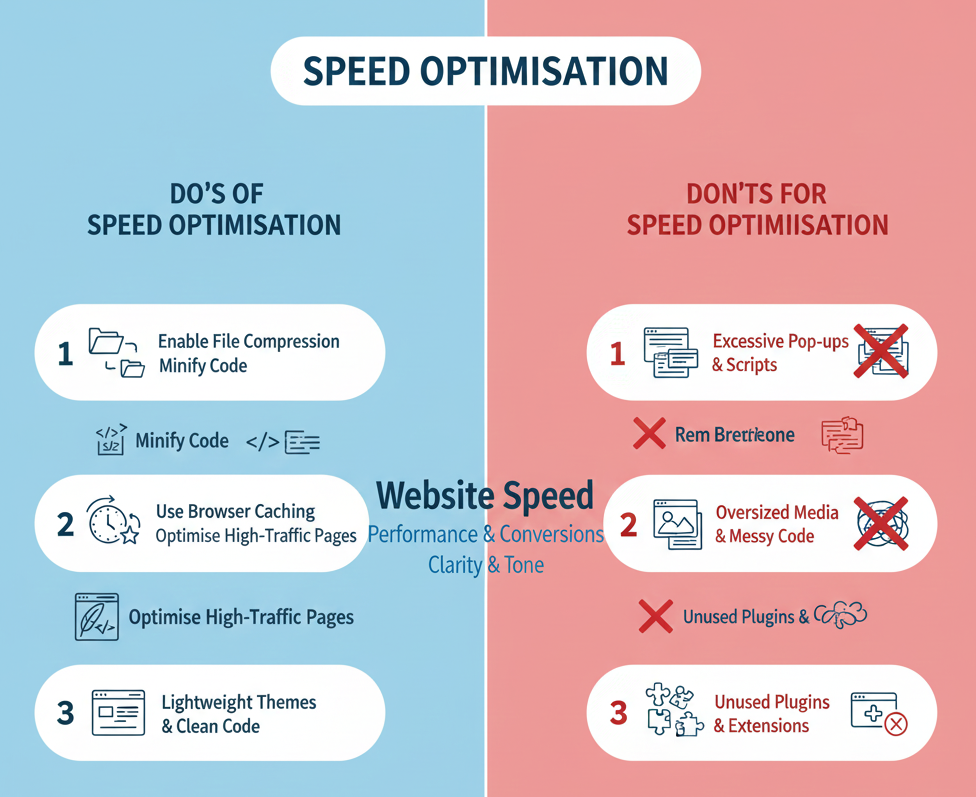
Site speed directly affects user satisfaction and search ranking. Slow websites lose conversions instantly.
Do’s of Speed Optimisation
-
Enable Gzip or similar compression tools to reduce file sizes
-
Use browser caching for recurring visitors
-
Minify CSS, JavaScript and HTML
-
Optimise your highest traffic pages first
-
Use lightweight themes and clean code structures
Don’ts of Speed Optimisation
-
Avoid excessive pop ups or external scripts that slow loading
-
Do not use oversized media files
-
Avoid messy, outdated or duplicated code
-
Remove unused plugins and heavy extensions
Fast websites keep visitors longer and significantly increase conversions.
Bonus Tip: Use More Scrolling and Less Clicking
Users generally prefer scrolling rather than clicking through multiple pages. Long form layouts with structured sections often perform better, especially on mobile. Consider consolidating content into fewer, more comprehensive pages with thoughtful spacing.
Conclusion: Simple Design Wins
The websites that perform best are not necessarily the ones with the most effects or the most complicated visuals. They are the ones that feel clean, intuitive and enjoyable to use from the very first click. When you get the basics right: layout, typography, spacing, navigation, image optimisation and site speed, you build a digital experience that looks good and delivers real business impact.
If you are planning a redesign or starting a new project, MediaPlus Digital can help. As a trusted partner for website design Singapore, we focus on creating sites that combine strong aesthetics with practical usability and solid technical foundations. Your website will be fast, modern and fully aligned with your brand and goals.
Explore our website design and development services and see how we can support your next project.