
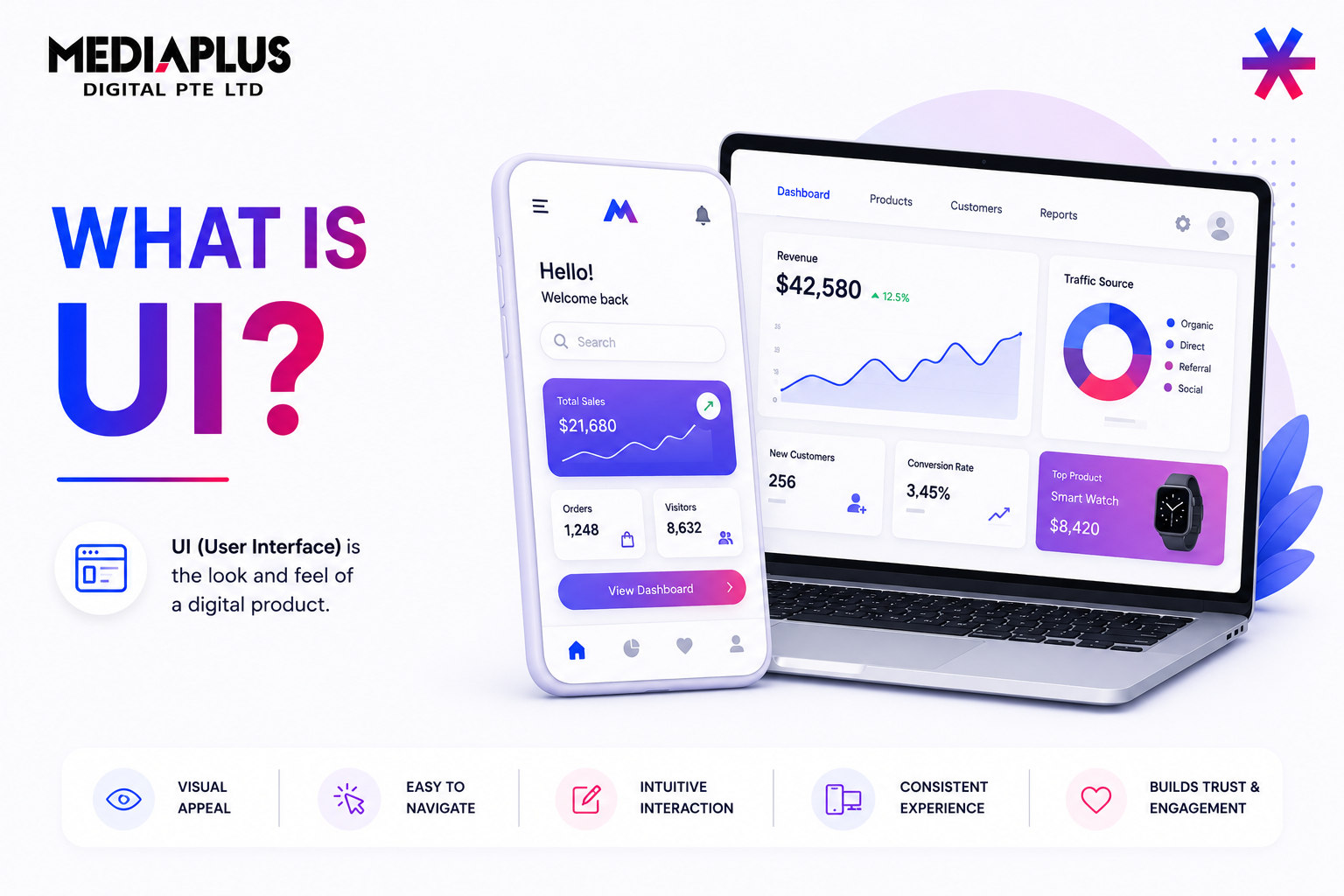
If you have ever tapped a button in an app, filled out a form on a website, or navigated a dashboard, you have interacted with UI. Understanding what UI is helps businesses, designers, and marketers create digital products that feel intuitive instead of frustrating.
This guide explains what UI means, how it works, how it differs from UX, and why it plays a critical role in modern digital performance.
What Is UI (User Interface)?
UI, short for User Interface, refers to the visual and interactive layer through which users interact with a digital product. It includes everything users see, tap, click, or read on screens such as websites, mobile apps, and software platforms.
UI design focuses on how interfaces look, feel, and respond to user actions. While UX defines the overall experience and flow, UI is responsible for turning that strategy into tangible, usable screens.
In simple terms:
-
UX defines what should happen
-
UI defines how it appears and behaves
Core Elements of UI Design
A user interface is built from multiple components working together:
Input Controls
These allow users to take action or enter information. Examples include buttons, text fields, checkboxes, toggles, and dropdown menus.
Navigational Elements
These help users move through the interface and find what they need. Common examples are menus, breadcrumbs, tabs, sliders, and search bars.
Informational Components
These communicate system status or feedback, such as notifications, progress indicators, alerts, error messages, and tooltips.
Containers and Layouts
Containers group related content into readable sections. Cards, accordions, modals, and grid layouts help structure information based on screen size and context.
Effective UI design ensures these elements work together consistently, predictably, and clearly.
UI vs UX: What Is the Difference?
UI and UX are closely related but serve different purposes.
UX design focuses on the entire experience, including user needs, journeys, pain points, and task flows. UI design focuses on the interface layer that users interact with directly.
A useful analogy:
-
UX is the architecture of a building
-
UI is the interior design that makes it usable and pleasant
UX answers questions like:
-
Who is the product for?
-
What problem does it solve?
-
How do users move from start to finish?
UI answers questions like:
-
What does the user see on each screen?
-
How do buttons, colours, and typography guide behaviour?
-
How does the interface respond to interaction?
Strong products need both disciplines working together.
The UI Design Process Explained
UI designers typically join once UX foundations are in place. Their work follows a structured process.
Understanding Context and Users
UI designers review research, user personas, and product goals to ensure visual decisions align with real user expectations.
Competitive and Industry Analysis
Studying similar products helps designers understand established patterns users are already familiar with, reducing friction.
Designing Screens and Components
This includes layouts, buttons, icons, typography, colour systems, spacing, and interaction states such as hover or loading behaviour.
Prototyping and Interaction Design
High-fidelity prototypes simulate how the final interface looks and behaves. These prototypes help teams validate usability before development.
Developer Handoff and Iteration
Design systems, specifications, and assets are handed to developers. Feedback loops continue as technical constraints or improvements emerge.
Fundamental UI Design Principles
UI trends change every year, but effective interfaces are built on principles that stay remarkably consistent. These principles exist for one reason: to reduce effort for users and help them achieve their goals with as little friction as possible.
Below are the core UI design principles that consistently show up in high-performing digital products.
Consistency
Consistency is about creating a stable environment where users do not have to relearn how things work on every screen.
This applies to both visuals and behaviour. Buttons should look and act the same across the site. Colours should signal the same meaning everywhere. Navigation patterns should not shift unexpectedly between pages.
When interfaces are consistent, users build muscle memory. They spend less time thinking about how to use the product and more time actually using it. That reduction in cognitive effort directly improves task completion, engagement, and trust.
Familiarity and Predictability
Users bring expectations shaped by years of using websites, apps, and platforms. Good UI design works with those expectations, not against them.
Menus placed where users expect to find them, familiar icons, and standard interaction patterns all reduce friction. Predictable interfaces allow users to move faster because they do not need to stop and interpret every element.
Predictability does not mean boring or generic. It means grounding creativity in patterns users already understand, so new experiences still feel intuitive rather than confusing.
Feedback
Every user action should receive a clear response from the interface.
Whether it is a button changing state, a form showing a success message, a loading indicator, or a clear error explanation, feedback reassures users that the system is working and that their action was recognised.
Without feedback, users hesitate, repeat actions, or abandon tasks altogether. Clear, timely responses build confidence and prevent frustration, especially in critical moments like form submissions, checkouts, or sign-ups.
Efficiency
A well-designed interface respects the user’s time.
New users may need guidance, but experienced users should be able to move quickly through tasks. Logical flows, reduced steps, sensible defaults, and optional shortcuts all contribute to efficiency.
Efficiency also means removing unnecessary elements. Every extra click, field, or screen increases friction. Strong UI design continuously asks: does this element help the user complete their goal faster or more clearly?
Accessibility
Accessibility is not a separate layer added at the end. It is a fundamental part of good UI design.
Readable colour contrast, clear typography, tap-friendly targets, keyboard navigation, and responsive layouts ensure interfaces work across devices and abilities. These practices support users with visual, motor, or cognitive differences, but they also improve usability for everyone.
Multiple usability and accessibility studies consistently show that accessible interfaces tend to perform better overall. They reduce errors, increase engagement, and often improve conversion rates, not just compliance with standards.
Types of User Interfaces
UI design extends beyond traditional screens.
-
Graphical User Interfaces (GUI): Standard visual interfaces used in websites and apps
-
Voice User Interfaces (VUI): Voice-driven systems like Siri or Alexa
-
Gesture-Based Interfaces: Used in AR, VR, and gaming environments
Regardless of format, the goal remains the same: make interaction effortless and intuitive.
Why UI Design Matters for Business Performance
Good UI is not just about aesthetics. It directly impacts outcomes.
Well-designed interfaces lead to:
-
Higher conversion rates
-
Lower bounce rates
-
Reduced support costs
-
Stronger brand trust
-
Better accessibility and reach
Studies consistently show that users judge digital products within seconds, often based purely on interface quality. Poor UI can undermine even the strongest marketing or product strategy.
UI Design in Real-World Digital Growth
For businesses, UI design must support commercial goals, not just visual appeal. Interfaces should guide users toward meaningful actions such as enquiries, sign-ups, or purchases, without friction or confusion.
This is where UI connects closely with CRO, SEO, and performance optimisation. A well-designed interface improves clarity, reduces decision fatigue, and helps users move confidently from interest to action.
At MediaPlus Digital Singapore, UI design is treated as a strategic layer within a broader digital system, not a cosmetic afterthought. As a performance-driven web design company, MediaPlus integrates UI design service expertise with user experience strategy, brand positioning, and conversion-focused web development. Every interface is designed to do more than look polished. It is built to support measurable business outcomes.
As part of our comprehensive web design service, we create intuitive, user-focused interfaces that enhance engagement, improve usability, and contribute directly to lead generation and sales performance.
For companies investing in scalable digital growth, strong UI design is not optional. It is the bridge between user intent and measurable business results, helping businesses transform website visitors into loyal customers.




