A WordPress website is not something you build once and forget. Without regular maintenance, even a well designed site can become slow, vulnerable to security threats, or unstable over time. According to data from Wordfence, over 90 percent of hacked CMS websites run on WordPress, and the majority of incidents are linked to outdated plugins, themes, or core files. This makes ongoing maintenance a business critical task, not a technical afterthought.
This WordPress maintenance checklist breaks down what you should monitor, how often you should do it, and why each step matters. Whether you manage your site internally or work with an external partner, following these practices helps protect traffic, rankings, and revenue.
Why WordPress Maintenance Matters
WordPress powers more than 43 percent of all websites globally, based on W3Techs data. Its popularity is also the reason it is a common target for automated attacks, malware injections, and brute force login attempts.
Beyond security, maintenance directly affects performance and SEO. Google has confirmed that page speed and site stability influence rankings and user experience. A slow or broken site can increase bounce rates, reduce conversions, and damage trust, especially for business websites and ecommerce stores.
Regular maintenance helps you:
- Reduce security risks and downtime
- Maintain fast loading speeds
- Prevent plugin and theme conflicts
- Protect SEO performance and user experience
- Extend the lifespan of your website
Core WordPress Maintenance Checklist
1. Update WordPress Core, Themes, and Plugins
Keeping WordPress up to date is the most important maintenance task. Updates often include security patches, performance improvements, and bug fixes.
Outdated plugins are one of the leading causes of WordPress security breaches. A Sucuri report found that over 50 percent of hacked WordPress sites were running outdated software at the time of infection.
Updates should be reviewed and tested regularly, especially on business critical sites. Blindly updating without backups or testing can also cause issues, so this step should be handled carefully.
2. Perform Regular Website Backups
Backups are your safety net. If something breaks, gets hacked, or data is lost, a recent backup can restore your site quickly.
Best practice is to maintain both daily and weekly backups, stored off site or in the cloud. According to hosting industry standards, backups should follow the 3-2-1 rule: three copies of data, on two different storage types, with one copy stored off site.
Without backups, recovery from an incident can take days or even weeks, resulting in lost revenue and credibility.
3. Monitor Website Security
Security maintenance goes beyond updates. It includes monitoring login attempts, malware scans, firewall rules, and file integrity.
WordPress security plugins and server level protections can help detect unusual behaviour early. Google Safe Browsing regularly flags compromised websites, and once flagged, traffic can drop dramatically until the issue is resolved.
Routine security checks reduce the risk of blacklisting and data breaches, especially for sites handling contact forms, customer data, or payments.
4. Check Website Performance and Speed
Performance issues often develop gradually. Large images, bloated plugins, database clutter, or server configuration changes can slow down a site without obvious warning signs.
Google research shows that as page load time increases from one second to three seconds, the probability of bounce increases by 32 percent. For ecommerce sites, slow performance directly affects conversion rates.
Regular speed testing, caching reviews, and image optimisation are essential parts of a WordPress maintenance checklist.
5. Review Broken Links and Errors
Broken links and 404 errors harm user experience and SEO. They can also waste crawl budget, making it harder for search engines to index important pages.
Using crawl tools to identify broken internal and external links helps keep the site clean and accessible. Redirects should be reviewed periodically to avoid redirect chains and outdated URLs.
6. Optimise and Clean the Database
Over time, WordPress databases collect unnecessary data such as post revisions, spam comments, transient options, and unused tables from removed plugins.
A bloated database can slow down queries and increase server load. Periodic database optimisation improves performance and reduces the risk of errors, especially on content heavy or ecommerce websites.
7. Test Forms, Checkout, and Key Functions
Forms, booking systems, and checkout processes are often overlooked during maintenance, yet they are critical conversion points.
Regular testing ensures that contact forms send emails correctly, payment gateways function properly, and third party integrations still work after updates. Many businesses only discover issues after leads or orders stop coming in.
8. Review SEO and Tracking Setup
Maintenance should also include checking analytics, tracking codes, and SEO settings. Updates or theme changes can sometimes remove tracking scripts or alter metadata.
Ensuring Google Analytics, Google Search Console, and SEO plugins are configured correctly helps maintain visibility and data accuracy.
How Often Should You Perform WordPress Maintenance?
- Core updates, security checks, and backups should be reviewed weekly
- Performance testing and broken link checks are recommended monthly
- Full audits including database optimisation and SEO reviews should be done quarterly
For high traffic or ecommerce websites, more frequent monitoring is often necessary.

When to Use a Professional WordPress Maintenance Service
Managing WordPress maintenance internally can work for small personal sites, but business websites usually require a more structured approach. Mistakes during updates, delayed security patches, or missed performance issues can quickly become expensive problems.
This is why many companies choose a managed maintenance partner.
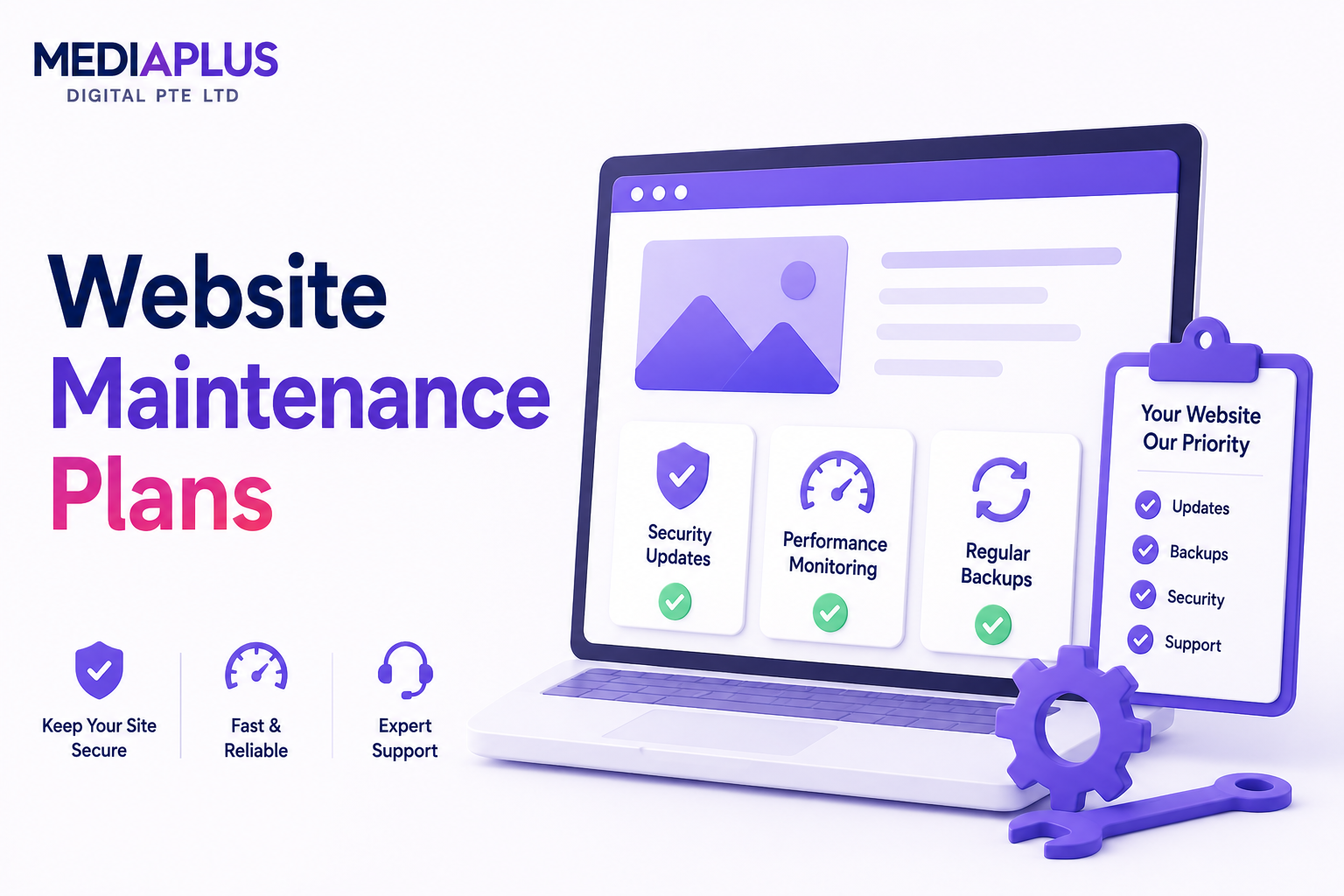
At MediaPlus Digital, our WordPress web maintenance service is designed for businesses in Singapore that need reliability, security, and performance without constant internal oversight. We handle updates, backups, security monitoring, performance optimisation, and technical support as part of a proactive maintenance plan.
By treating maintenance as an ongoing investment rather than a reactive fix, businesses protect their website, SEO rankings, and customer trust over the long term.
If your WordPress site supports lead generation, ecommerce, or brand credibility, working with a trusted maintenance partner helps ensure it stays secure, fast, and fully functional year round.