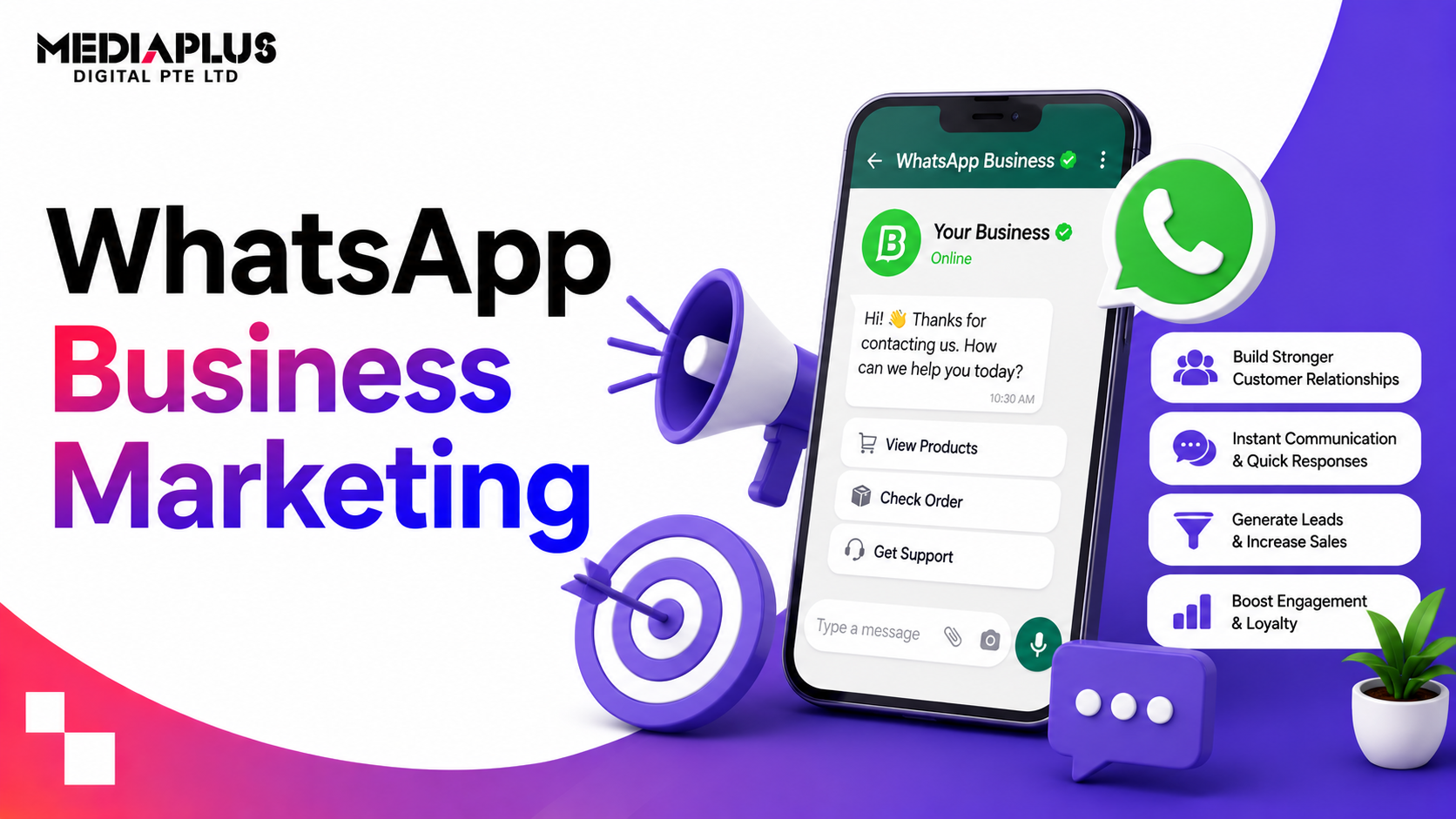
In Singapore, WhatsApp is where people actually talk, to friends, to family, and increasingly to businesses. That makes it one of the highest-intent, highest-open-rate marketing channels available: messages get read, and replies happen in minutes, not days. This guide explains how to use WhatsApp Business for marketing in Singapore, from setup to broadcasts, automation, and the rules you need to follow.
Quick answer: WhatsApp Business marketing uses WhatsApp to reach and serve customers directly, through enquiries, order updates, bookings, broadcasts, and automated replies. Use the free WhatsApp Business app for small operations, or the WhatsApp Business Platform (API) for automation, broadcasts at scale, chatbots, and CRM integration. It works because open and response rates are far higher than email, but you must get consent and follow WhatsApp’s rules. Permission plus useful, timely messages is the winning formula.
Why WhatsApp marketing works in Singapore
WhatsApp is effectively the default messaging app in Singapore, used across every age group. For businesses, that means:
- Very high open and read rates, far above email.
- Fast, direct conversations customers actually prefer.
- A trusted, personal channel for enquiries, bookings, and support.
- A natural path to conversion, since many Singaporeans would rather message a business than fill in a form.
Where email gets ignored, a WhatsApp message gets read within minutes. That immediacy is the channel’s biggest advantage.
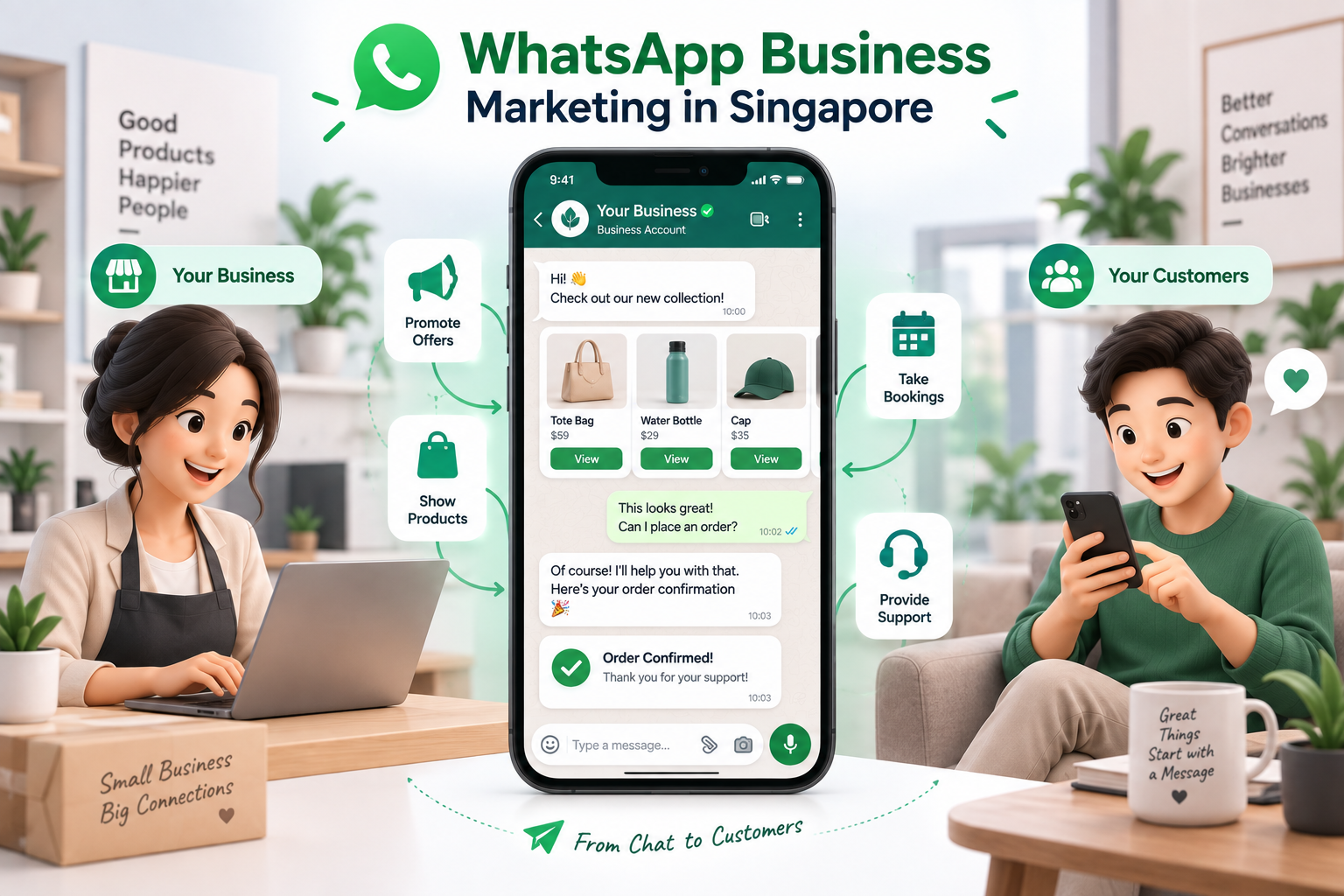
WhatsApp Business app vs WhatsApp Business Platform (API)
There are two ways to use WhatsApp for business, and choosing the right one matters.
|
WhatsApp Business App |
WhatsApp Business Platform (API) |
|
|
Best for |
Small businesses, solo operators |
Growing and larger businesses |
|
Cost |
Free |
Paid (per-conversation pricing) |
|
Users |
Single device, limited |
Multiple agents, team inbox |
|
Automation |
Basic (quick replies, away messages) |
Full chatbots and automation |
|
Broadcasts |
Limited (broadcast lists) |
Scalable template broadcasts |
|
Integration |
None |
CRM, e-commerce, marketing tools |
Start with the app if you are small and handle messages manually. Move to the API (via a provider) when you need automation, multiple agents, scalable broadcasts, or CRM integration.
Set up WhatsApp Business properly
Whichever you use, get the basics right:
- Verified business profile: name, logo, description, address, hours, website.
- A product catalogue so customers can browse what you offer in-chat.
- Quick replies for common questions (hours, pricing, location).
- Greeting and away messages so no one is met with silence.
- A click-to-chat link or QR code you can put on your website, ads, and receipts.
A complete, professional profile builds the trust that turns a message into a sale.
What you can do with WhatsApp marketing
- Answer enquiries and guide customers to a booking or purchase.
- Send order and booking confirmations, delivery updates, and reminders.
- Broadcast promotions and news to customers who opted in.
- Recover abandoned carts with a timely nudge.
- Share catalogues and product info directly in chat.
- Provide fast customer support and after-sales service.
- Collect feedback and reviews conversationally.
Transactional and helpful messages (confirmations, updates, support) build the trust that makes the occasional promotion welcome.
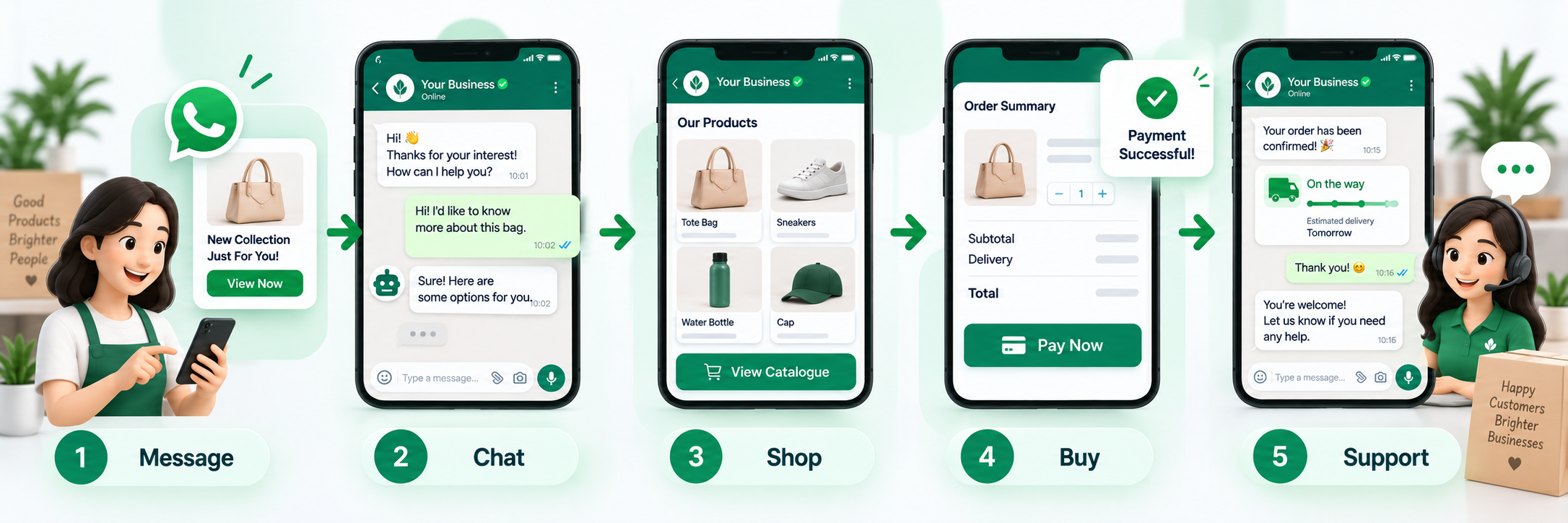
Automation and chatbots
With the WhatsApp Business Platform, you can automate without losing the personal feel:
- Chatbots to handle FAQs, qualify leads, and route to a human when needed.
- Automated flows for bookings, order tracking, and common requests.
- CRM and e-commerce integration so conversations connect to customer data and sales.
- A shared team inbox so multiple agents handle chats smoothly.
Automation handles volume and speed; humans step in for anything complex. See how automation fits your wider digital marketing.
Get consent and follow the rules
This is where many businesses slip. WhatsApp is strict, and so is Singapore’s PDPA.
- Get opt-in consent before messaging people. No buying or scraping numbers.
- Comply with PDPA: clear consent, a purpose, and an easy way to opt out.
- Use approved message templates for business-initiated messages on the API.
- Do not spam. Too many promotional messages get you blocked and reported.
- Respect the 24-hour window: outside it, you can only send approved templates.
Permission-based, relevant messaging is not just compliant, it performs far better.
Best practices
- Lead with value, not constant promotions. Be useful first.
- Personalise using the customer’s name and context.
- Keep messages short, clear, and mobile-friendly, with one call to action.
- Reply fast. Speed is the whole point of the channel.
- Segment so people get relevant messages, not everything.
- Make opting out easy, which keeps your list healthy and trusting.
Common mistakes to avoid
- Messaging people without consent, risking blocks and PDPA breaches.
- Over-promoting until customers mute or report you.
- Slow replies, which waste the channel’s biggest strength.
- No automation at scale, so enquiries pile up unanswered.
- Treating it like email blasts instead of personal conversations.
Frequently asked questions
What is WhatsApp Business marketing?
Using WhatsApp to reach and serve customers directly, for enquiries, confirmations, bookings, broadcasts, support, and promotions, through either the free Business app or the WhatsApp Business Platform (API) for automation and scale.
Is the WhatsApp Business app free?
Yes. The WhatsApp Business app is free and suits small businesses. The WhatsApp Business Platform (API), used for automation and scalable broadcasts, is paid, typically priced per conversation through a provider.
Do I need consent to send WhatsApp marketing messages?
Yes. You must get opt-in consent, comply with Singapore’s PDPA, and follow WhatsApp’s rules, including approved templates for business-initiated messages. Messaging people without permission risks blocks and penalties.
How is WhatsApp marketing different from email?
WhatsApp has far higher open and response rates and is more immediate and personal. It suits conversations, confirmations, and quick conversions, while email still suits longer-form content and newsletters.
When should I move to the WhatsApp Business API?
When you need automation, chatbots, multiple agents, scalable broadcasts, or CRM and e-commerce integration. Small operations handling messages manually can stay on the free app.
Turn conversations into customers
WhatsApp is where Singaporeans prefer to talk to businesses, which makes it one of the most effective channels you can run. If you want WhatsApp set up, automated, and integrated into your marketing, talk to MediaPlus Digital. Explore our digital marketing and social media marketing services, with PSG support for eligible SMEs.